*1
I
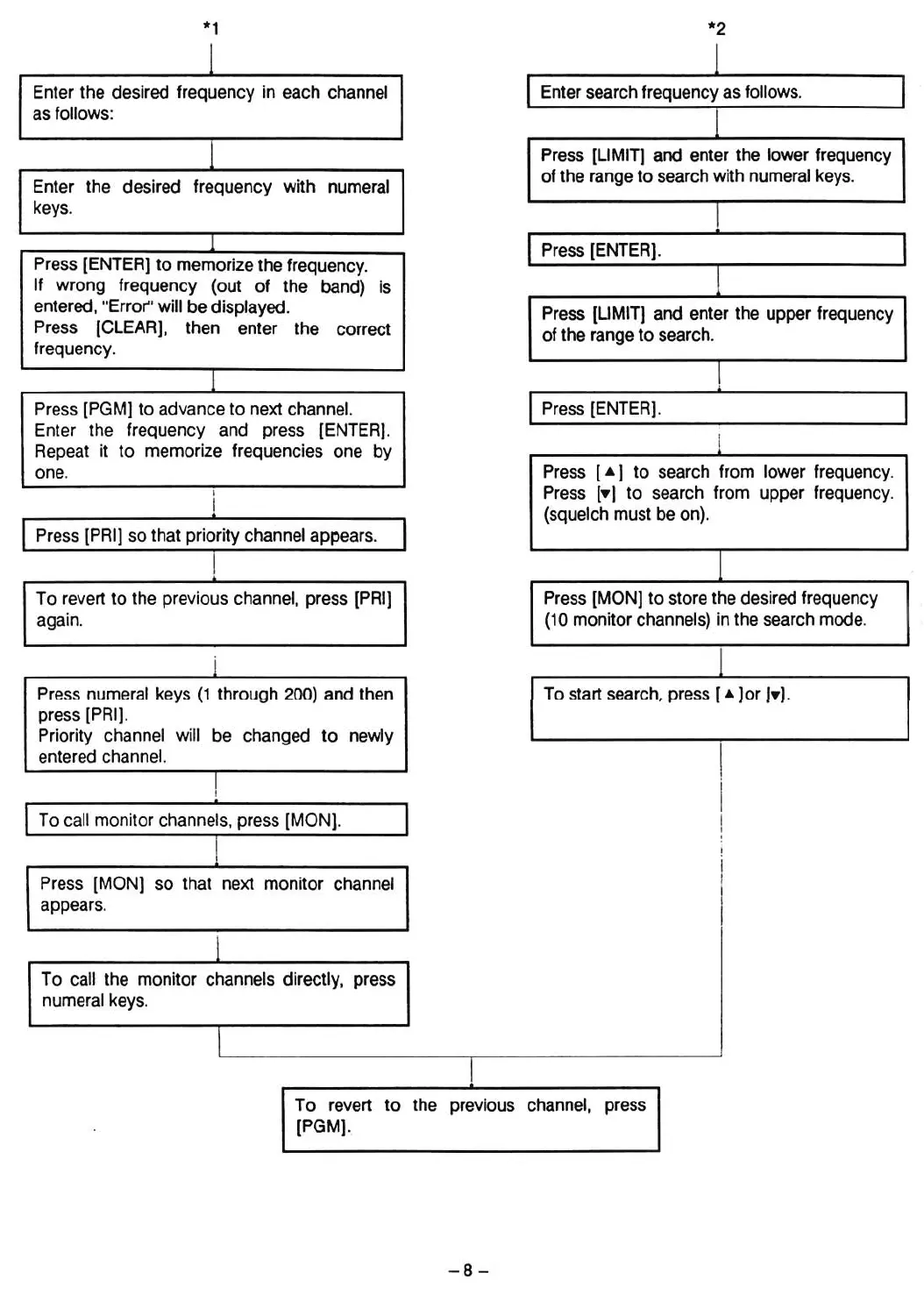
Enter the desired frequency in each channel
as follows:
1
Enter the desired frequency with numeral
keys.
I
Press [ENTER] to memorize the frequency.
If wrong frequency (out of the band)
is
entered, "Error" will be displayed.
Press
[CLEAR], then
enter
the
correct
frequency.
1
Press [PGM] to advanee to next ehannel.
Enter the frequeney and press
[ENTER].
Repeat it to memorize frequencies one by
one.
Press [PRI]
50
that priority channel appears.
To revert to the previous channel, press [PRI]
again.
i
Press numeral keys
(1
through 200) and then
press [PRil.
Priority channel will be changed to newly
entered channel.
I
I
*2
I
Enter search frequency as follows.
I
Press [LIMIT] and enter the lower frequeney
of the range to search with numeral keys.
I
Press [ENTER].
I
Press [LIMIT] and enter the upper frequeney
of the range to search.
I
IPress [ENTER].
Press [
....
] to search from lower frequeney.
Press
[.,
to search from upper frequeney.
(squeleh must be on).
I
Press
[MaN]
to store the desired frequeney
(10 monitor channels) in the search mode.
I
To start search, press [
....
lor
l.I.
To eall monitor channets, press
[MaN].
I
I
I
:
!
I
Press
[MaN]
sa that next monitor channel
I
appears.
I
I
To call the monitor channels directly, press
numeral keys.
I
To revert to the previous ehannel, press
[PGM].
-
8-













 To Next Page