EasyManua.ls Logo

Realistic STA-720 - Troubleshooting

Realistic STA-720
36 pages
Print Icon
To Next Page IconTo Next Page
To Previous Page IconTo Previous Page
Loading...
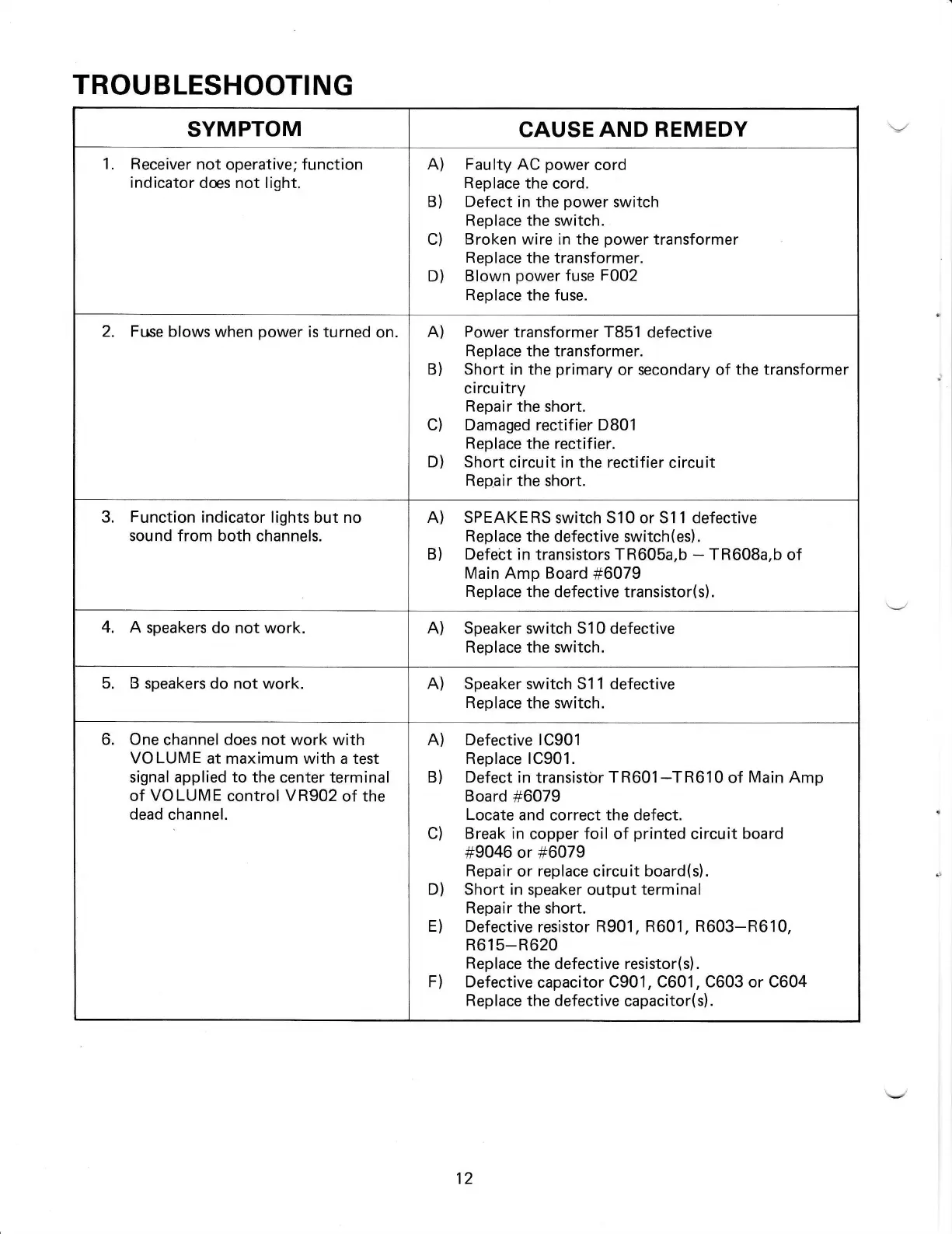
TROUBLESHOOTING
SYMPTOM
CAUSE
AND REMEDY
Receiver
not
operative; function
indicator
des not light.
A) Faulty AC
power
cord
Replace the
cord.
B) Defect in the
power
switch
Replace the
switch.
C)
Broken
wire in the
power
transformer
R
ep
lace the transformer.
D)
Blown
power
fuse
F002
Replace
the fuse.
2. Fr.rse
blows when
power
is turned
on.
A)
Power
transformer T851
defective
Replace the transformer.
B) Short in the
primary
or secondary of
the transformer
circuitry
Repair the
short.
C) Damaged
rectifier
D801
Replace the rectifier.
D)
Short circuit in the rectif ier
circuit
Repair the
short.
3.
Function
indicator lights
but no
sound from both
channels.
A)
SPEAKERS
switch 510
or
511 defective
Replace the
defective switch(es).
B) Defebt
in transistors TR605a,b
-
TR60Ba,b
of
Main
Amp Board
#6079
Replace
the defective transistor(s).
4.
A speakers
do not work.
A) Speaker switch S10
defective
Replace the switch.
5. B
speakers do not work.
A) Speaker switch S11 defective
Replace the switch.
6. One
channel does
not
work with
VOLUME
at maximum with a test
signal applied
to
the
center
terminal
of
VOLUME
control VR902
of the
dead
channel.
A) Defective 1C901
Replace 1C901 .
B) Defect
in transistbr
TR601-TR610
of
Main Amp
Board
#6079
Locate and
correct
the defect.
C)
Break in
copper foil of
printed
circuit
board
#9046
or
#6079
Repair
or replace circuit board(s).
D) Short in speaker
output
terminal
Repair the short.
E)
Defective
resistor
R901, R601,
R603-R610,
R615-R620
Replace
the defective resistor(s).
F) Defective
capacitor C901, C601,
C603
or
C604
Replace the
defective capacitor(s).
12

Related product manuals