RTL8773B Motherboard User Guide
20
·Copyright 2019 Realtek Semiconductor Corporation.
All Rights Reserved.
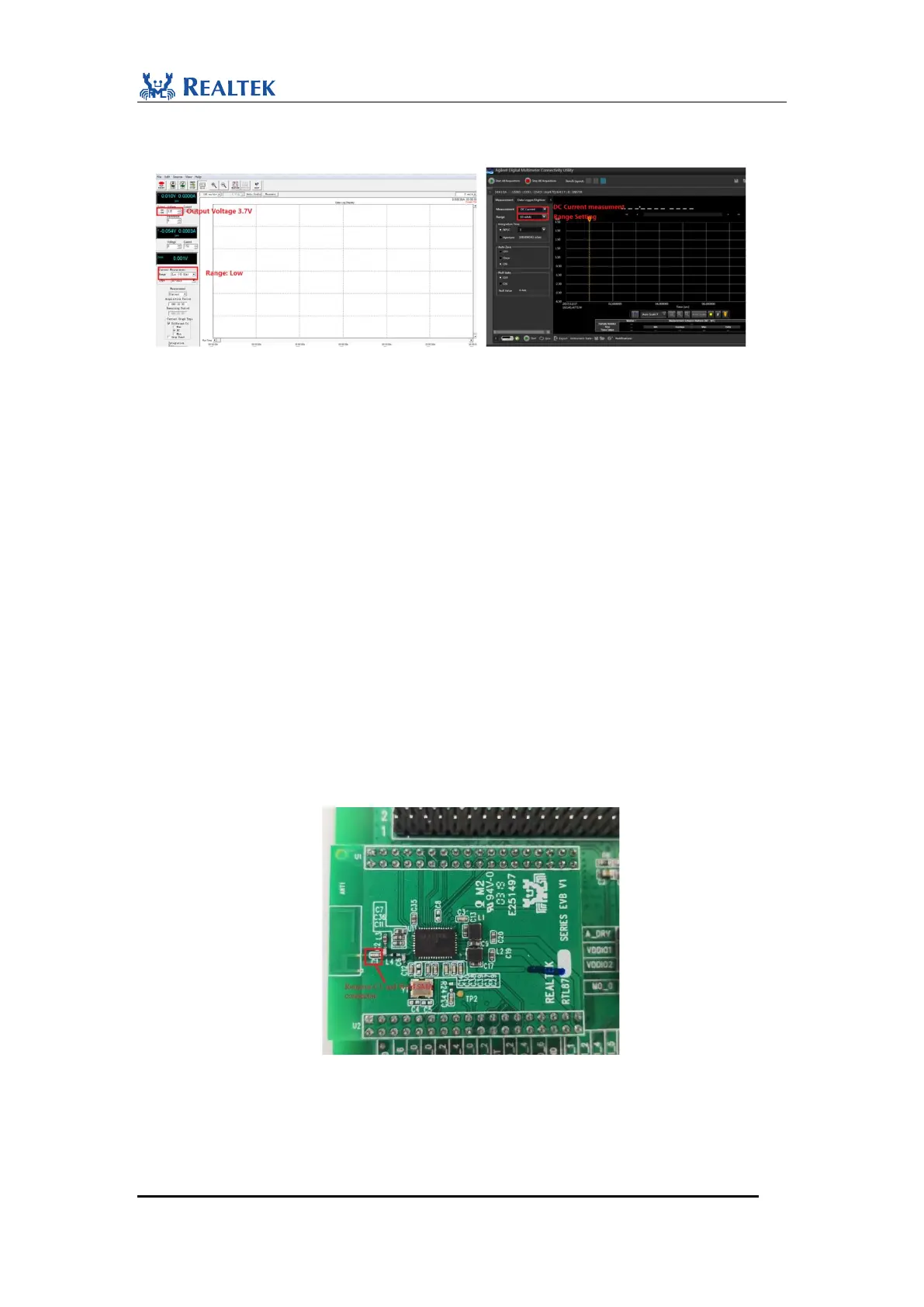
8. Analyze average current on 14565B Software and DMM Software. For example, the average
current of audio stream is about 5.6mA in the figure below.
Figure 3-3 Setting on Agilent 14564B Software and DMM Software
3.2 RF Performance Test
In this demonstration, users can perform RF test on RTL8773B Motherboard. Users
should comply with the steps and requirements mentioned in this document. After
finishing setting up hardware connection, use RF test tool “RTLBTAPP” for non-link
test and DUT test mode selection.
3.2.1 RF Path Connection
Bluetooth RF signal is connected to PCB antenna by default. So for conducted RF
measurement on RTL8773B evaluation board, it is required to confirm the correctness
of RF path firstly.
Conducted RF measurement is measured from the IPEX connector. As shown as
Figure 3-4, remove C1 and weld SMA welding line in the location of C1 to make the
path correct.
Figure 3-4 RF path connection


 To Next Page