"File" menu
The "Save", "Delete" and "Exit" functions are classic.
The "Linking an application" function when selected allows you to link the data sent by the reader to
the PC to a Windows application (Word, Excel, etc.) and simultaneously display in the "RealTrace
Terminal" window.
If you want to save an Excel file, a number or a list of numbers stored in the memory of the reader
you must select "Linked to an application." You then have five seconds to open your application,
Word, Excel, etc. After this period if no application is opened data will be sent to the Realtrace
Terminal and appear on the initial screen.
"Connection" Menu
In case of breakdown in communication between the PC and the reader simply select "Connect" to
automatically reconnect.
Obviously for reconnection to be possible, the reader must be turned on and be within ten meters
around the PC, which must also be turned on.
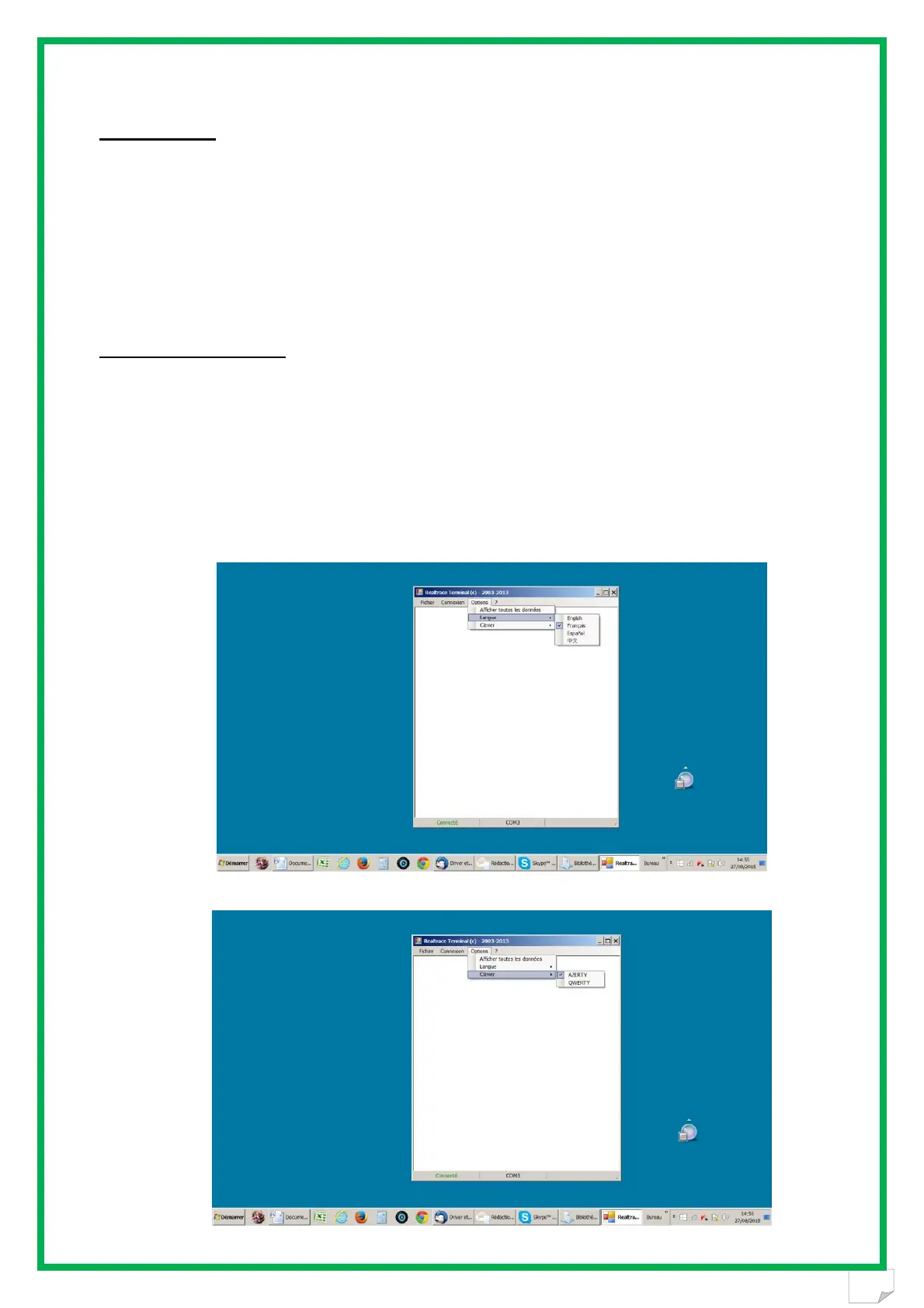
Menu Realtrace Terminal
Language Selection
Keyboard Type


 To Next Page