How do I get the free "PetScan" software?
You have to log into "Play Store" or "Apple Store" and download the "PetScan" program onto your
phone before installation. A "PetScan" icon will appear on your phone's screen after installation is
complete.
How much does it cost?
Using the program is free since you only use Bluetooth communication between the reader and your
phone, and possibly WiFi between your phone and your Box.
Discovering the "PetScan" program!
The distance between the reader and the phone must not exceed ten metres in order to guarantee a
good Bluetooth transmission.
Preparing the phone and the reader:
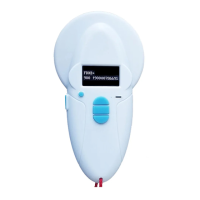
1/ Enable the Bluetooth function (on the reader and the phone). The blue LED of the reader flashes.
2/ In the "Settings" of your iPhone → Brightness and Illumination →Auto Locking, select 5 min.
3/ In display and wall paper of your Android Screen time out select 5 min.
Be aware that each time your phone goes into sleep mode, communication with the reader will
be cut off!
3/ If you have a WiFi connection, it is advisable to activate it. This will allow you to have faster access
to Google Maps and avoid communication costs, especially if you are abroad.
4/ Switch on the reader and activate Bluetooth (see the user manual).
5/ Open the "PetScan" program.
Android version : Connection to the reader
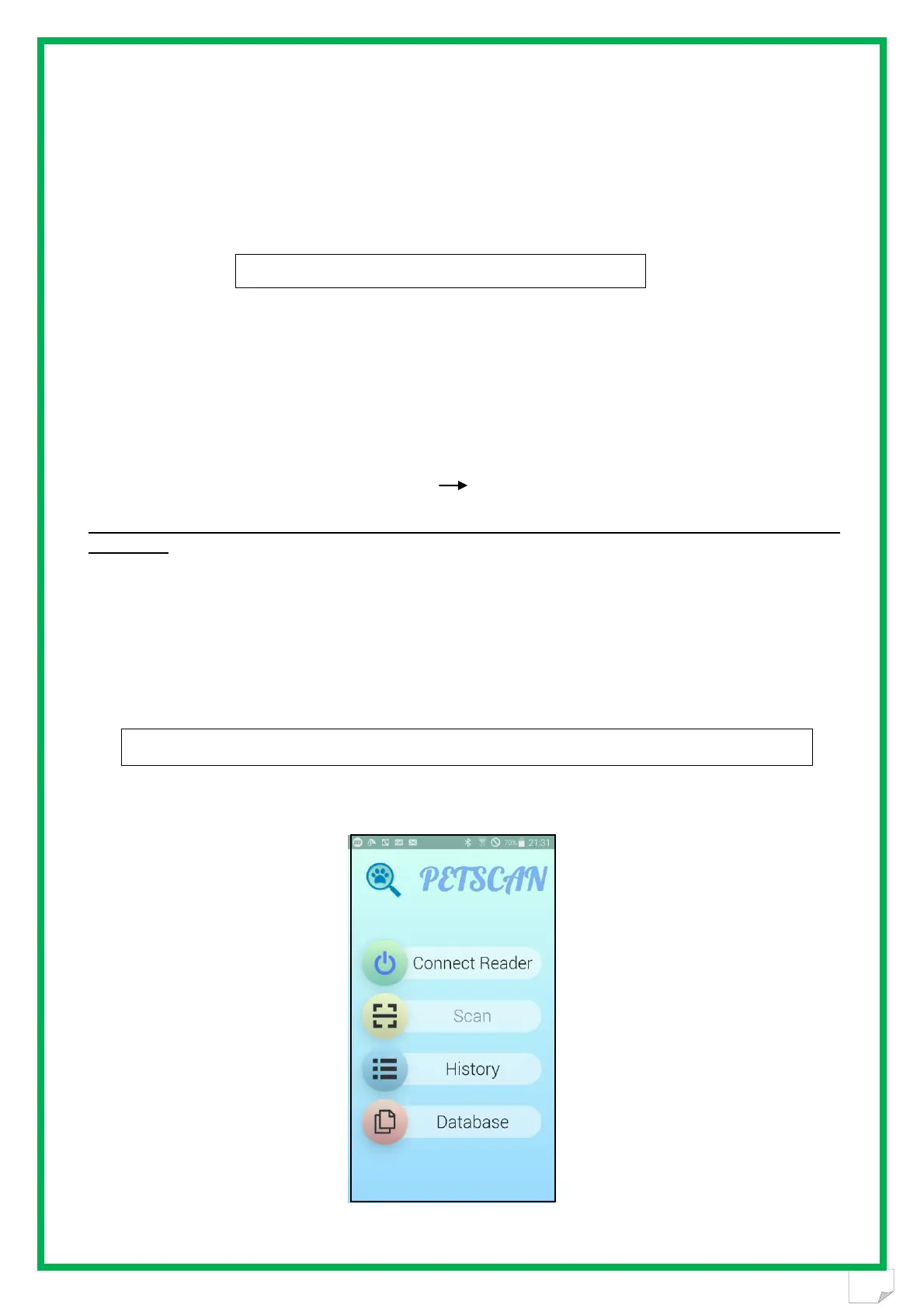
After opening the "PetScan" program, the following screen will appear:
Select "Connect reader".


 To Next Page