51
Using the "PetScan” Android" or iOS software
with V8BT reader
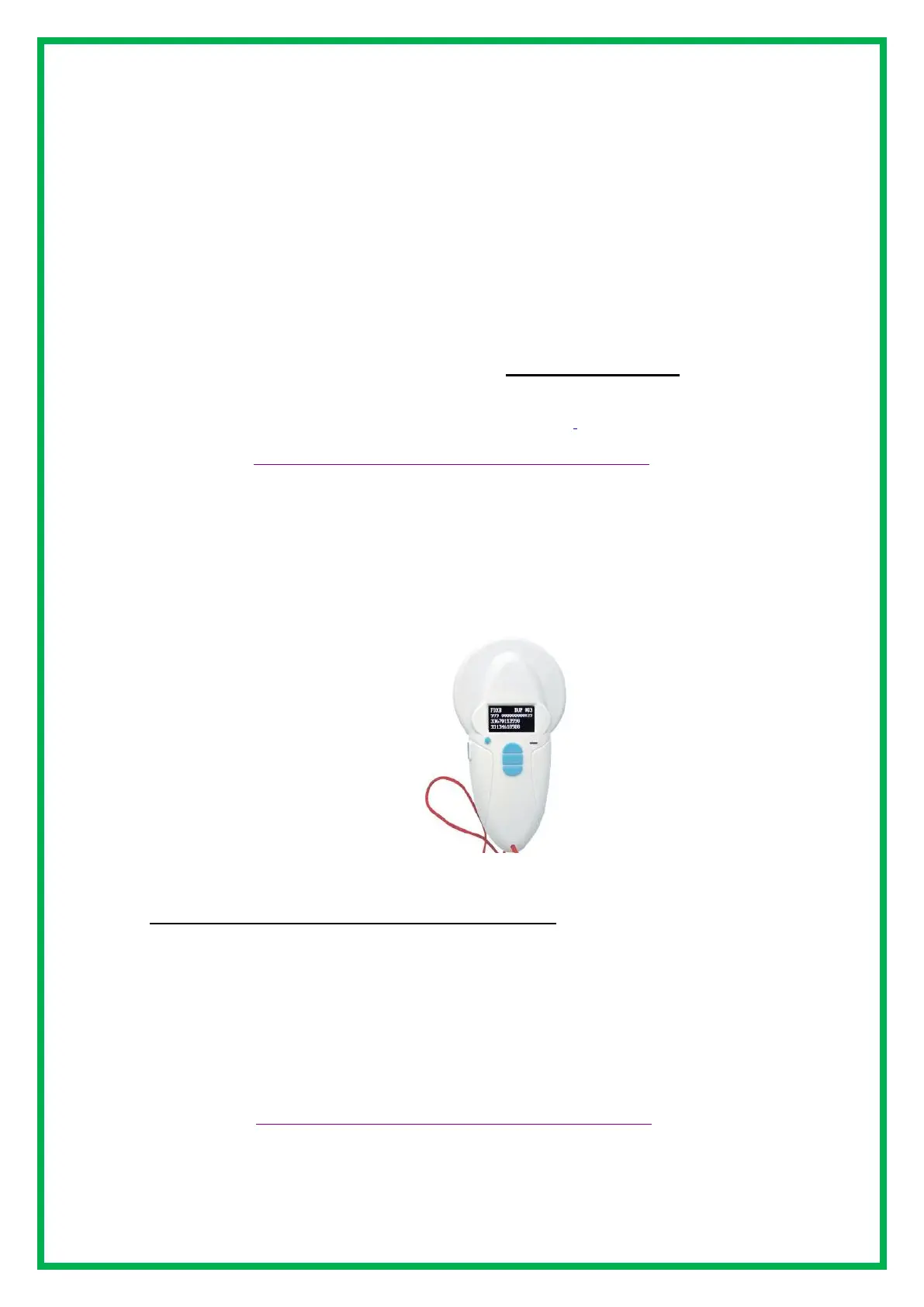
The "PetScan" application can be used with the V8BT* after activating the reader's Bluetooth function. The V8BT
is delivered with a "Time out" function (2 mins) activated for power-saving reasons. It is advisable to modify the
time out setting and increase it to 30 minutes or more. If you do not do this, you risk having the reader turn off
before a connecting has been made to the phone. Once connected, the reader will not turn off even if the "Time
out" has not been changed, except when exiting the program or turning off the phone.
To change the duration of the "Time out", it is necessary to connect the reader to your PC after having loaded
the utility program which you will find by following the following link:
The features described in the previous chapters are all compatible with the V8BT. The writing distance
for additional data on the chips is in the range of 7/8 cm.
* Only the V8 BT4 or BT2/4 versions works with the iOS "PetScan" program.
Earlier V8BT2 versions can not work with iOS.
* Versions V8BT2, V8BT4 and V8BT2/4 work with Android. With Bluetooth 2, the blue LED of the reader
flashes quickly.
The "Realtrace Android" application can be used with the V8BT after activating the reader's Bluetooth
function but only with the model produced after September 2016.
However the V8BT is delivered with the "Time Out" function (2min) activated for power saving reasons it
is advisable to change the "Time Out" setting and increase it to 30 minutes or more. If you do not, you
risk having to re-pair the player with the phone every time it turns off ...
To change the duration of the "Time Out", you must load the utility program on your PC which you will find
at the following link and connect your PC to the reader.
The features described concerning V8BT are all compatible with the V8M.
https://www.swissplusid.com/downloads/V8-Timeout.exe
https://www.swissplusid.com/downloads/V8-Timeout.exe


 To Next Page