6.3 Calibration Procedure
The purpose of this procedure is to determine the number of vehicle speed pulses
per km or mile. Before starting this step, drive the vehicle to a measured km or mile
start point. Bring the vehicle to a complete stop at the start point.
The next step puts the taximeter into a mode that counts pulses while the
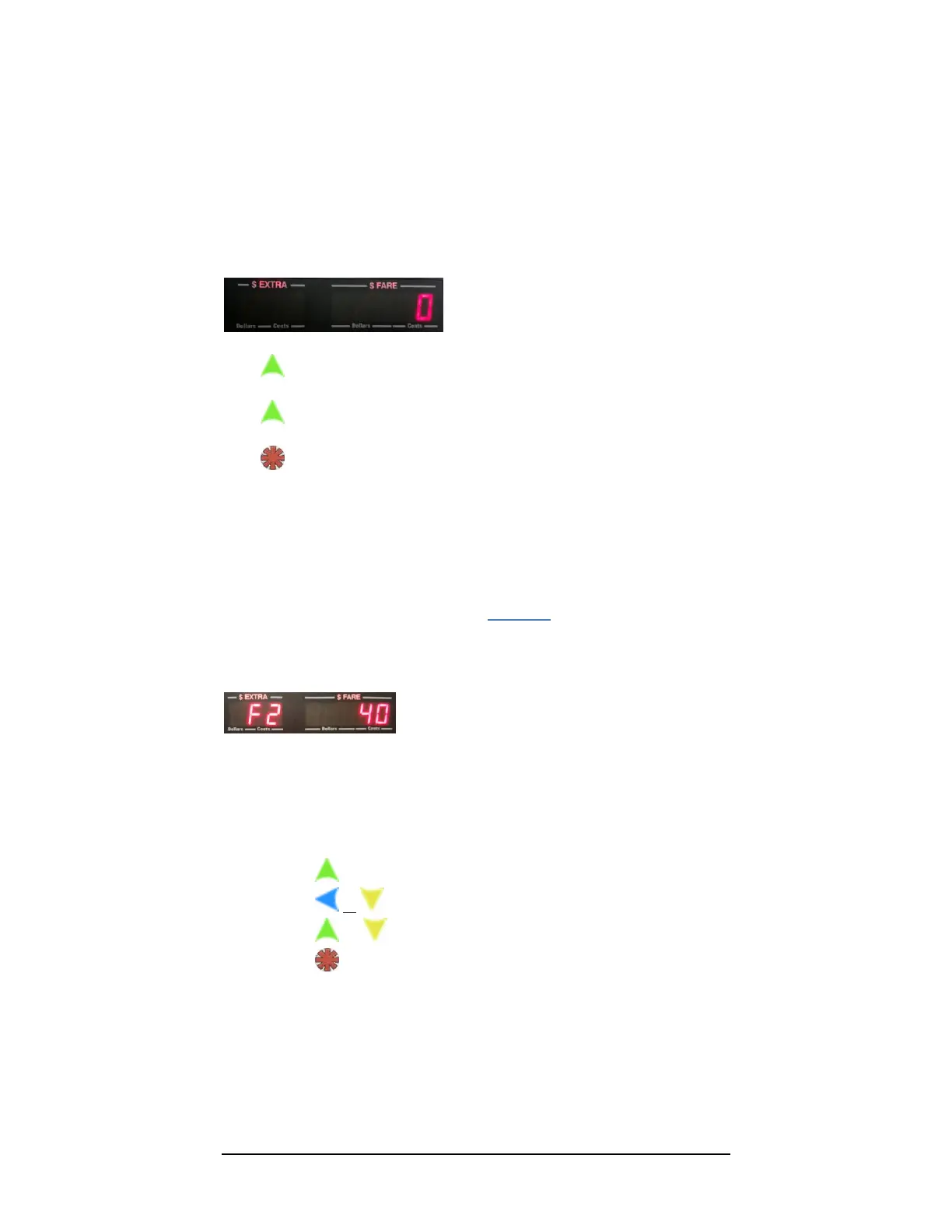
automobile is in motion. At the start of the mode, the display will show a zero,
indicating that it is ready to start counting mileage pulses (see Figure 17). Begin
driving, and the taximeter will count pulses.
Figure 17: The Calibration Test initial value of 0 pulses counted.
Press to stop the test.
Press a subsequent time to restart the test.
Press to enter count into memory, and exit back to Vacant Mode.
NOTE: We recommend repeating the calibration procedure 2 – 3 times to ensure that
the counts are fairly consistent. If you see a large variation between subsequent
calibration procedures, you may have a problem with your installation. In that case,
ensure that you are connected to the correct vehicle speed sensor wire, and that you have
grounded the taximeter to the car battery.
6.4 Adjusting the Sensitivity during Calibration
Procedure
figure 18: Signal Conditioner setting value displayed
If your CG3 has the built-in Signal-Conditioner i.e., the Serial Number is 31000
or greater (section 4.7), you can fine-tune adjust the sensitivity of the VSS
detector circuit repeatedly while in calibration mode. This is described next:
While in Calibration Test Mode:
Press to stop the test.
Press or to display the current sensitivity value.
Press or to adjust the value.
Press to enter new sensitivity value, and return to Calibration
Procedure.
You can repeat this procedure multiple times until you are satisfied with
the results.



 To Previous Page