5.2 Calculating Drop Distances
The CG3 accepts drop-distances as expressed in decimal equivalents of
fractions. For example, to find the decimal equivalent of 1/9 of a
mile or kilometer: divide 1 by 9:
1/9 = 0.111111111.
Round off answers to 4 decimal places = 0.1111. This is the value to
enter.
Example: If the distance charge is $3.50/mile, and the fare increment is
25 cents:
Calculate: 3.50 ÷ 0.25 = 14, which means that the taximeter will
increment 25 cents 14 times in a mile or km.
The decimal equivalent of 1/14 = 0.0714, which is the number that you
would set for the drop distance(s) in the taximeter.
6.0 Calibrating Mileage
This section is required if you are using Vehicle Speed Sensor (VSS)
pulses to provide distance to the CG3 (as opposed to an OBDII
interpreter device).Enter Configuration Mode (see section 4.4.1), and
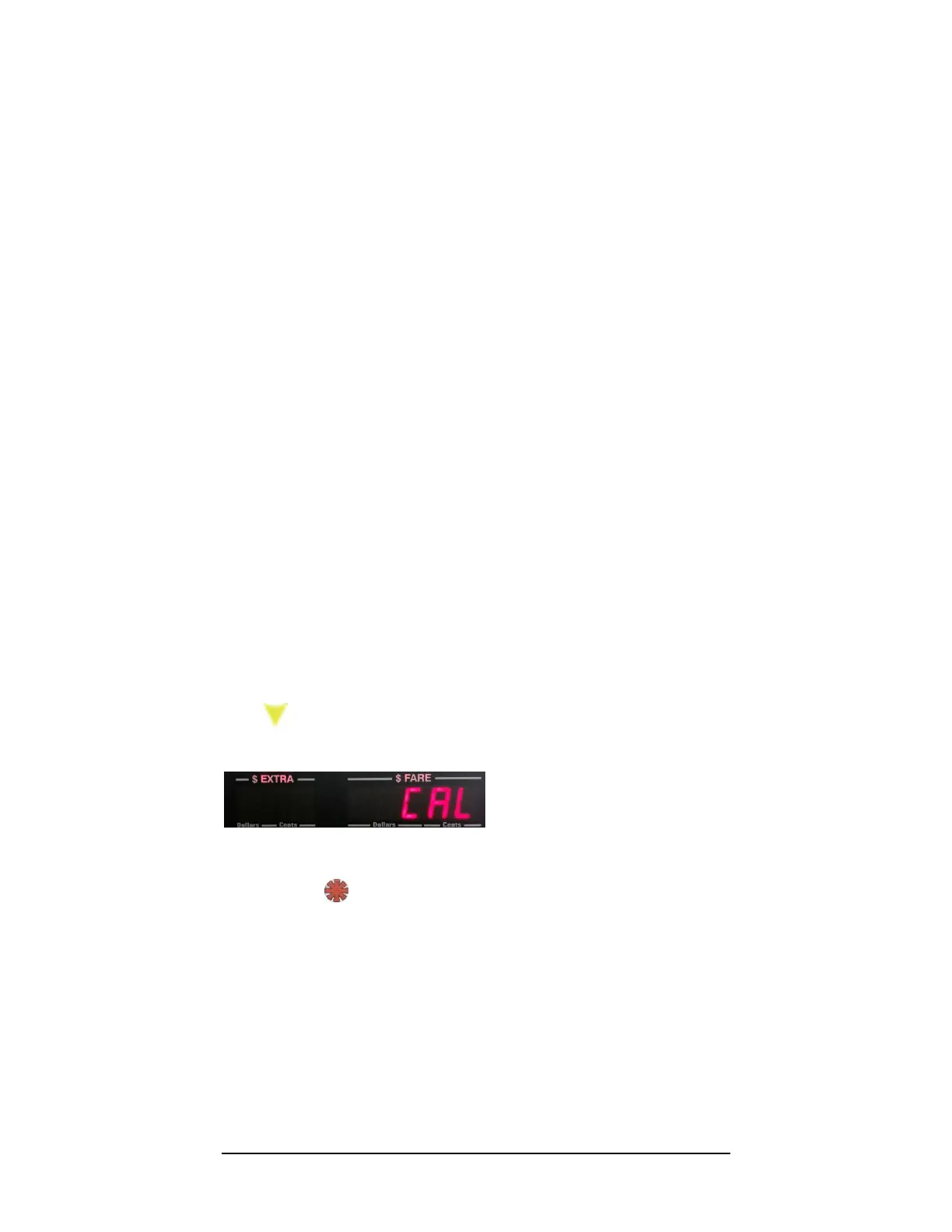
press once to navigate to the Calibration option in the Configuration
Menu (see Figure 14):
Figure 5: The Calibration option.
Press to activate the Calibration mode.
While in Calibration Mode, you have the option to:
1. Set the filter and signal-conditioner values.
2. Manually program a previously known calibration value, or
fine-tune the existing one.
3. Run a Calibration Procedure, i.e. count mileage pulses per
km/mile.



 To Next Page