6.1 Set the Filter Value
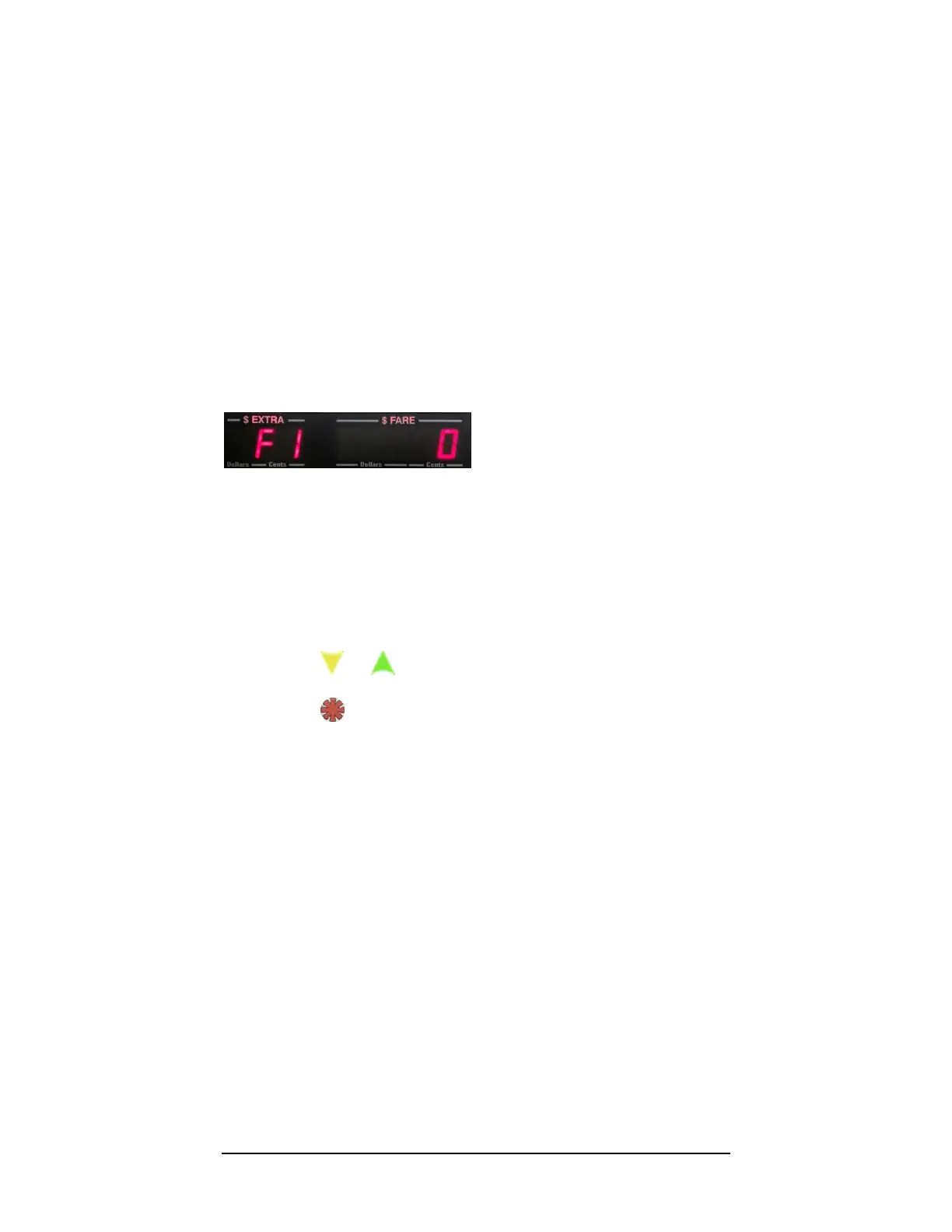
Upon entering Calibration Mode, you will first have the option to set the
filter value, F1 (figure 15).
The filter value is a feature that allows for re-sampling of individual
mileage pulses to ensure that they are not noise “spikes” that could be
interpreted as valid VSS pulses. When filtering isON, each pulse is re-
sampled 5 times to ensure that it is valid.
Figure 6
There are only two possible settings:
0 – Filtering OFF
1 – Filtering ON
Press or to adjust.
Press to enter the filter value into memory, and to proceed to
the next step.



 To Next Page