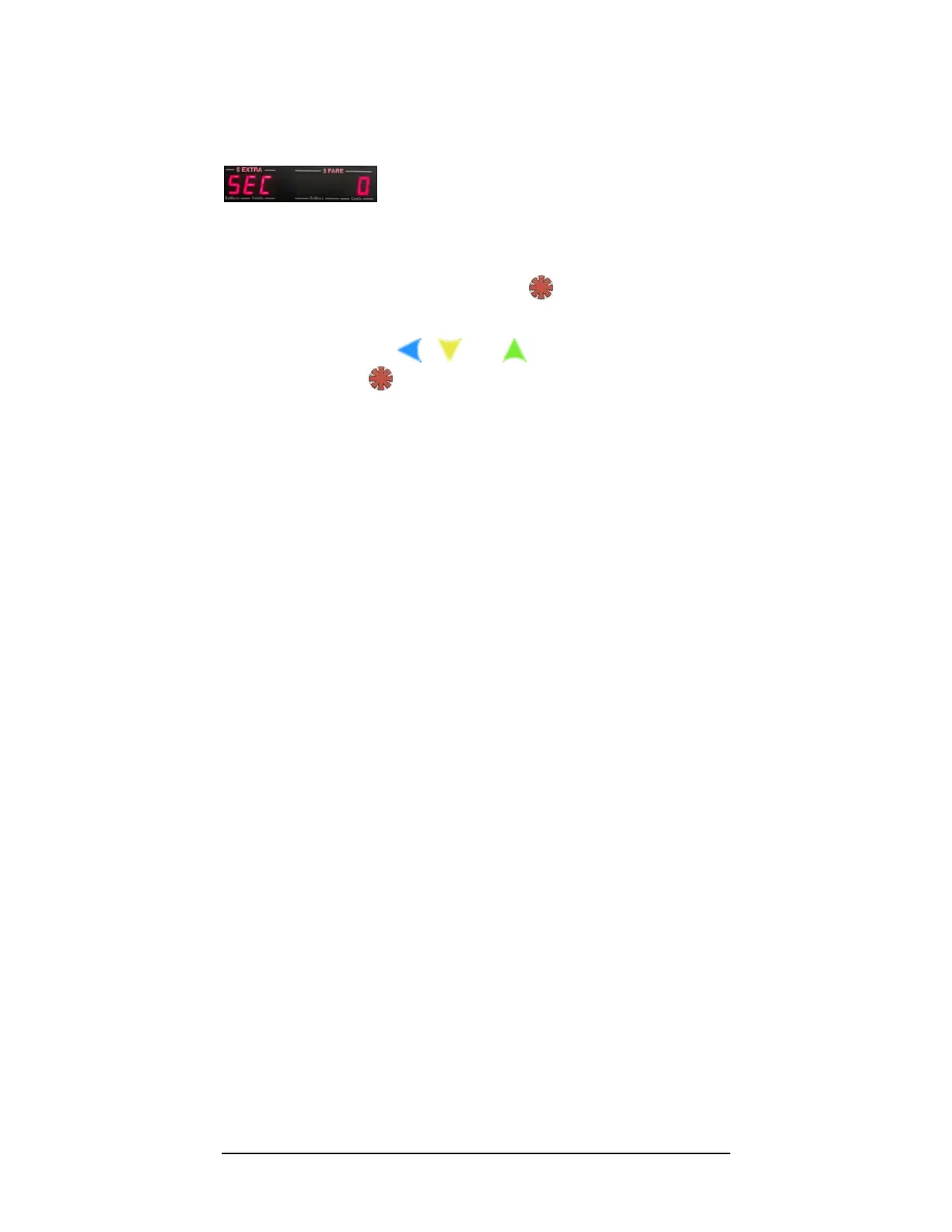
If a security code has been set, the user will be prevented from proceeding through the
following steps. By default, the security code is 0:
Figure 5: The Security Code Prompt, which locks against proceeding to programming
mode when an optional security code has been previously set.
1) If no passcode has been set, simply press to proceed to Section 4.0:
Programming Menu.
2) Otherwise, use the , , and buttons to enter the security code,
and then press in order to proceed.



 To Next Page