3 Description
12 / 30 BAL_SD_R62_EN_2V3_BLA_121-006454377
3 Description
3.1 General presentation
Securi t y Porta l R62
Versio n : X.XX. X X
Info : X.X X . X X
Time : XX:X X : X X
Date : XX.X X . X X
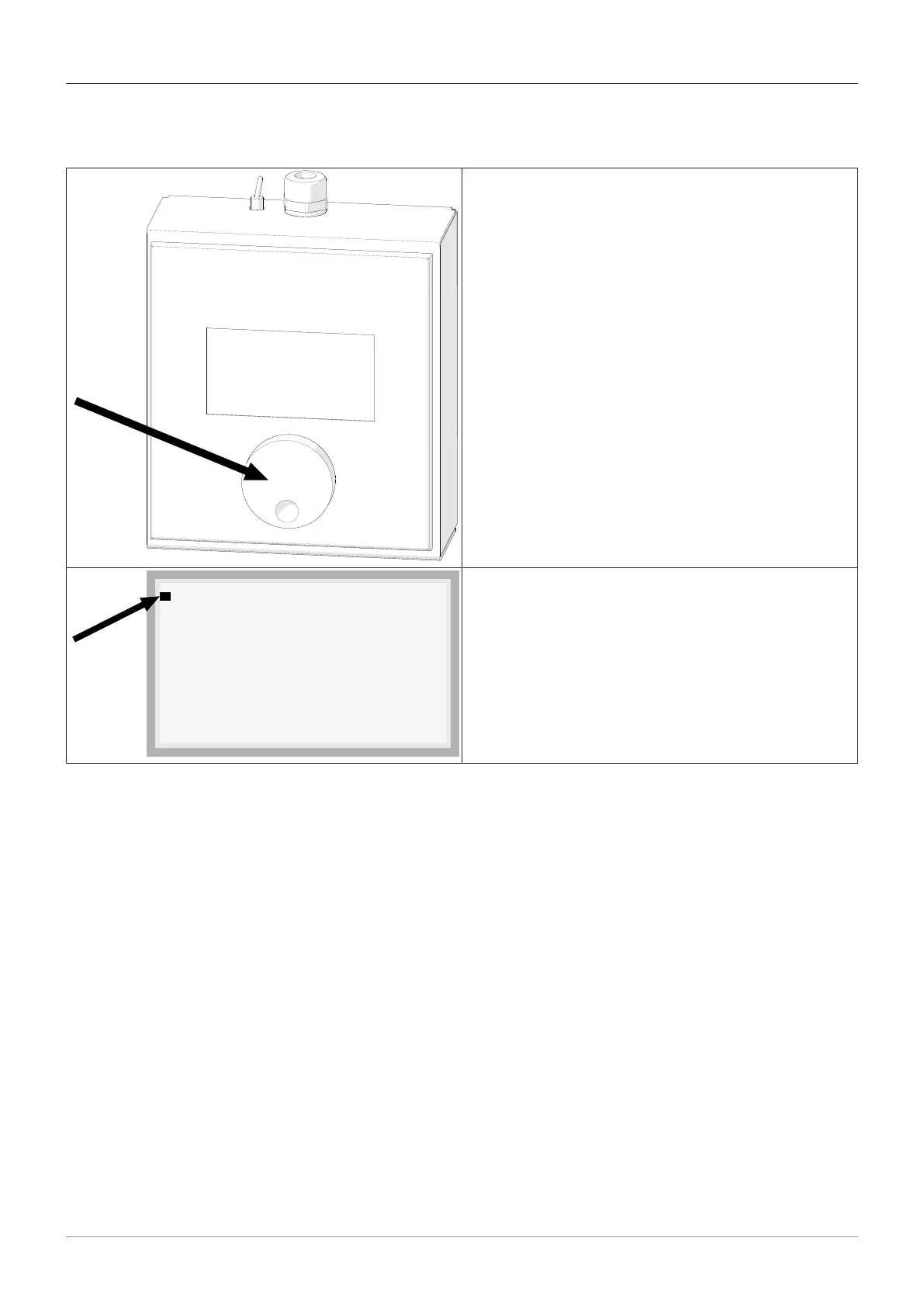
The individual parameters and adjustable timer values
shown individually on the service display. Access to the
menus is via the blue rotary switch on the front of the
Service Display as shown below.
– Scroll through the menu by turning the Rotary en-
coder.
– Confirm your selection by briefly pressing the rotary
switch.
– Press and hold the Rotary encoder to return to the
previous menu.
Parameters
BMS
Settings
Diagnostics
The cursor indicates the current position in the menu.
– Turn the Rotary encoder to scroll through the menu.



 To Next Page