Commissioning 5
BAL_SD_R62_EN_2V3_BLA_121-006454377 15 / 30
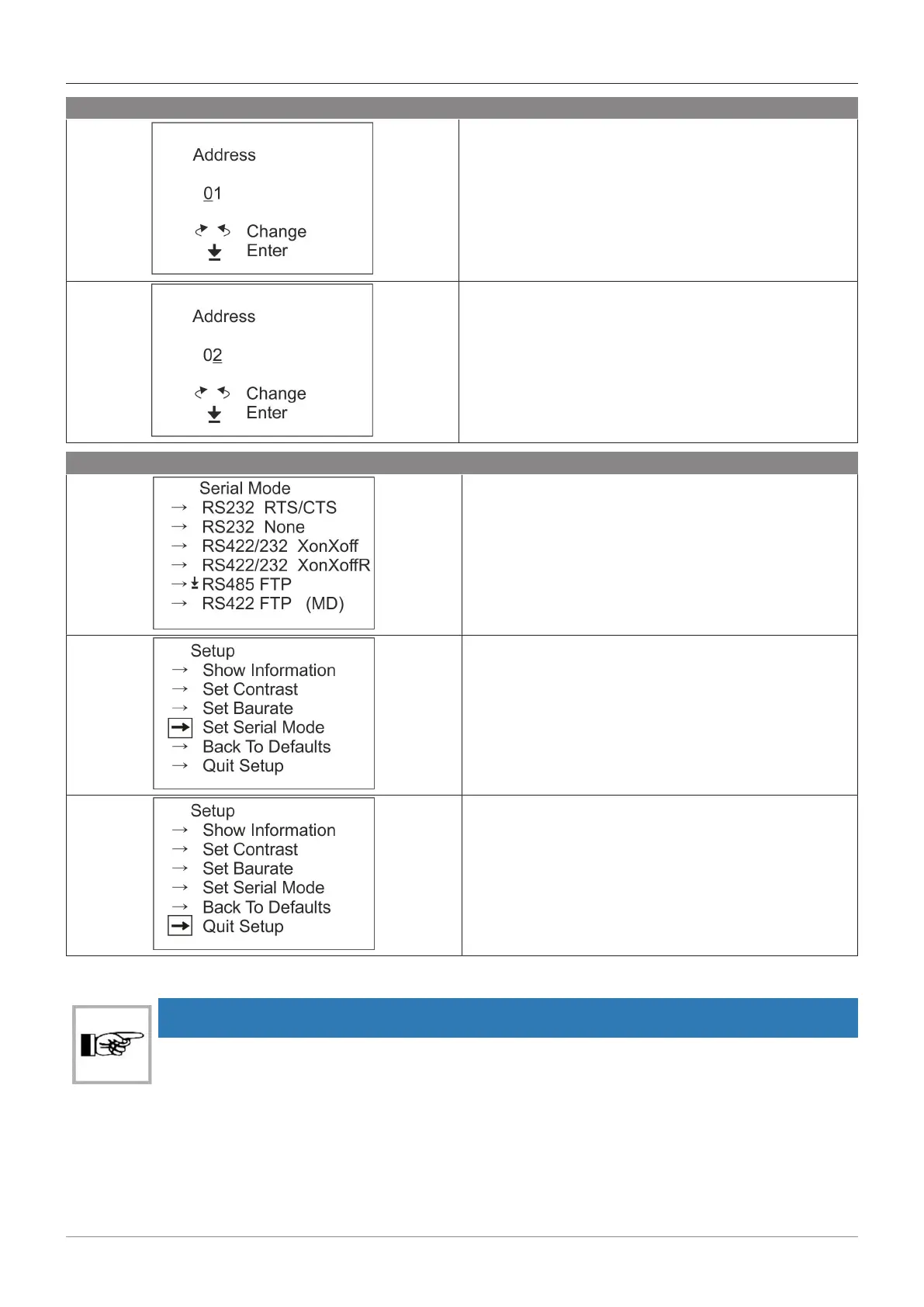
Choice of address:
– “01” to add local address and confirm.
– “02” to add technician’s info and confirm.
Change the address screen:
– Return to the communication mode”.
– Exit “Serial Mode” menu.
– And exit the “Setup” menu.
5.2 Enter the access code
NOTICE
Access to the menu is protected by a code that restricts modification of the parameter set-
tings to qualified and authorized personnel only.
No code is required to view the settings. Simply confirm to proceed to the next menu.
Contact your record partner to obtain your access code.



 To Next Page