Installation 4
BAL_SD_R62_EN_2V3_BLA_121-006454377 13 / 30
4 Installation
4.1 Connecting the Service Display
IMPORTANT
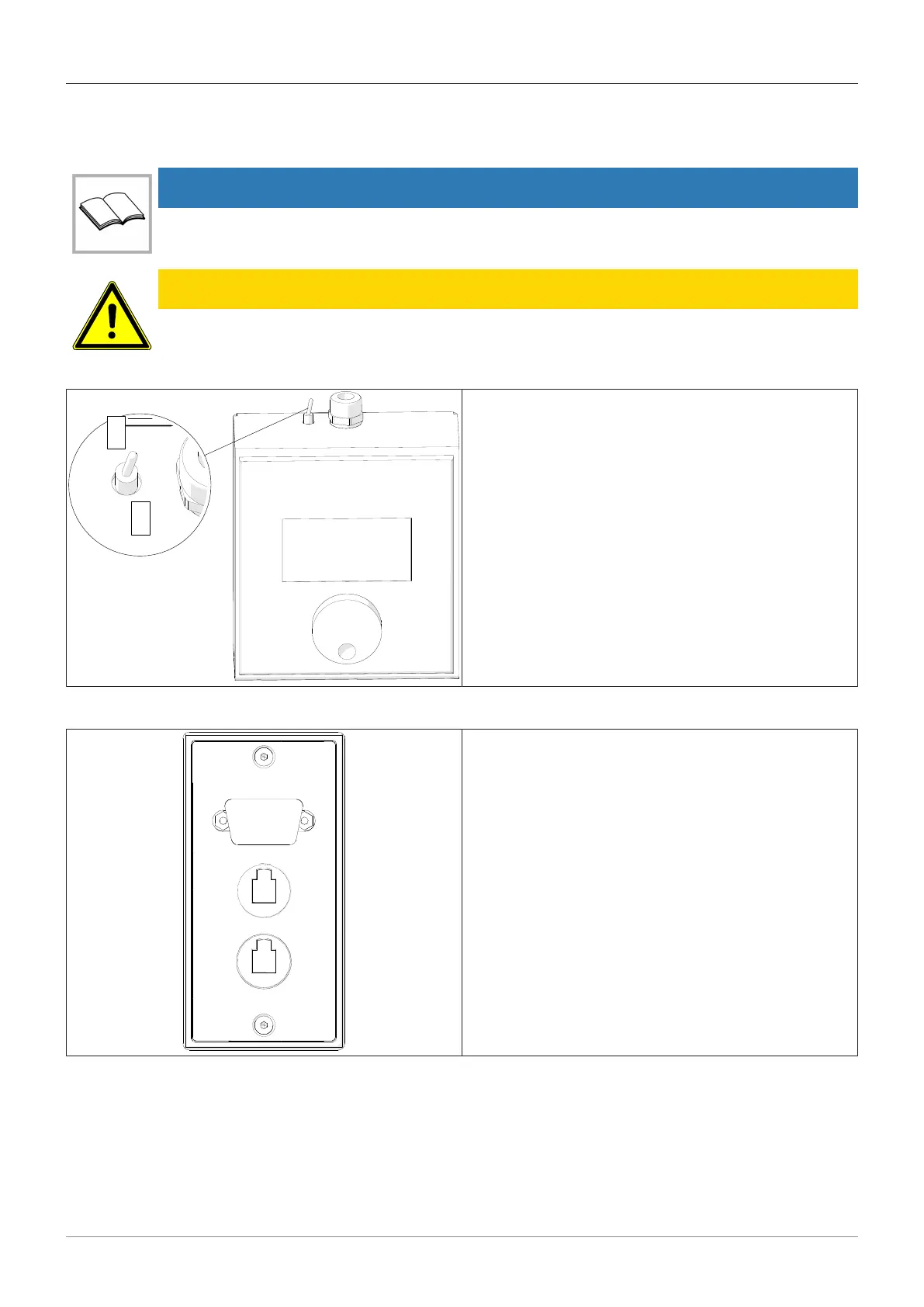
Please ensure that the “ON / OFF” switch is in the OFF position before connecting and/or dis-
connecting the Service Display.
CAUTION
If the display is on (switch in the ON position) while being connected / disconnected
a) this can lead to destruction of the control interface.
ð Place switch in the OFF position.
– Connect the Service Display to one of the sockets in
the door or in the optional socket on the inside
column (secure side).
4.2 Connection to the column on the entrance door entrance side
– Remove the protective cap and plug the Service Dis-
play into the 9-pin socket.



 To Next Page