RED DSMC OPERATION GUIDE
COPYRIGHT © 2013 RED.COM, INC
955-0020_V5.1, REV-D | 89
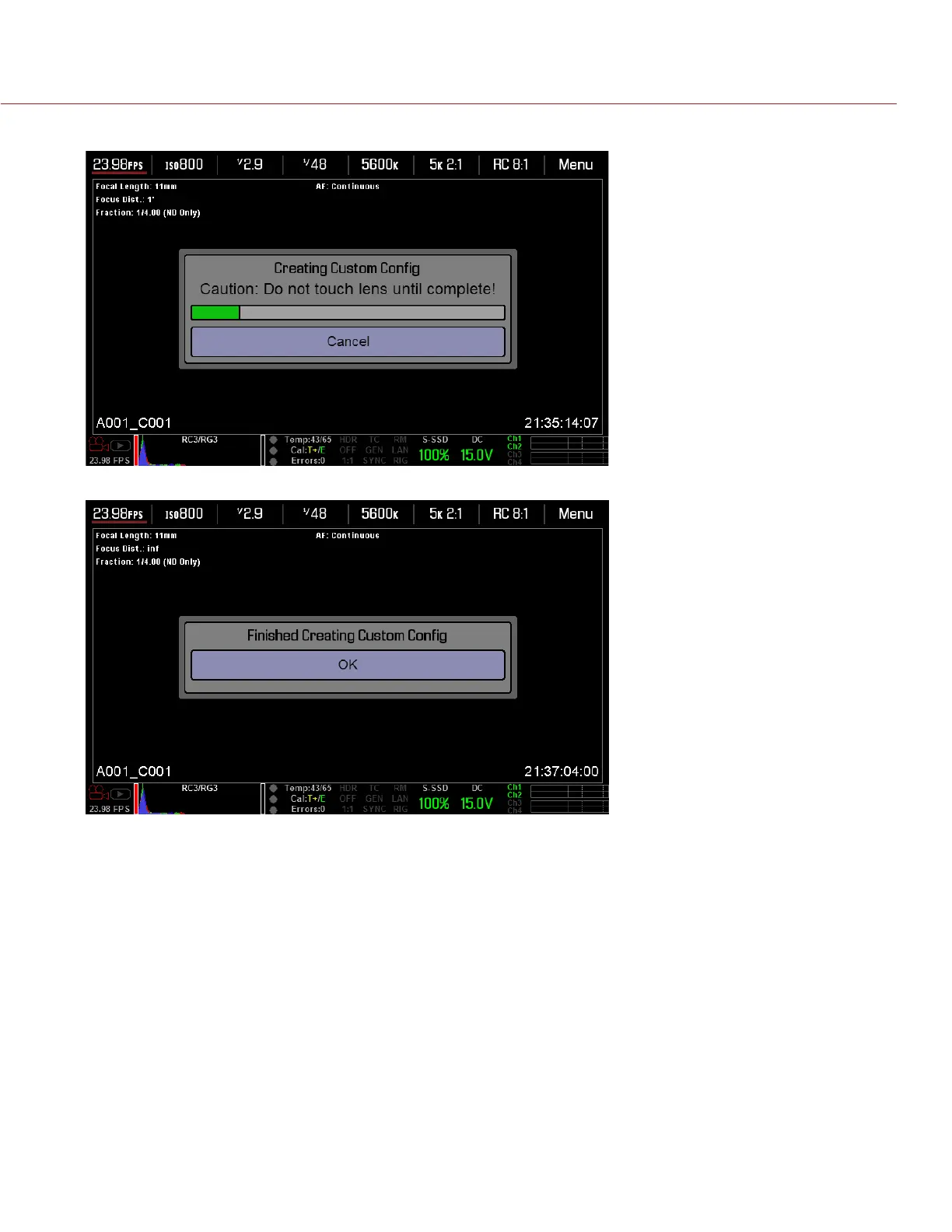
bration process starts, do NOT touch the lens, as doing so may cause the lens to calibrate incorrectly.
5. Click OK after the calibration file is created.
6. To calibrate the next focal length, follow the instructions below:
A. Go to Settings > Maintenance > Calibrate > Lens.


 To Next Page