EasyManua.ls Logo

Red Technology MAGIC-2 - Page 12

Red Technology MAGIC-2
37 pages
Print Icon
To Next Page IconTo Next Page
To Previous Page IconTo Previous Page
Loading...
11
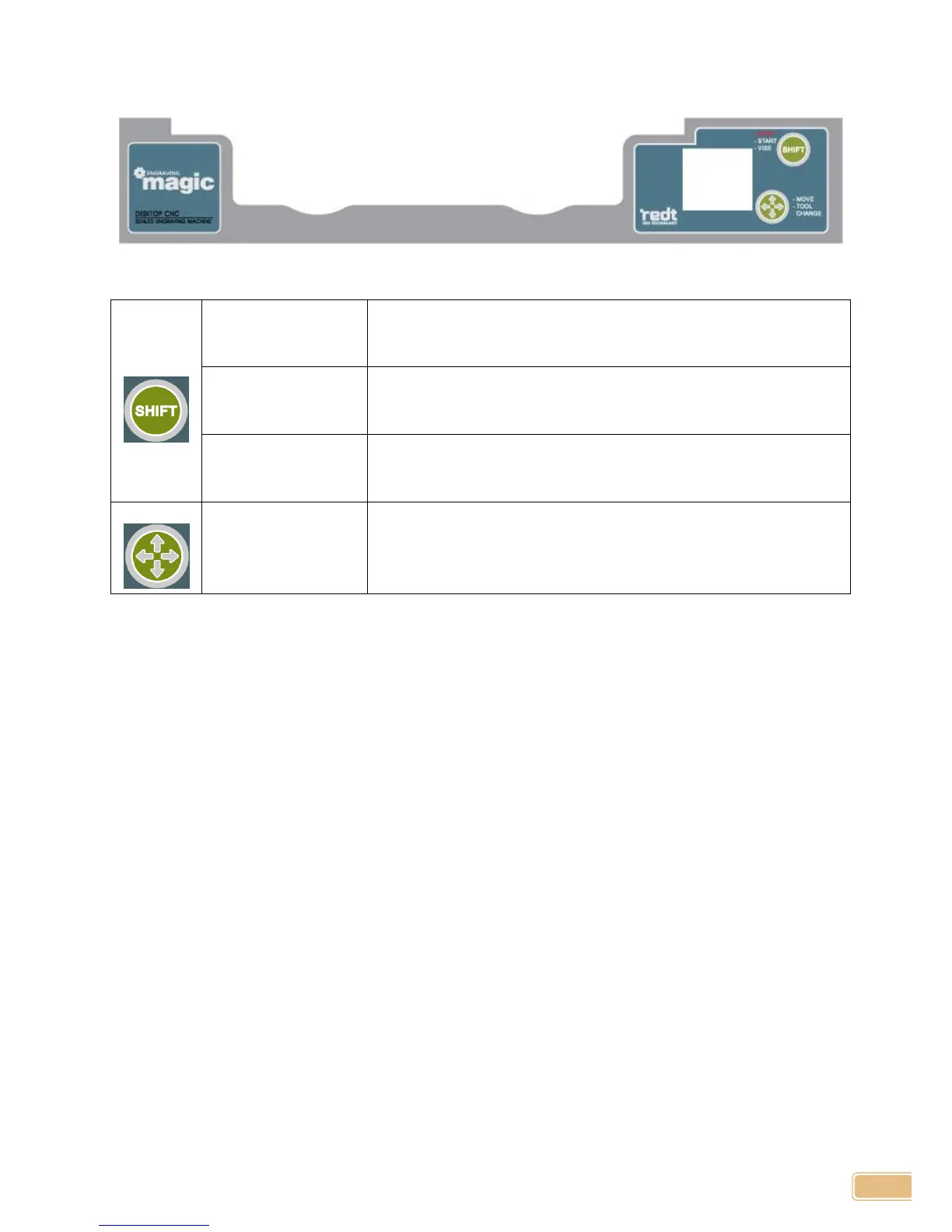
Key
STOP
(in engraving state)
If the machine is in engraving state, pressing this button will cancel
engraving. Stopping the engraving job, it will return to home position.
START
( in positioning state)
If the machine is in engraving area positioning state, press this button
for more than 1 second to start engraving.
VISE IN/OUT
(in stand-by state)
I f the machine is in stand-by state, press this button to pull the in in and
out.
MOVE
( in positioning state)
If the machine is in engraving area positioning state, pressing this
button will move engraving position to the left/right/top/bottom in
accordance with current position.