Calibration
There exist three calibrations in MAGIC-2.
1. Probe Calibration
2. Laser Pointer Calibration
3. Vise Center Calibration
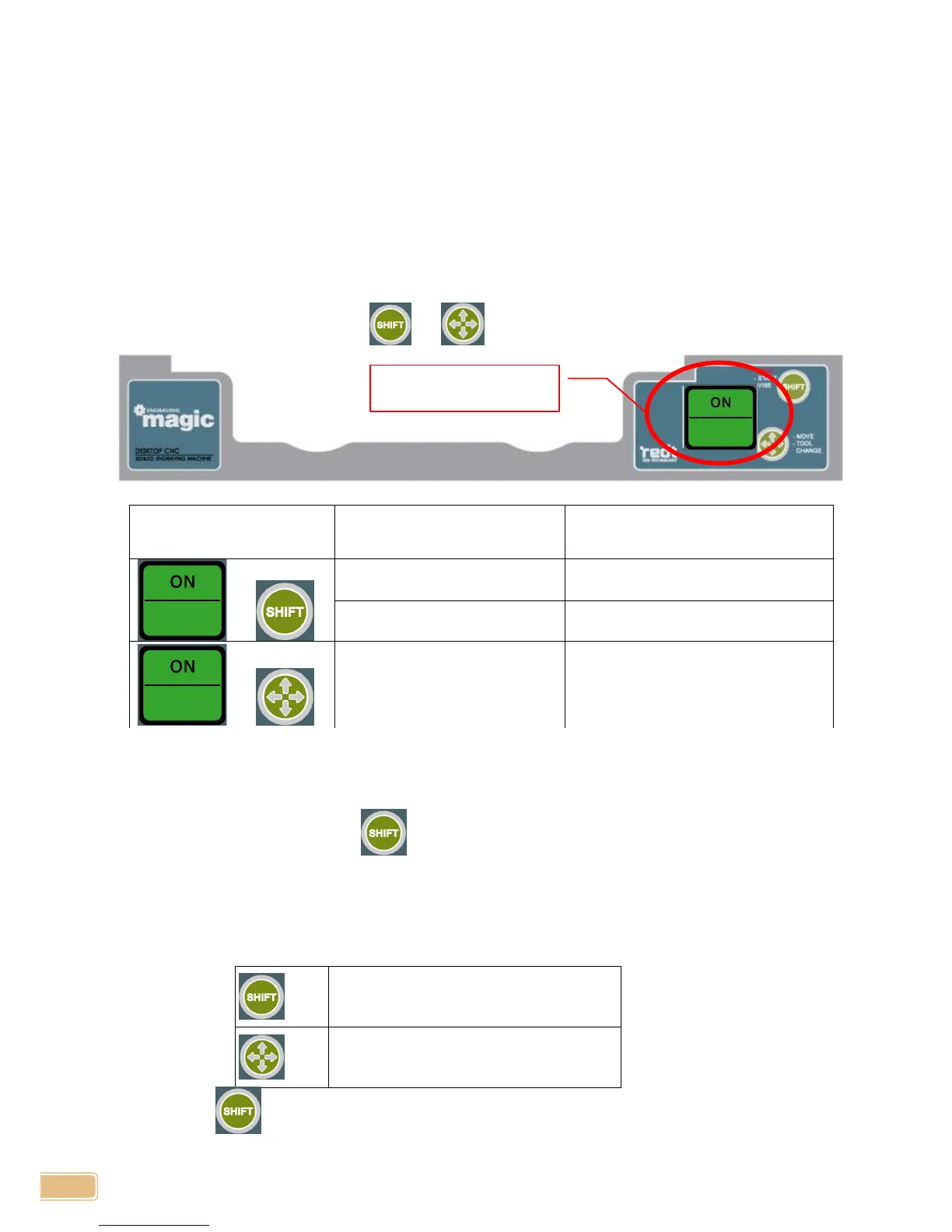
You can enter each setting modes by pressing a certain key when the power is switched on.
Entering Calibration Mode
When turn power switch on, press or key for certain period of time.
Probe Calibration:
1. Hold a tool at its shortest. (***Dragging tool is recommended)
2. Turn power ON pressing , then wait for 2 seconds with the button pressed until beep,
“beep- beep-”, is heard. Tool will be moved onto center of vise with Z axis lowered.
3. Place a flat material on the vise and fasten. Loose tool fastening bolt and make tool touch
the material surface then fasten the bolt again.
(**Pressing the below buttons will help easy calibration on making tool touch the material.)
4. Press button for 2 seconds to complete the calibration. Tool will touch the material and
calibration is completed.


 To Next Page