3 USER GUIDE
Subsequent Connections
Once a smartphone has been paired with a RedVision Display, it will automatically
reconnect with that Display when the app is opened.
If you have multiple Redvision Displays paired and you want to switch between which is
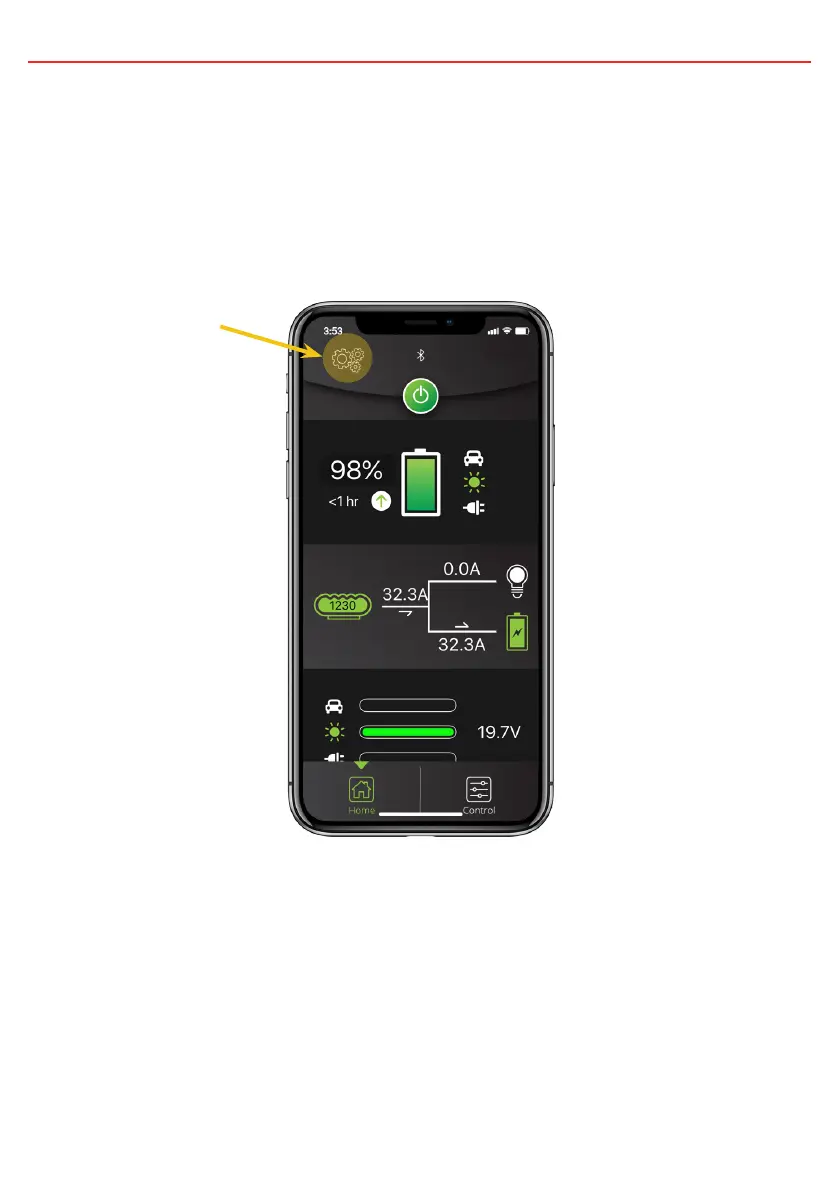
connected to your smart phone, tap on the 3 gear symbol on the top left of the app.
The available paired Displays will be shown. Select the one you want to connect to.
Three Gear Symbol
Connecting Multiple Devices
The RedVision Display can manage multiple paired devices although only one can be
connected at a time. Closing the app will disconnect the device from RedVision.
Pairing a second device is the same as above.
When the RedVision App is closed on one device, the RedVision App can be opened on
another device and will connect automatically if it has previously been paired.
34


 To Next Page