HOW TO USE IFIT.COM CD AND VIDEO
PROGRAMS
To use iFIT.com CD's or videocassettes, the exercise
cycle must be connected to your portable CD player,
portable stereo, home stereo, computer with CD play=
er, or VCR. See HOW TO CONNECT YOUR CD
PLAYER, VCR, OR COMPUTER on page 15. To pur-
chase iFIT.com CD's and videocassettes, calI toll-
free 1-800-738-0768.
Follow the steps below to use an iFIT.com CD or
video program.
Begin pedaling to activate the console.
See step 1 on page 10.
Se{ect the iF_T.com mode.
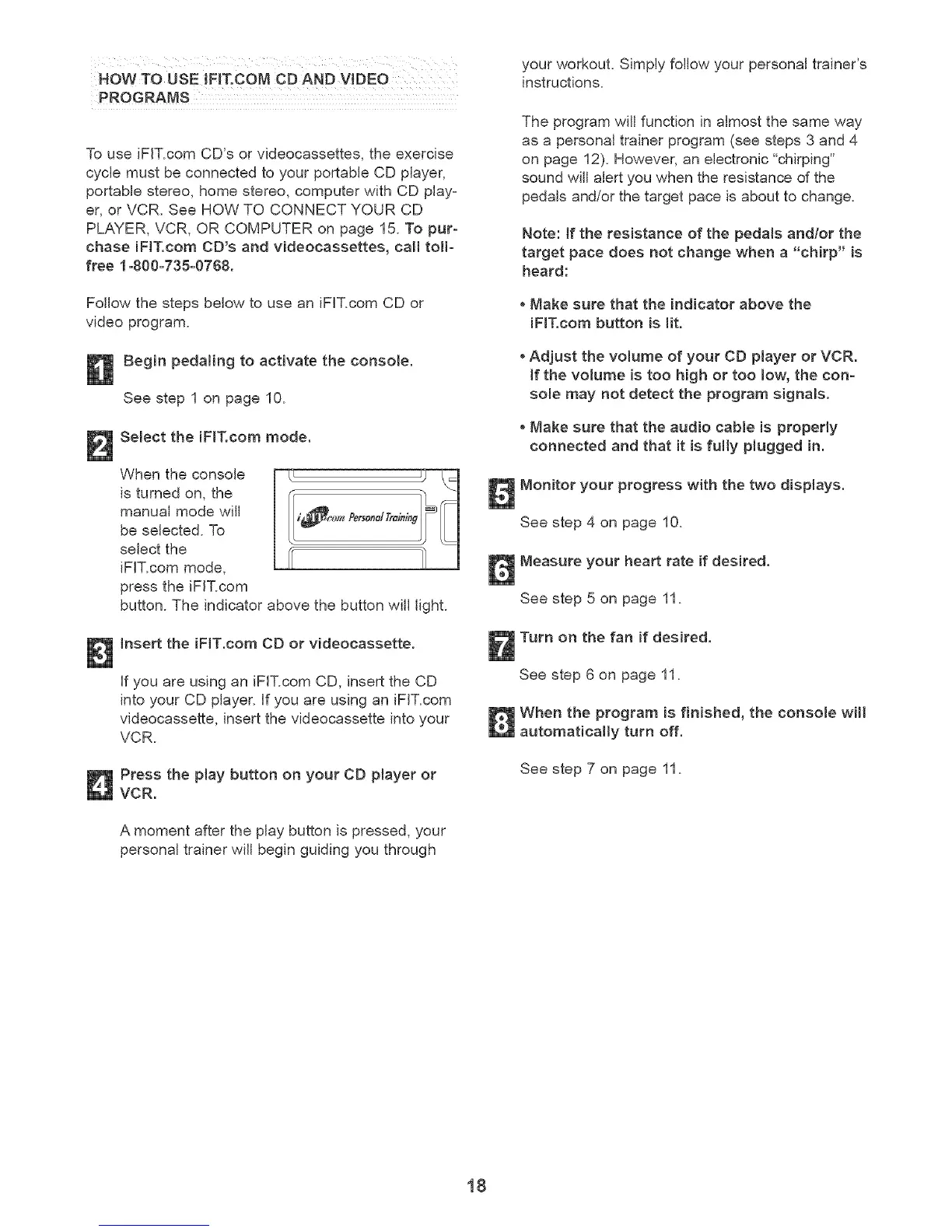
When the console
is turned on, the
manual mode will
be selected. To
select the
iFIT.com mode,
press the iFIT.com
button. The indicator above the button wiJJlight.
insert the iF_T.com CD or videocassette.
if you are using an iFIT.com CD, insert the CD
into your CD player, if you are using an iFIT.com
videocassette, insert the videocassette into your
VCR.
Press the play button on your CD player or
VCR.
A moment after the play button is pressed, your
personal trainer will begin guiding you through
your workout. Simply follow your personal trainer's
instructions.
The program will function in almost the same way
as a personal trainer program (see steps 3 and 4
on page 12). However, an electronic "chirping"
sound will alert you when the resistance of the
pedals and/or the target pace is about to change.
Note: if the resistance of the pedamsandlor the
target pace does not change when a "chirp" is
heard:
Make sure that the indicator above the
iF_T.com button is lit.
Adjust the volume of your CD player or VCR.
If the volume is too high or too low, the con=
sole may not detect the program signals.
Make sure that the audio cable is properly
connected and that it is fulty plugged in.
Monitor your progress with the two displays.
See step 4 on page 10.
Measure your heart rate if desired.
See step 5 on page 11.
Turn on the fan if desired.
See step 6 on page 11.
When the program is finished, the console will
automatically turn off.
See step 7 on page 11.
18



 To Next Page