7
Auto Power OFF
To preserve battery life, the meter is programmed to turn itself off after 30
minutes of inactivity. To turn this function off, while the meter is off, press
and hold the Time Weighting Button while turning the meter on. When the
meter turns on release both the Time Weighting Button and Power button.
The Auto Power Off indicator will not appear on the display, conrming
this feature is now disabled. If the meter is turned off then back on, the
"Auto Power Off" feature will be enabled again.
Calibration Procedure
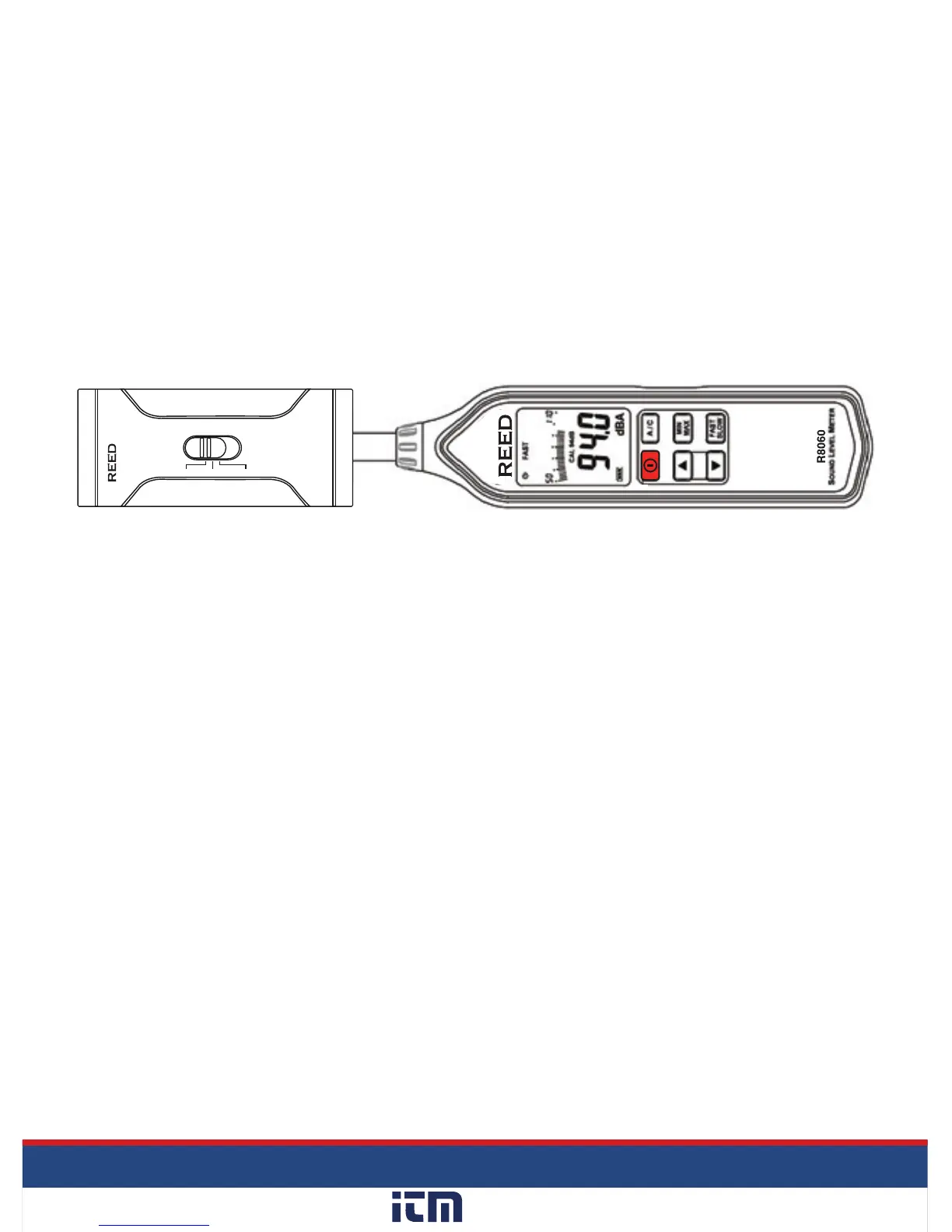
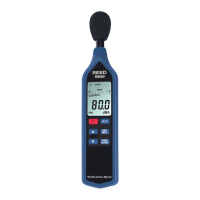
InordertocalibratetheR8060anexternalcalibratorthatcanprovidea
94.0dBsignalisrequired(REEDR8090).Ifthemeterhasbeenexposed
toextremeconditionsorhasnotbeenusedinalongperiodoftimethe
meter should be calibrated by following steps 1 through 6 below.
1. Remove windshield ball.
2. Whilethemeterisoff,pressandholdtheMIN/MAXHoldbutton
while turning the meter on.
3. Whenthemeterturnson,releaseboththeMIN/MAXHoldandPower
button to enter calibration mode as indicated on-screen by "CAL 94dB".
4. Insert the microphone into the calibrator.
5. Press the UP and DOWN arrow buttons to increase or decrease the
dB level to match the Sound Calibrator output.
6. Once the desired dB level has been attained press the MIN/MAX
buttontosavethesettingandexitthecalibrationmode.
NOTE:PressthePowerbuttontoexitthecalibrationmodeatanytime.
OFF
94dB
114dB
(1KHz)
IEC 942 CLASS 2
R8090
Sound Level Calibrator
w ww. . com
information@itm.com1.800.561.8187


 To Next Page