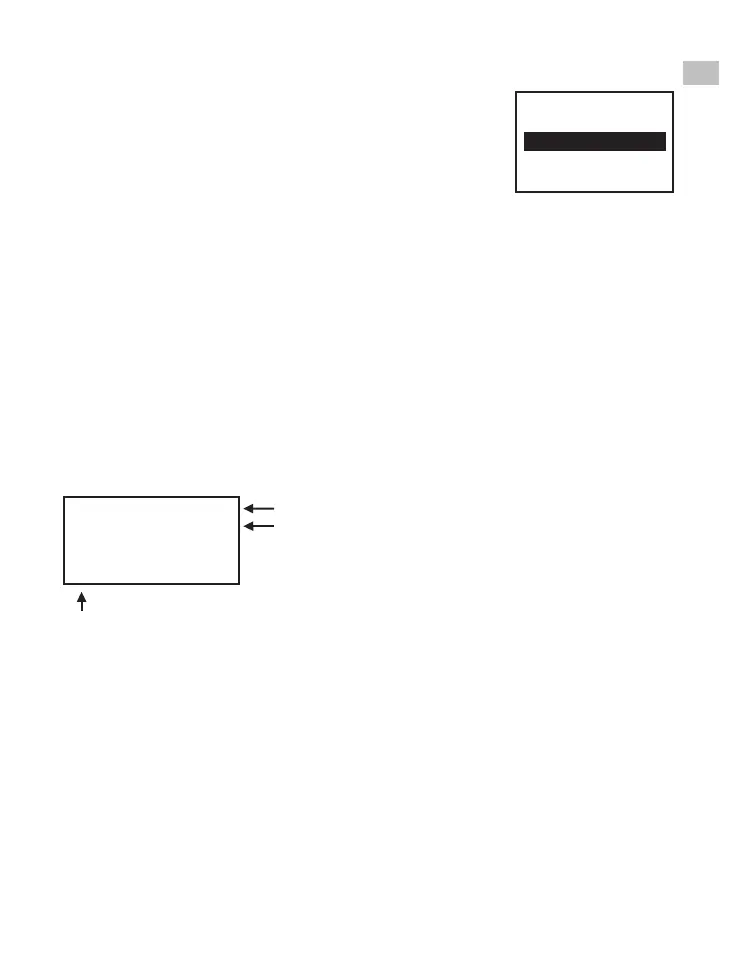
Sharpness
1. Sharpness range is from Low to High. The default
setting is Medium.
2. Press Up/Down to change the value and press
Enter to complete the change selection.
3. Adjust the required Sharpness before recording.
USB
Plug in the included USB cable to upload the recorded MP4 files. The SD/
SDHC memory card is read as an External Drive, called NO_NAME drive.
The stored MP4 files are located under the directory of FilmScanner/
MOVIE.
Frame Adjust
You can make adjustments for the Movie Register (the film centre X and Y).
It needs to be adjusted before recording if the default setting is off.
EN
8mm or Super 8
Select X or Y or Z by pressing the Enter
button
X = shift centre left or right
Y = shift centre up or down
Z = zoom-in or zoom-out
Adjust the values of X, Y, Z by pressing the Up or Down buttons
Language
English, German, French, Spanish, Italian and Dutch are available on
the film scanner.
Format
Highlight Yes or No to format your SD card. This will erase all files on
the inserted SD/SDHC memory card.
Film type:
X adjust, Enter
X:
Y:
Z:















 To Next Page