FUNCTIONS NAVIGATION
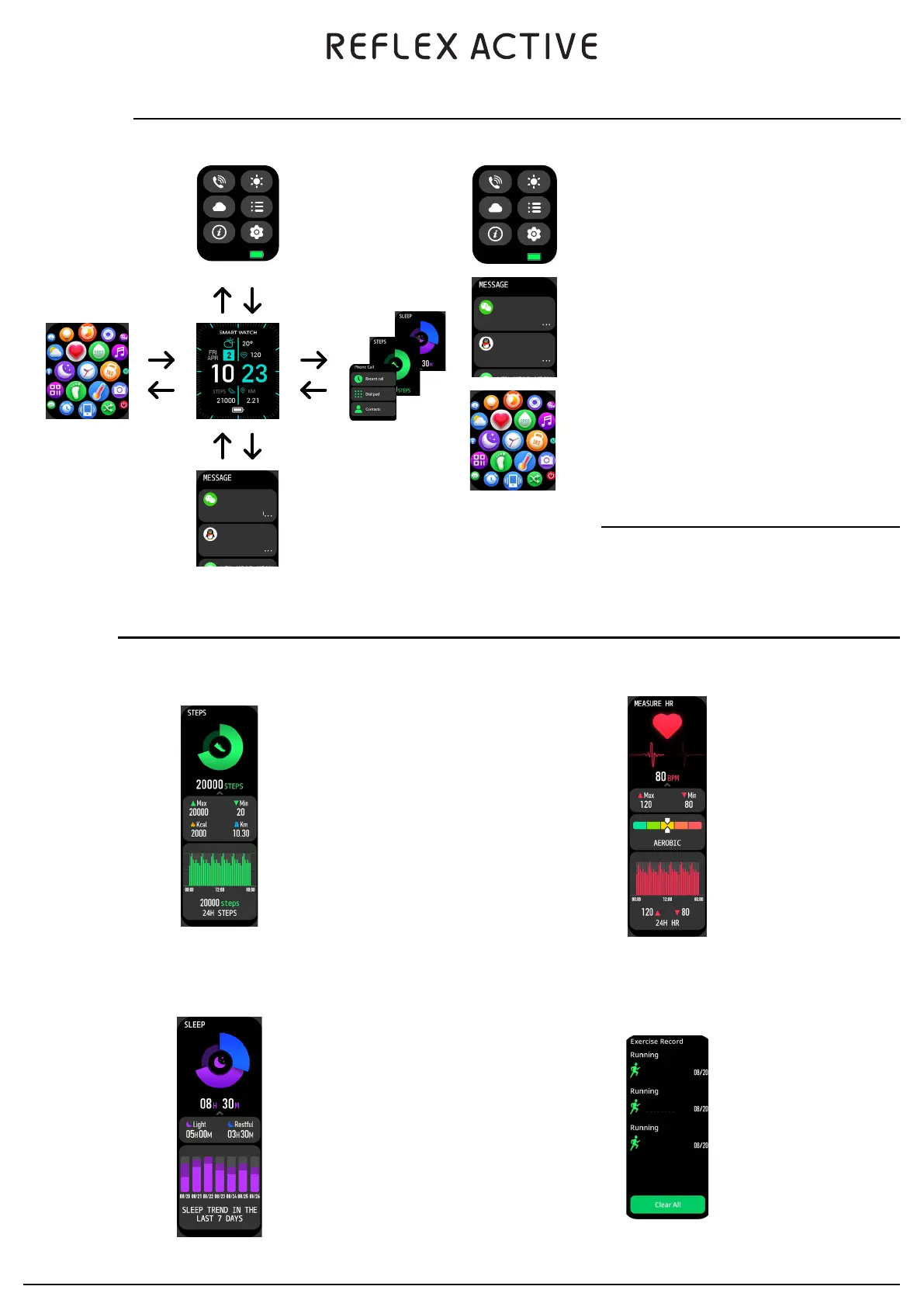
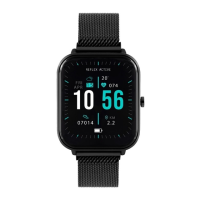
By default, from the watch face you can:
TOUCH BUTTON OPERATIONS
Short pressing the side button:
•
Unlocks the screen
• Returns to the main dial page
Long pressing the side button:
•
Turns on / off the watch
• You can also switch off the watch through the settings
•
Swipe down to view watch settings.
Bluetooth Connection
Brightness
Settings
Weather
Screen Option
•
Swipe up to view messages
•
Swipe right to view Smart Menu
•
Swipe left to scroll through features
You can navigate the watch by sliding left / right and up / down.
Tom
Jess
Did you know I
Hey, what is the
Tom
Jess
Did you know I
Hey, what is the
Control Centre
Messages
Features
Smart Menu
Swipe Down
Swipe Left
Swipe Right
Swipe Up
Swipe Left
Swipe Right
Swipe Down Swipe Up
WELLNESS FEATURES
•
Steps - The watch automatically tracks the number of steps you have taken.
Please note: Your movement stats reset to 0 at midnight.
•
Sleep - If the watch is worn whilst you sleep, it will keep track of the hours slept and the quality of your sleep.
Please note: Sleep Detection starts from 8pm to 10am the next day.
•
Heart Rate - The watch will record your heart rate during the day if activated in settings. You can also tap on
the screen to start measuring your heart rate.
•
Exercise Record - This feature helps you keep a track of all sports you have tracked with the smartwatch. Your
exercise is recorded in the app.
00:08:00
00:05:45
00:03:30
?
2022-10-13
THU
?
2022-10-13
THU
Series 14/15 - getting started


 To Next Page