WATCH STATUS REMINDER
Goal Notifications
The watch will alert you when the number of steps reaches the set goal. To use Goal notifications you need to enable
it by going to “Profile” > “Goal Setting” and setting your goal on the REFLEX ACTIVE RED app.
OTHER SETTINGS
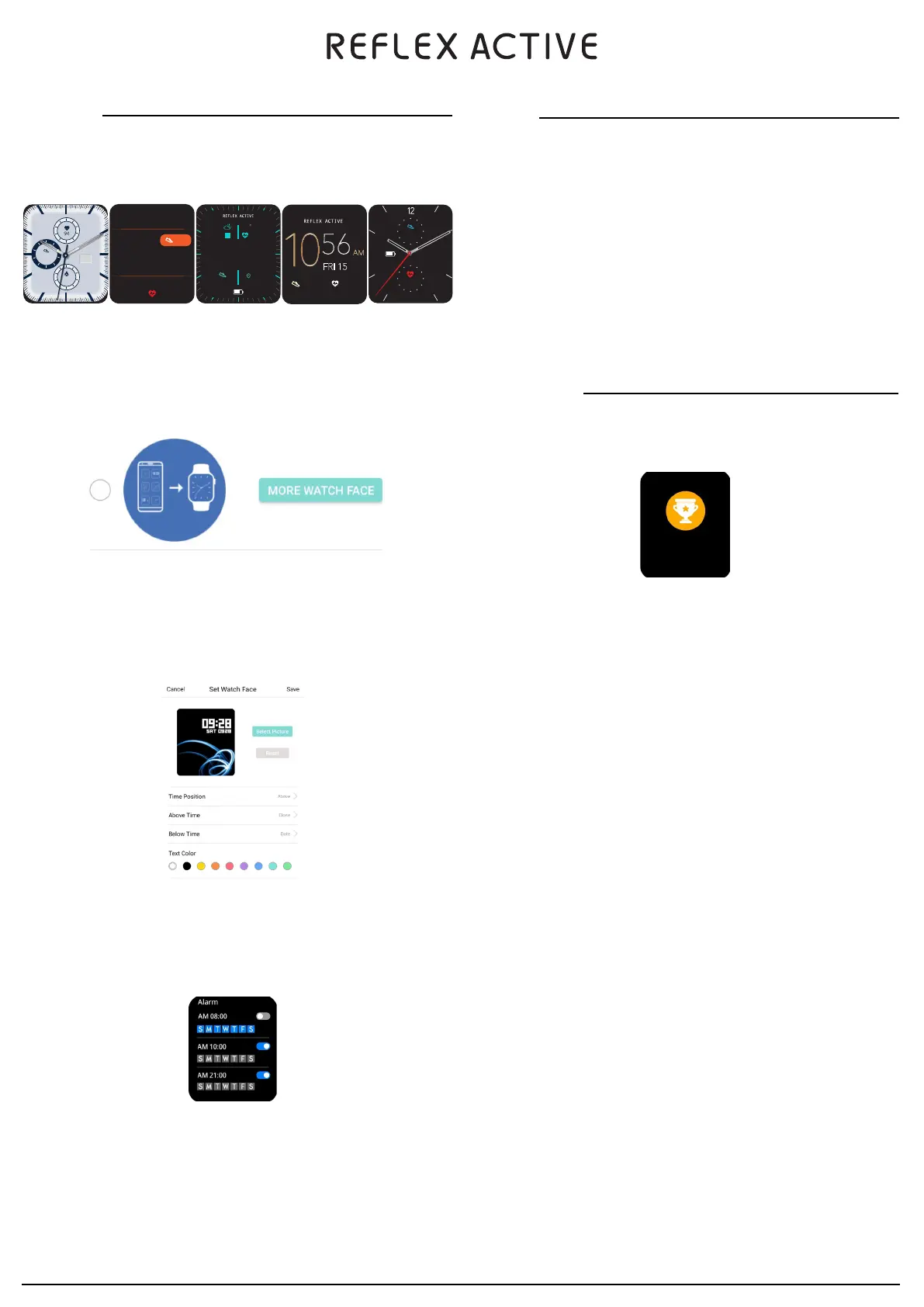
Watch face
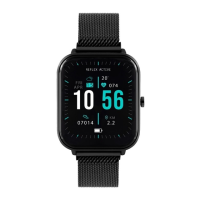
Replacing the watch face via the watch: Long press the home screen to view the available watch dials. Tap on the
dial you would like to set it.
Replacing the watch face via the app
Tap the watch face settings in the “Profile” > “Series 14” or “Series 15” (depending on your watch) page. You can
then download and sync the watch faces from the Dial Library. Replacing the watch face may take a minute to
transfer.
You can also change the dial to a photo from your phones gallery. From here you can adjust the time position, select
what is shown above and below the time and also the text colour.
NOTIFICATIONS
Enable Notifications
To receive notifications, “App Alerts” will need to be enabled on the REFLEX ACTIVE RED app. Your watch and your
phone will also need to stay connected.
On IOS your phone will need to be paired to the watch via Bluetooth to receive notifications.
On Android the app will need to stay running in the background. You will need to ensure your phone settings are set
to allow the app to continue running. If your phones background proccesses close the app this will disconnect the
watch and the app and as a result notifications will not be received. See “Profile” > “Series 14” or “Series 15”> “Run
in Background” settings for different mobile phone systems.
View Notifications
When the watch receives a notification alert, it will vibrate and automatically display the notification content. If you
do not view the notification immediately, you can swipe up on the watch face to go to messages and view the
notification.
•
Alarm - You can set up to 3 alarms on the REFLEX ACTIVE RED app under the home screen. You can view these on
the watch and switch on / off.
Goals
07014
1200
15
FRI
15-06
Sat
780
10
56
94
10 56
07014 2.2
074
20
FRI
APR
2
KM
FRI 15
56
07014 074
6
3
9
074
07014
FRI
15


 To Next Page