Engine & Controls
1-69
e starboard switch panel controls key systems on your outboard
vessel. It normally features a horn switch, navigation light & anchor
light switch, plus a manual bilge pump switch. A red icon shows
activation on individual switches. Switch names may vary.
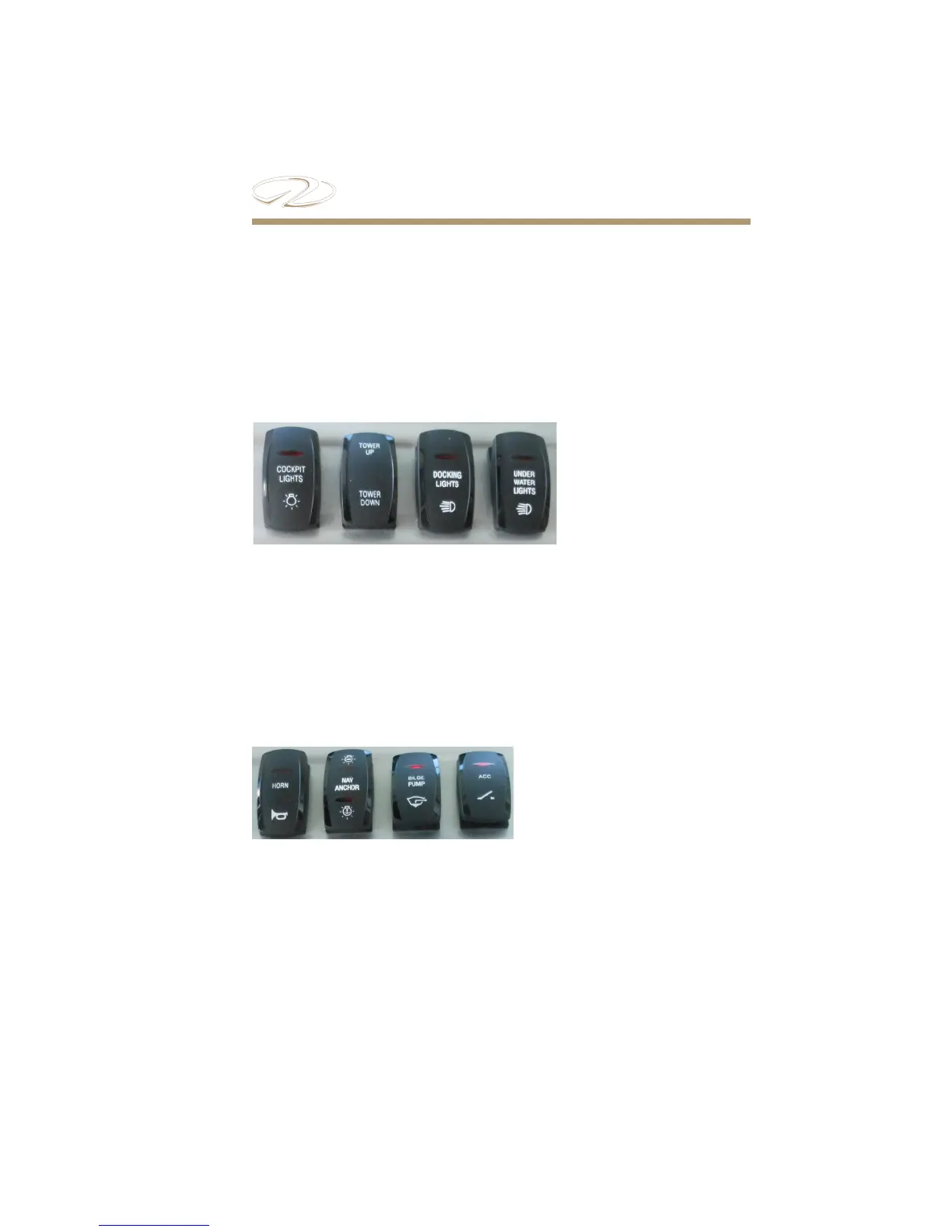
e port switch panel activates optional docking lights, cockpit
lights, Power Tower along with accessories installed a ermarket.
Cockpit lights are placed at the bow/transom walk through areas.
A red icon shows activation on individual switches. Switch names
may vary.
Port Switch Panel
Starboard Switch Panel
Typical Panel
Typical Panel



 To Next Page