23
Installer's Information
Premium Faceplate Surround Installation
PART # Description
311-920 Faceplate Surround Black
311-921 Faceplate Surround Grey
311-922 Faceplate Surround White
311-923 Faceplate Surround Sunset Bronze
311-924 Faceplate Surround Brushed Nickel
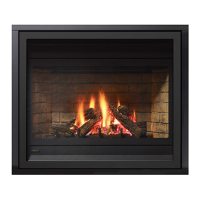
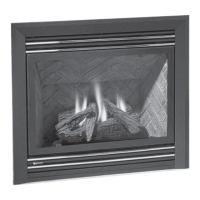
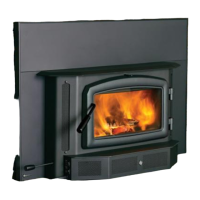
These instructions are for use with the following products:
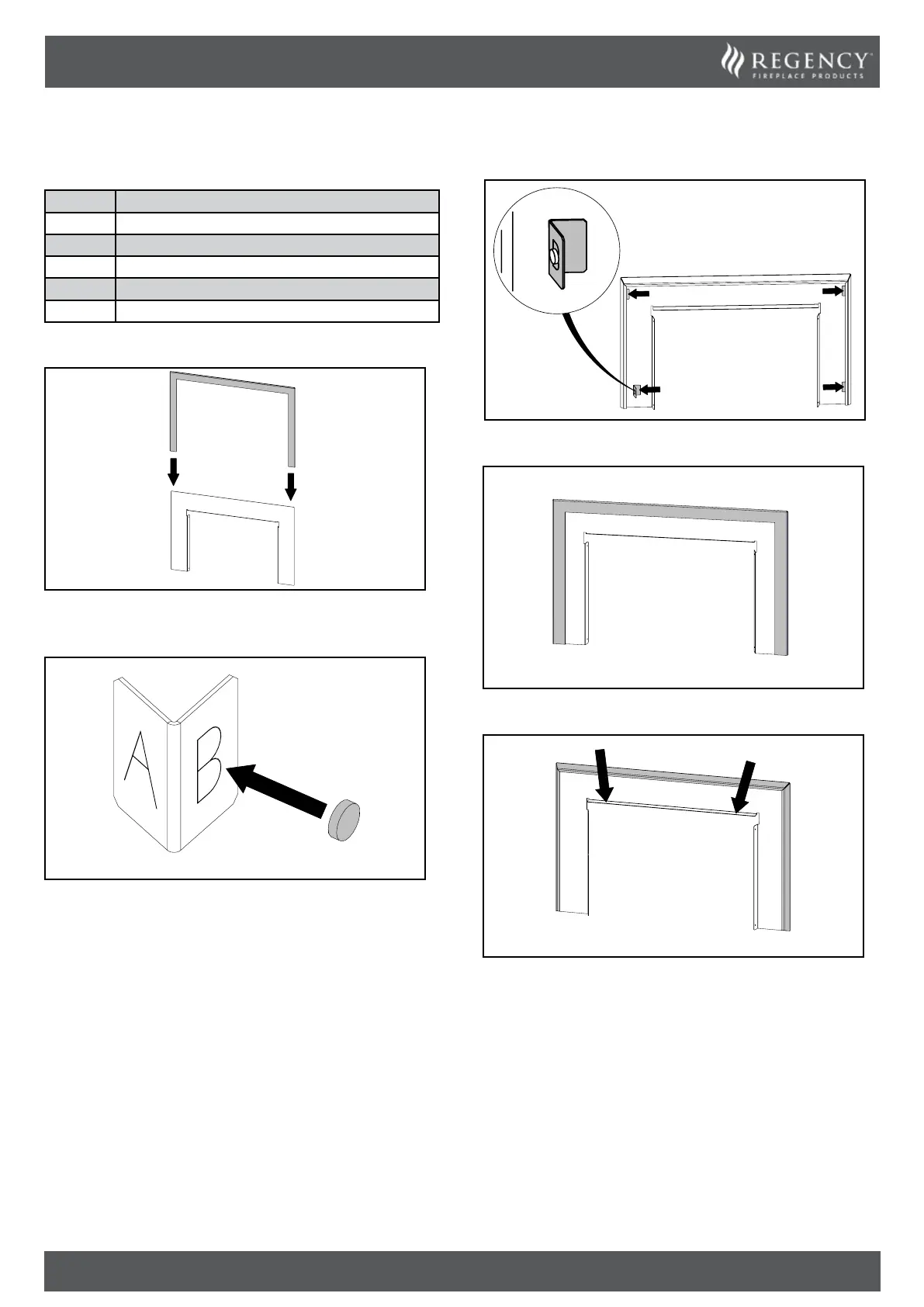
1. Gently slide the faceplate surround on from the top.
2. If using a Gi29 ush faceplate, place the magnets on face A. If us-
ing an Ei29 ush faceplate, place the magnets on face B. One magnet
per bracket.
3. Ensure the faceplate and faceplate surround are pressed against
each other. Insert the brackets on both sides, top and bottom.
4. Faceplate surround installed.
5. Lift the faceplate and faceplate surround up from this ange, as
shown, and refer to “Faceplate / Finishing Trim Installation”.



 To Next Page