25
Installer's Information
4-Sided Faceplate Installation
PART # Description
281-913 Faceplate 4-Sided Flush
281-938 Faceplate Custom 4-Sided
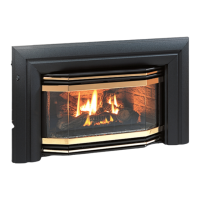
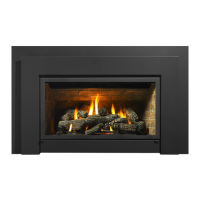
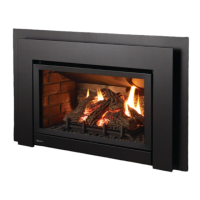
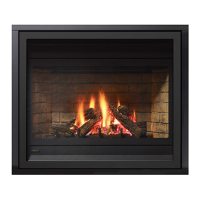
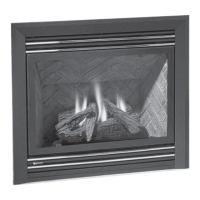
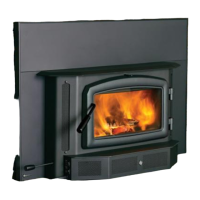
These instructions are for use with the following products:
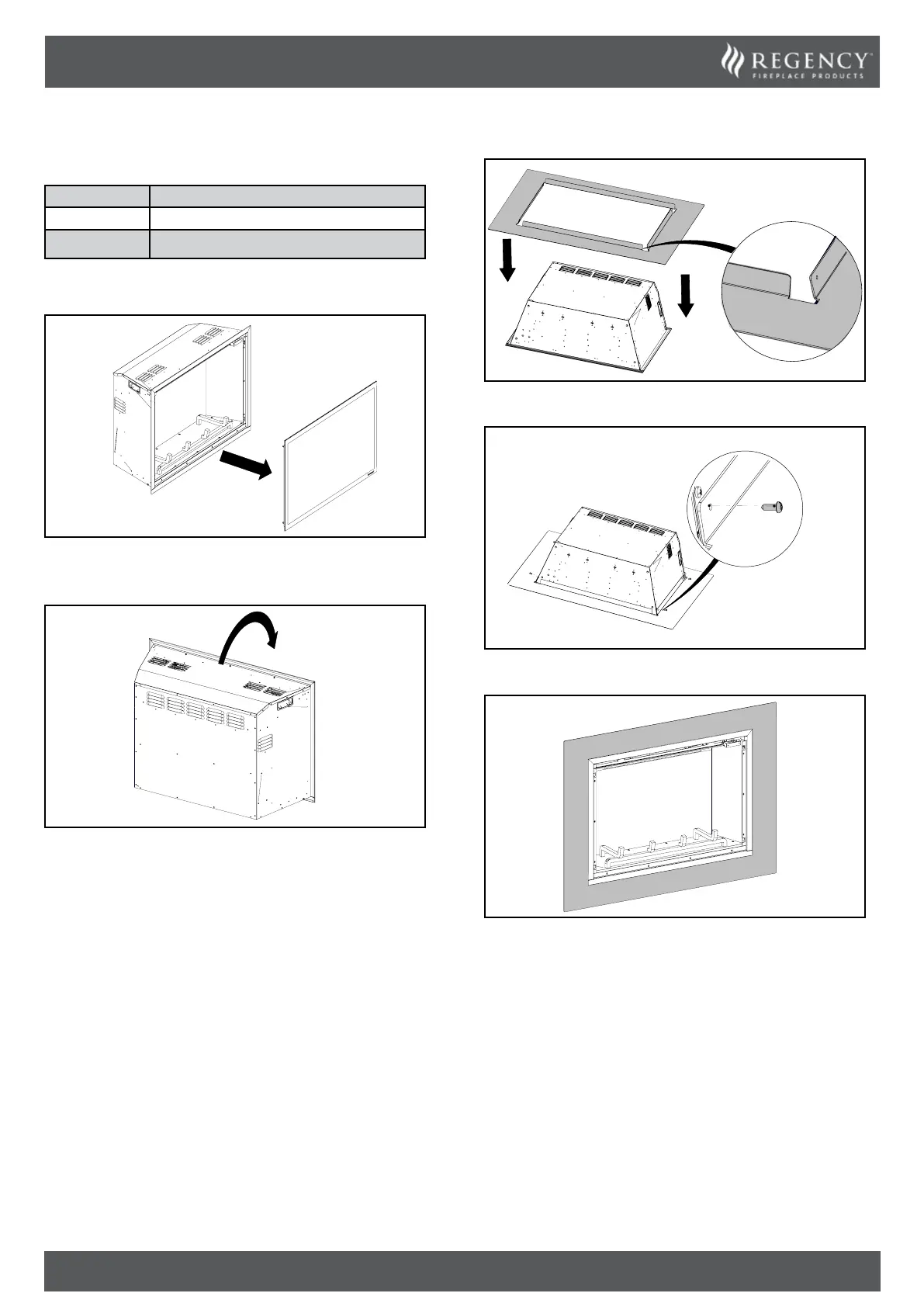
1. Remove the front glass with the suction cup provided.
2. Using a clean sheet or cardboard on the oor for protection, ip the
unit onto its front face.
3. Remove the four screws supplied with the faceplate.
4. Install the faceplate from the top. Ensure the correct orientation,
with the shorter ange located below the unit.
5. Fasten the four screws on both sides to attach the faceplate.
6. Flip the unit upright. 4-Sided faceplate installed.


 To Next Page