26
Installer's Information
Backing Plate Installation
PART # Description
281-936 Backing Plate 3-Sided Oversized
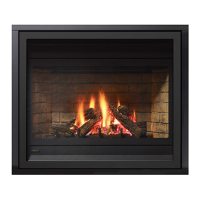
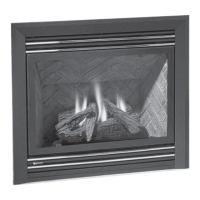
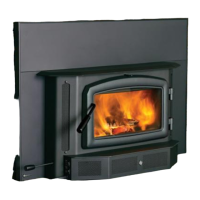
These instructions are for use with the following products:
1. If installing a 3-sided faceplate, premium surround or traditional
surround, refer to their relevant instructions now.
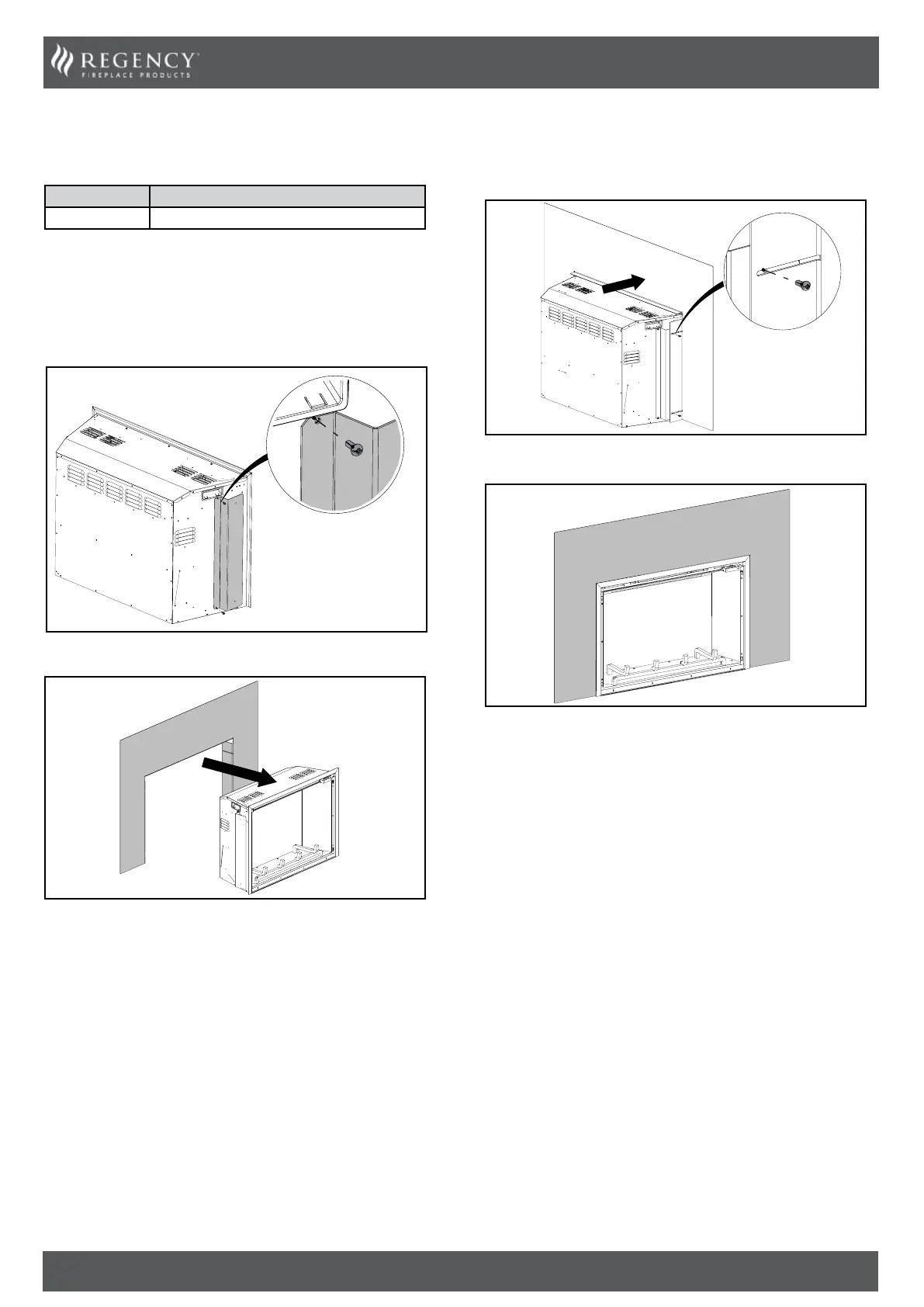
2. Remove the eight screws supplied with the backing plate.
3. Attach the brackets on both sides using the four screws provided.
4. Install the backing plate from the back.
5. While pulling the backing plate forward, fasten the four remaining
screws on both sides to attach the backing plate.
6. Backing plate installed.


 To Next Page