86
7. Programming
Programming is done via the “∆” and “∇” keys to raise or
lower the alignment values or to reach the desired align-
ment in the appropriate level (e.g. “Ltr” or “GAL”, see Sec-
tion 7.2, fig. “VAL”).
7.1 Operator Level “SEt SEL”
For programming the temperature-probe limit values (SEt
SEnsor Limits, see Section 11.1, Fig. 2) and the parameter
for measuring flow rate (if present).
This level is reached by pressing the “P” key for 3 s.
To go back one step, press the “P” key for a maximum of
2 s.
To return to the operating level with display of set and actual
values from any desired level, press the “P” key for 3 s.
Upper limit value of fluid temperature (°C) with reference to
the set value. Alarm when exceeded. 0 = function off.
Lower limit value of fluid temperature (°C) with reference to
the set value. Alarm when value falls below.
0 = function off.
Upper limit value of consumer temperature (°C) with refer-
ence to the set value. Alarm when exceeded.
0 = function off.
Lower limit value of consumer temperature (°C) with refer-
ence to the set value. Alarm when value falls below.
0 = function off.
If measurement of flow rate is available:
minimum flow in l/min. Alarm when value falls below.
Second set value “SP2” (max. S¯
¯, see Section 7.2).
With cascade control, the fluid temperature can be limited
(max. S¯
¯, see Section 7.2) via the external sensor Sn2.
0 = function off.
With cascade control, the fluid temperature can be limited
via the external sensor Sn2.
0 = function off.
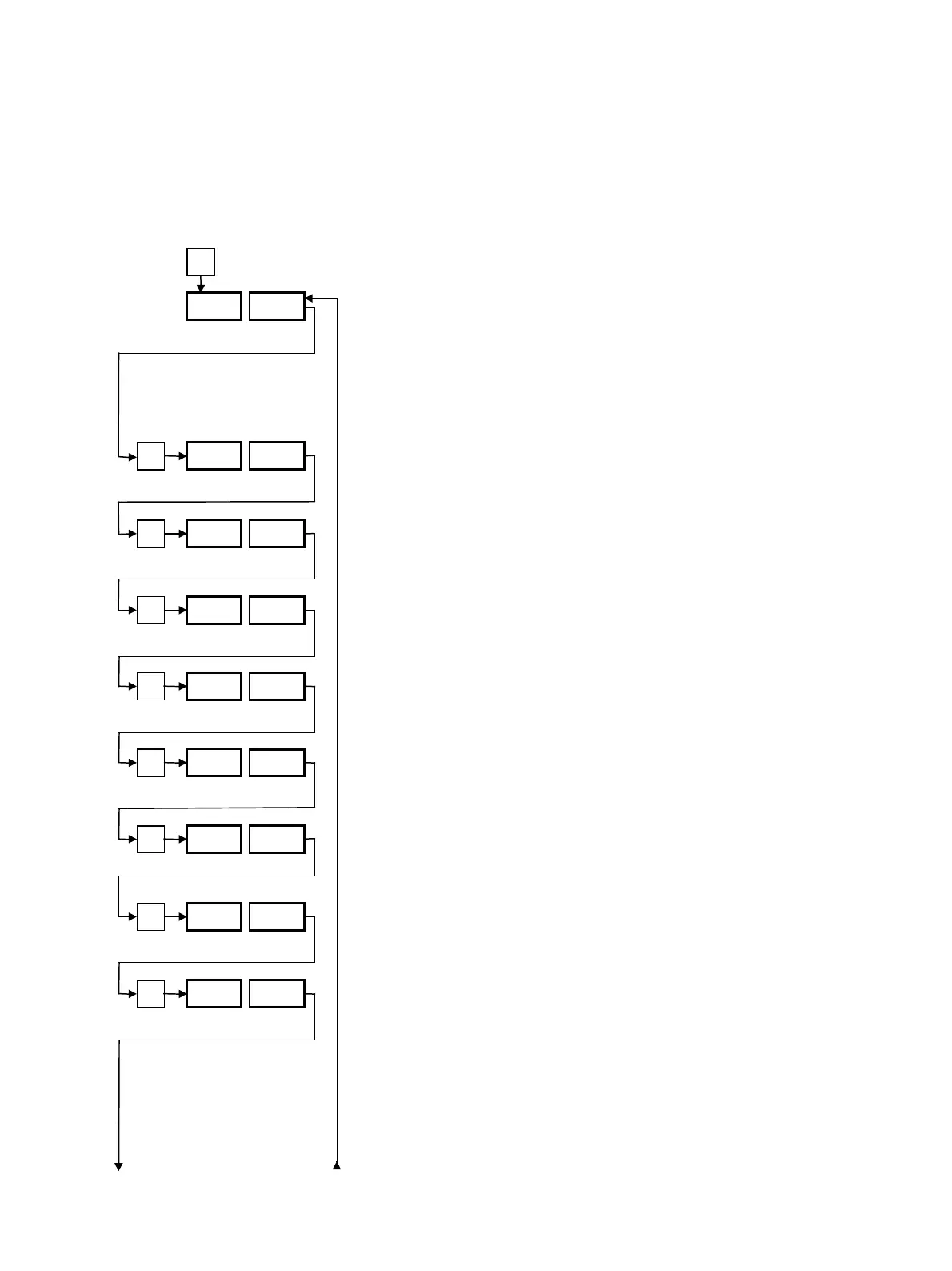
P
3 s
SEt SEL
P
S1
–
0
0 to 99
P
S1
–
0
0 to 99
P
S2
–
0
0 to 99
P
S2
–
0
0 to 99
P
FLC
2
2 to 50
P
SP2 0
0 to S
–
–
P
Ll
–
0
0 to S
–
–
P
Ll
–
0
0 to S
–
–



 To Next Page