100
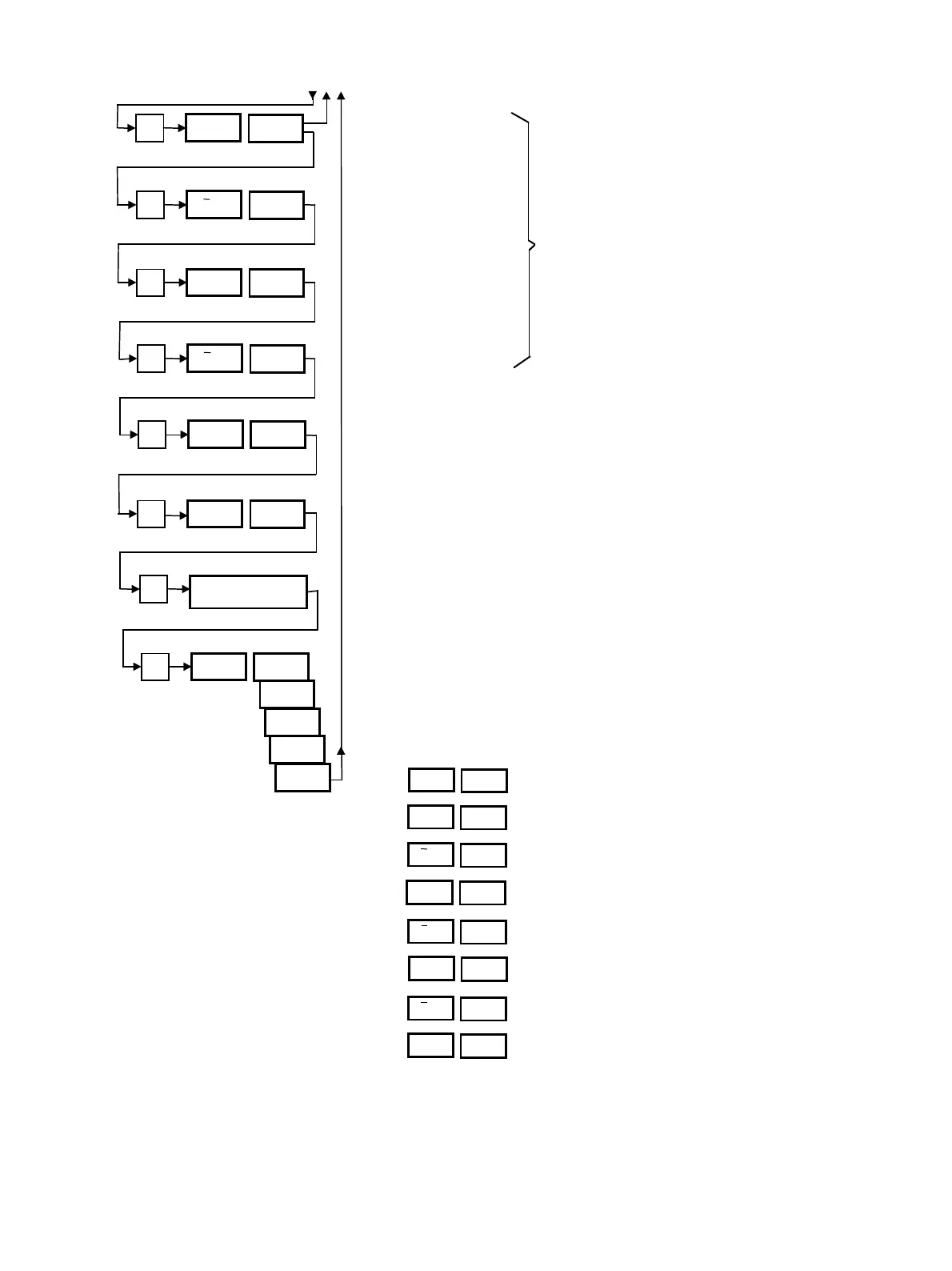
Switch-on hour.
Switch-on minute
Switch-off hour.
Switch-off minute
In options “0”, “8” and “9”, the program returns to pro-
gram step 6; option “1 to 7” advances to the next day.
Entries are repeated after step 7
Examples
1. To switch on the unit automatically on Monday, Wednes-
day and Friday, the switching on and off times are insert-
ed for “dAy 1”, “dAy 3” and “dAy 5”; for “dAy 2”, “dAy
4”, “dAy 6” and “dAy 7” are set to “dAy oFF”.
2. To switch the unit on an off automatically Monday to
Friday, option “dAy 8” is selected and the switching on
and off time is entered just once. The second switch-
on/off time has to be set to 0.
3. To set the unit to switch on Monday at 0635, switch off
Monday at 1415 and then runs continuously from 1530
until Tuesday at 1722, program the timer as follows
Day (Monday
Switch-on hour.
Switch-on minute
Switch-off hour.
Switch-off minute.
Switch-on hour.
Switch-on minute.
Switch-off hour.
P
h
=
15
8
P
nln
=
30
P
h
=
0
P
nln
=
0
P
dAy
2
10
11
9
P
dAy oFF
7
if «dAy» = 1 to 7
P
Enter switching on
and off time
P
dAy 3
4
5
6
7
Second switch-on/off time
dAy
1
h
–
6
nln
–
35
h
–
14
nln
–
15
h
=
15
nln
=
30
h
=
0
0 to 23
0 to 59
0 to 23
0 to 59



 To Next Page