99
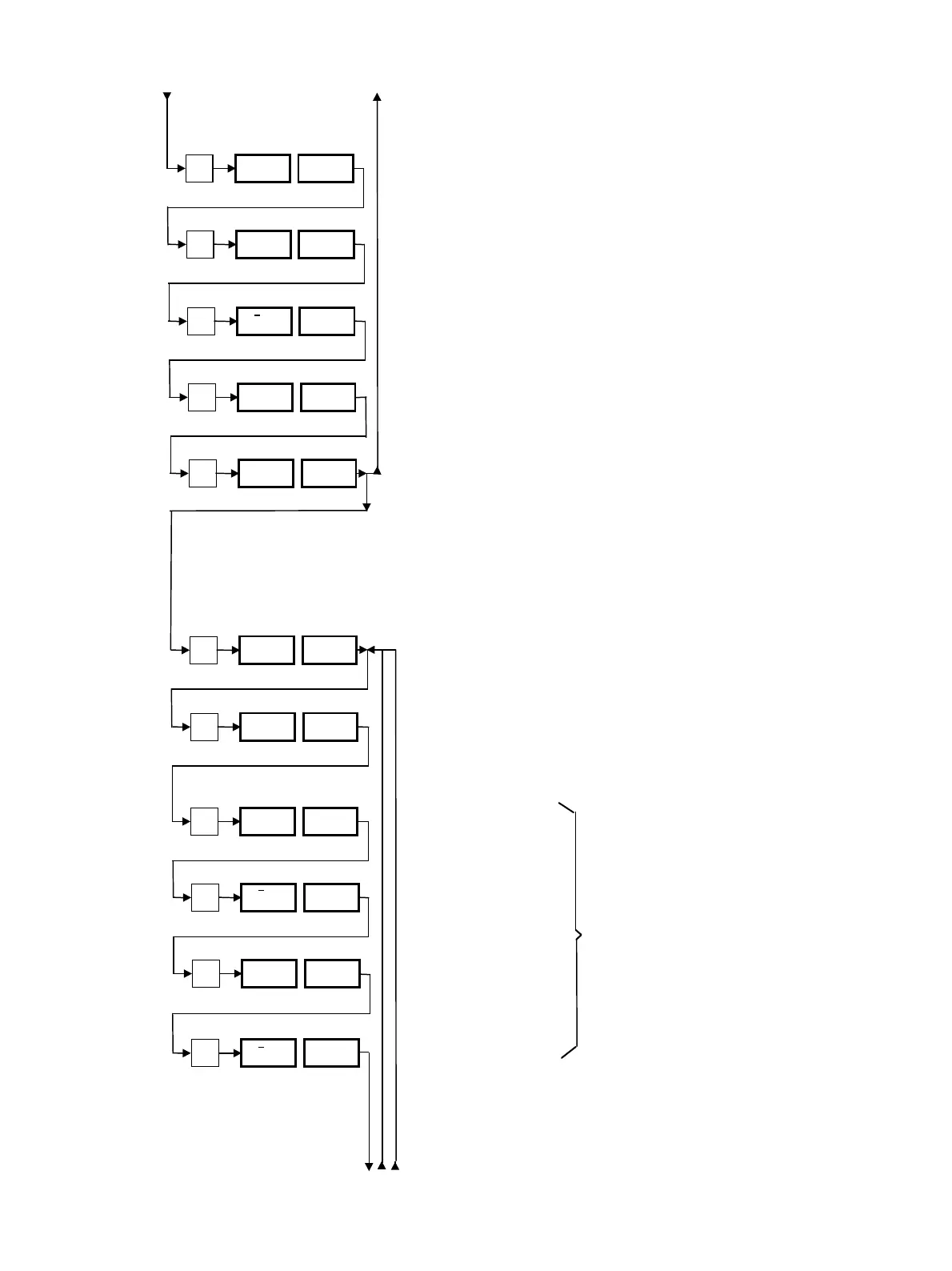
7.8.1 Setting the Timer
* = programming steps 1–5
Current day. “1” = Monday
Current hour.
Current minute.
Display of values entered. The display shows: Wednesday,
10 h 45 min.
Entry confirmation. “yES” sets the timer. “no”allows the
user to re-enter the values.
7.8.2 Programming the On/Off Times
* = programming steps 6–11
Select the first day or combination of days. 1–7 individual
days and 0, 8 or 9 to set one of the combinations selected.
With “dAy oFF” previously entered day or combination of
days is switched off and thus skipped. With “dAy on”, the
programmed on/off time for this combination of days is acti-
vated.
Switch-on hour.
Switch-on minute.
Switch-off hour.
Switch-off minute.
P
dAy
3
1 to 7
P
h 10
0 to 23
P
nln 45
0 to 59
P
3.10 45
P
SCL no
yES/no
P
dAy 1
0 to 9
3
1*
4
5
6*
no
2
P
dAy oFF
on/oFF
P
h
–
6
0 to 23
P
nln
–
35
0 to 59
P
h
–
14
8
9
10
7
P
nln
–
15
11
yES
First switch-on/off time
0 to 59
0 to 23



 To Next Page