98
7.8 Level for the Timer “SEt CLC”
If the RT 45 is equipped with a timer, it can be programmed
at this level to switch the unit on and off. The timer is pro-
tected against power failure for about 10 years.
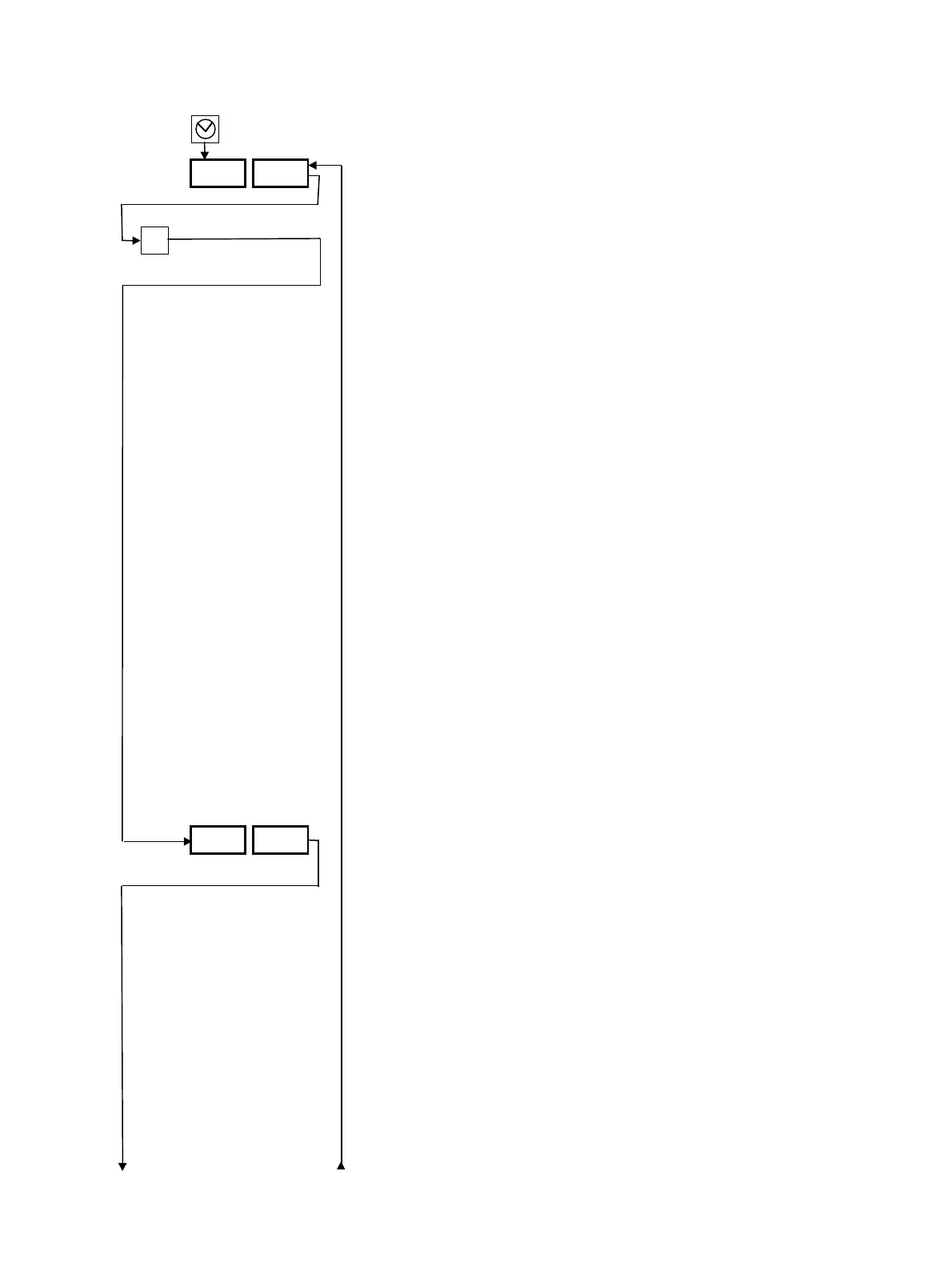
This level can be reached by pressing the key with the timer
symbol for 3 s.
The desired setting can be achieved by pressing the “∆” or
“∇” keys.
To move backwards: press the “P” key for a maximum of
2 s.
To return to the operating level with display of the set and
actual values from any desired display, press the “P” key for
3 s.
Definition of the days: 1 = Monday, 7 = Sunday.
Normally, the clock must be reset to the correct day and
time only when switching to and from daylight savings time.
To facilitate programmed, the following options have been
provided:
“dAy 0”: Same on/off time from Monday to Sunday.
“dAy 8”: Same on/off time from Monday to Friday.
“dAy 9”: Same on/off time from Monday to Saturday.
“dAy 1-7”: On/off time programmed separately for each
day.
If, in step 6, “dAy 0”, “dAy 8” or “dAy 9” are entered, only
one on and off time needs to be programmed.
The “Timer” key lamp lights up when the timer is activated;
the unit will be switched on or off automatically.
“On” On/Off via the timer.
“Off” Timer switched off. Programmed values remain.
P
SEt CLC
CLC on
on/oFF
3 s



 To Next Page