102
8. Controlling and Servicing
In the following two levels, the most important data and unit
settings can be read but not changed.
8.1 Control Level “Con L1”
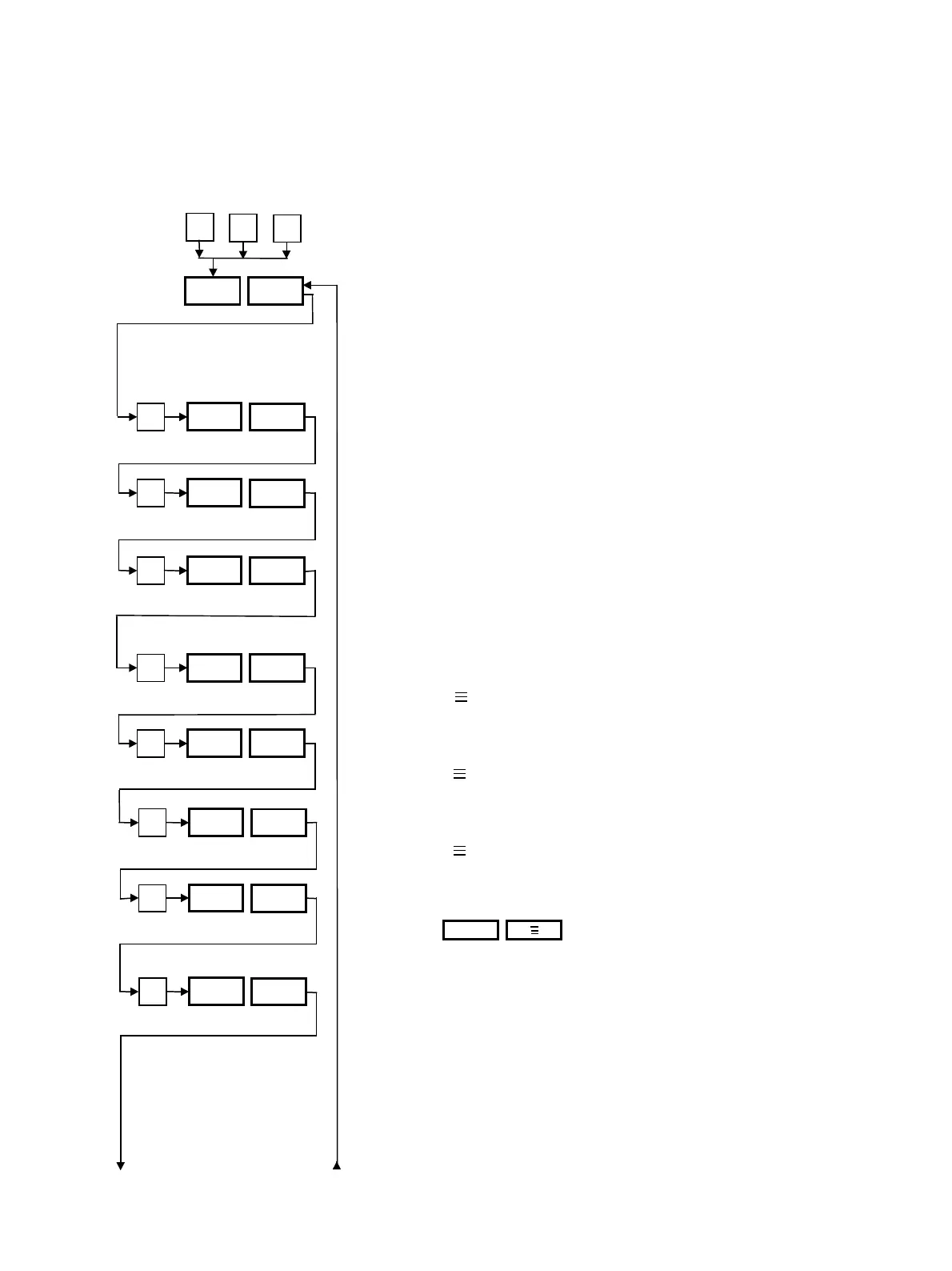
This level can be reached by pressing the “P” key while
pressing the “∆” and “∇” keys for at least 3 s.
The desired setting can be achieved by pressing the “∆” or
“∇” keys.
To move backwards: press the “P” key for a maximum of
2 s.
To return to the operating level with display of the set and
actual values from any desired display, press the “P” key for
3 s.
The type of external sensor Sn2 (consumer) is displayed,
e.g. Pt 100.
The type of third sensor Sn3 (if present) is displayed. Display
“no”: Sensor Sn3 not present.
The type of control or the type of active parameter set is
displayed, e.g. “CAS CAd”, i.e. cascade control with sensor
Sn1 and Sn2. If Sn2 is absent, e.g. “PAr 5” (parameter set
5) is displayed.
The actual temperature at sensor Sn1 (fluid temperature) is
displayed.
Display S 1: Probe Sn1 defective.
The actual temperature at sensor Sn2 (consumer tempera-
ture) is displayed:
Display S 2: Sensor Sn2 defective or not present.
The actual temperature at sensor Sn3 (generally inlet tem-
perature) is displayed.
Display S 3: Sensor Sn3 defective or not present.
External set value is displayed. If the option “External set
value” is not present, “ESP no” is displayed.
Display : external set value interrupted or
not connected.
“CLC yES” = optional “Timer” present. Otherwise “CLC
no”
Con L1
P
∆
∇
+
+
3 s
P
Sn2
Pt
P
Sn3 CA
P
CAS
CAd
P
CLC
yES
P
S1
115
P
S2 108
P
S3
98
P
ESP 120
ESP S P



 To Next Page