103
“FLC yES” = optional “Measurement of Flow Rate” pre-
sent. Otherwise “FLC no”.
If interface Ser CL, 422, 232 485, CAN or PB present.
Otherwise “SEr no”.
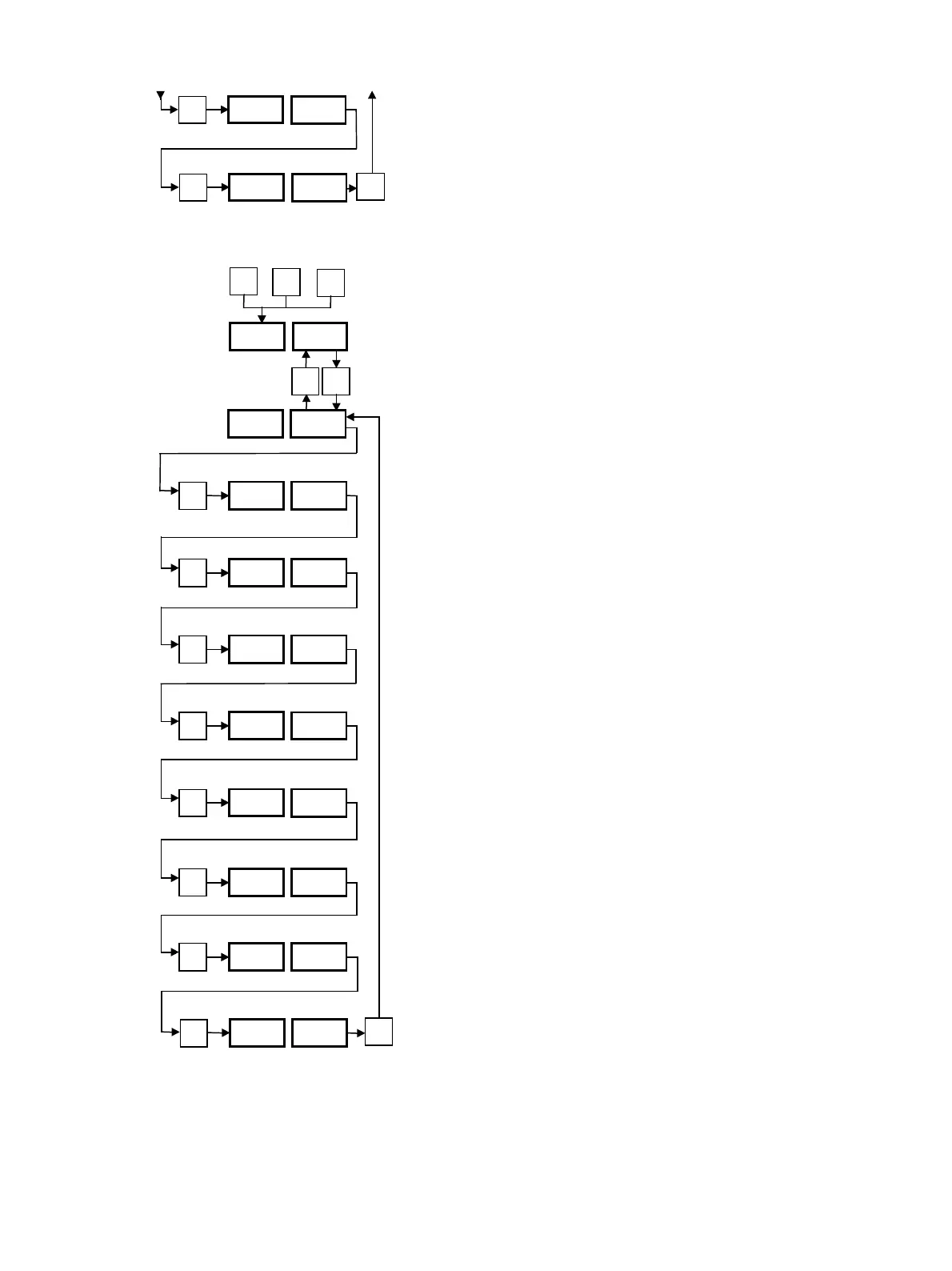
8.2 Control Level “Con L2”
This level can be reached by pressing the “P” key while
pressing the “∆” and “∇” keys for at least 3 s. The desired
setting can be achieved by pressing the “∆” or “∇” keys. To
move backwards: press the “P” key for a maximum of
2 s. To return to the operating level with display of the set
and actual values from any desired display, press the “P”
key for 3 s.
Type of controller.
Software version (example).
Status of the operating-hour meter (Example 12 586 hours).
Numbers of hours until next servicing.
Appears only when “S.” is programmed. See Section 7.2,
Fig. “S.”.
Phase current phase 1 of pump in A.
Phase current phase 2 of pump in A.
Phase current phase 3 of pump in A.
Control of the display field. All segments of display and all
lamps light alternately with “dSP Con”.
P
FLC yES
P
SEr 485
P
P
∆
∇
+
+
3 s
P
rt 45
P
SoF 345
P
h12 586
P
St
414
.
P
PP1 1.4
P
PP2 1.4
P
PP3 1.4
.
Con L1
∆ ∇
Con L2
P
dSP Con
P



 To Next Page