80
15
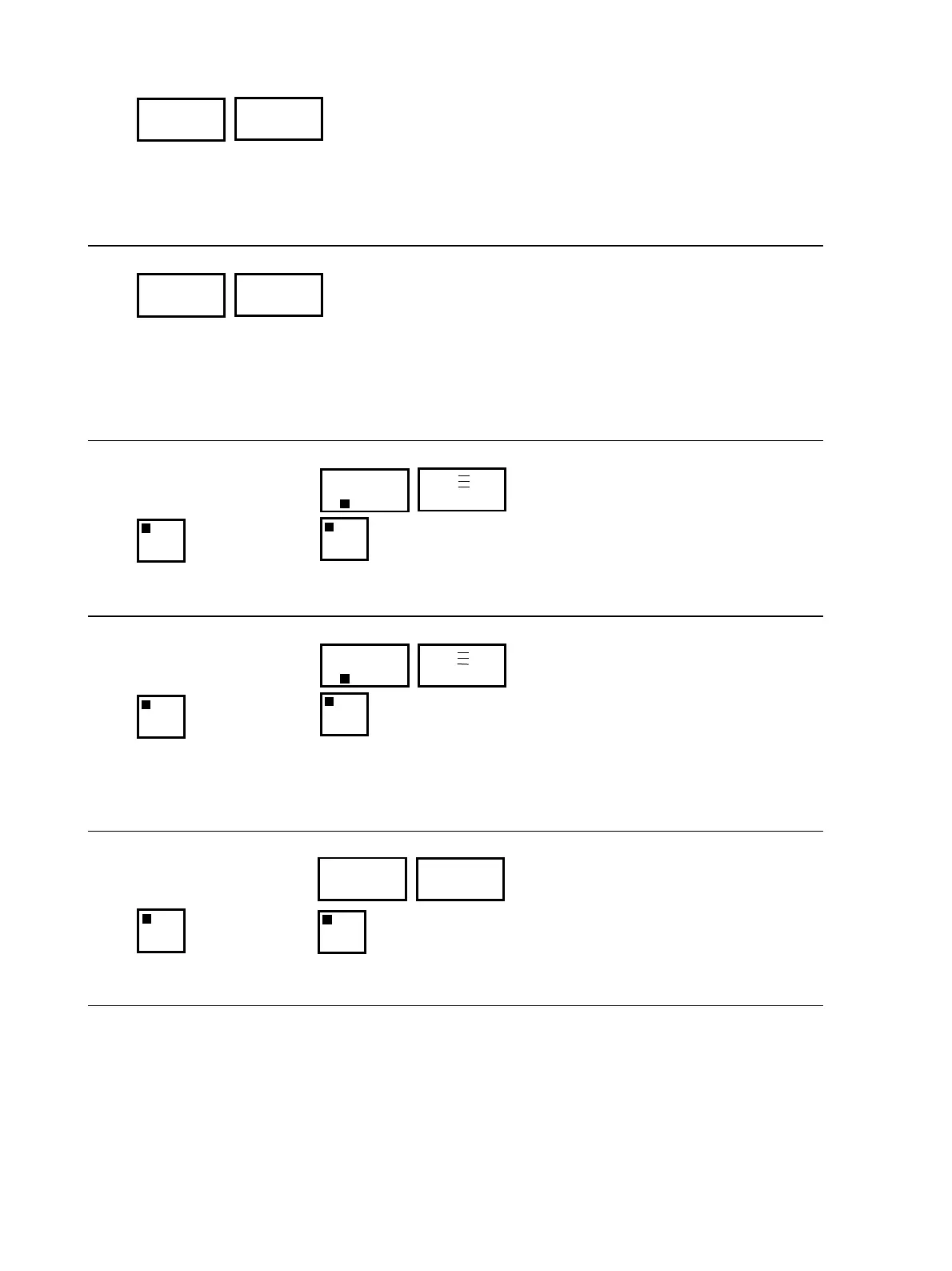
The display indicates when servicing is due (SErV).
The display disappears when the unit is switched on via the “On/Off” key, but will reappear as soon
as the unit is switched off.
When servicing has been completed, the elapsed time to the next service must be entered (see Sec-
tion 7.2, Programming “S.”).
16
If the unit is not equipped with the “Suction” mode accessory and the phase sequence is incorrect or
a phase is missing, the control will switch off for a few seconds, after it has been switched on via the
“On/Off” key and the “Phase” display will appear.
The malfunction must be corrected by exchanging the two phases on the unit connection and by
checking all 3 phases on correct supply voltage; this procedure must be performed by a professional
electrician. Switch the alarm off by pressing the “Alarm Reset” key.
17
The Sn1 sensor (fluid) is defective. Cooling is switched on.
The “Over Temp” and “Alarm Reset” lamps will light up.
18
The Sn2 sensor (consumer) is not connected or is defective. To correct this with the Sn2 sensor (fluid),
press the “Alarm Reset” key twice.
The fluid temperature shown in Display 13 will appear in the display to the left.
If it does not, connect sensor Sn2 or replace the defective sensor.
19
The current monitor of the pump motor has been tripped. Possible cause: motor overloaded (e.g.
pump running hard).
PHA
SE
SEr
U.
S 1
OVER
TEMP
ALARM
RESET
S1
S 2
OVER
TEMP
ALARM
RESET
90
S1
PPU
MOTOR
RESET
ALARM
RESET
XXX



 To Next Page