EasyManua.ls Logo

REI ECD-5500 - User Manual

REI ECD-5500
20 pages
Print Icon
To Next Page IconTo Next Page
Loading...
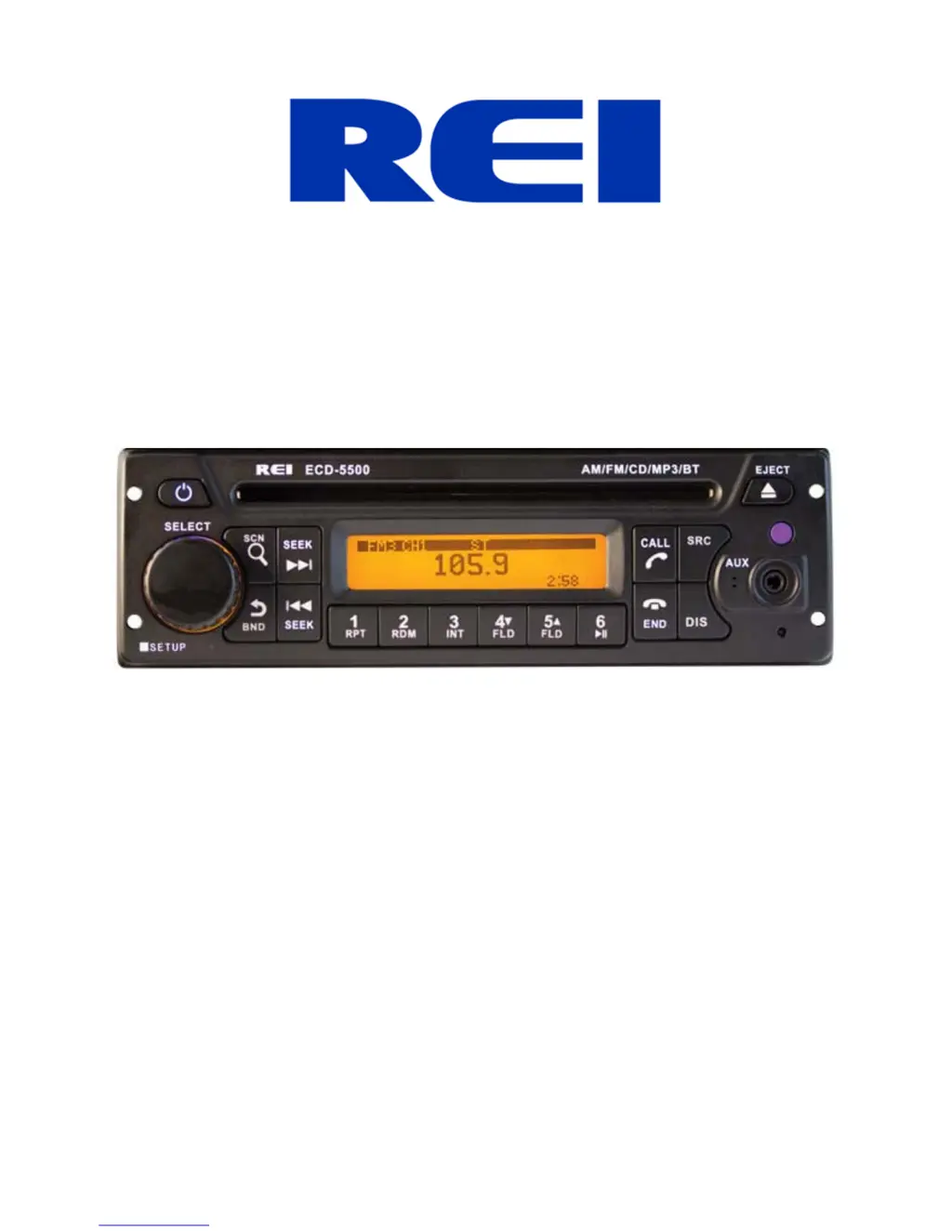
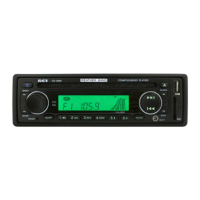
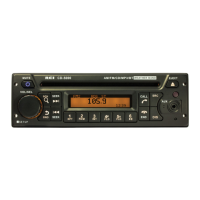
Heavy Duty AM/FM/CD Stereo Weather Band Radio, USB iPo Control
and Charging, Bluetoot Hands Free Calling and Wireless Audio
Streaming, Front/Rear Auxiliary Inputs
Installation/ Operation Manual
ECD-5500

Questions and Answers

  • H
    Heidi NorrisJul 30, 2025
    Why can't I tune into radio stations on my REI Car Receiver?
    • J
      John WelchJul 30, 2025
      If you're having trouble tuning into radio stations, it could be due to a few reasons. First, ensure the antenna cable is properly connected to your REI Car Receiver. A weak signal can also prevent tuning, so check the antenna connection. Additionally, the radio might be in the wrong frequency steps. To resolve this, check the frequency spacing in the radio’s SERVICE menu.
  • Y
    ygonzalezAug 4, 2025
    What to do if the audio is distorted or low on my REI Car Receiver?
    • G
      grichardsonAug 4, 2025
      Distorted or low audio on your REI Car Receiver can stem from a couple of issues. Check if the source audio level is too weak or overdriven. You can adjust the volume level of the auxiliary source to correct this. Also, a large bitrate of the audio file can cause distortion. Try changing the sample frequency or bitrate of the file.
  • L
    Lindsay MatthewsAug 8, 2025
    How to fix a REI ECD-5500 with backlighting but no LCD display?
    • M
      Mark HowardAug 8, 2025
      If your REI Car Receiver's backlighting is on but the LCD display is not showing anything, it could be due to a lack of power to the BATTERY wire or a blown 10A main fuse. Use a multi-meter to check for both ACC & BATTERY voltage, and inspect all fuses.
  • B
    Beth RiveraAug 12, 2025
    What to do if my REI ECD-5500 radio does not respond to the front buttons?
    • J
      Jacob KelleyAug 12, 2025
      If your REI Car Receiver radio is not responding to the front buttons, it indicates that an error in operation has occurred. To fix this, reset the unit from the front panel.
  • S
    Suzanne StanleyAug 17, 2025
    Why is my USB media not playing or continuously loading on my REI ECD-5500 Car Receiver?
    • K
      Katelyn MorganAug 17, 2025
      If your USB media is not playing or keeps loading on your REI Car Receiver, the media file type might be incorrect. Convert the files to a usable format, referring to the file requirements section of the manual for compatible formats.
  • A
    Andrea AndersonAug 21, 2025
    Why does my iPod screen display 'loading' for a long time on my REI ECD-5500 Car Receiver?
    • B
      Brian BrownAug 21, 2025
      If your iPod® screen displays “loading” for a long period of time on your REI Car Receiver, it could be due to the device not being supported. While the radio supports many iPod® models, not all are guaranteed to work. You can try waiting for the iPod® to load or reconnecting the 30-pin plug. If it continues loading, the device may not be supported or have a low battery. Consider using the AUX input or a Bluetooth® connection instead.
  • A
    Anthony SandovalAug 26, 2025
    Why isn't my REI ECD-5500 charging my device?
    • B
      Brooke MosesAug 26, 2025
      If your REI Car Receiver is not charging your device, it might be because the device requires more current than the USB can provide. Unplug the device and try again. The USB port cannot support more than 5V/500mA.

Summary

Controls and Indicators

Radio Operation

Basic Button Operations

Covers functions of key buttons like Power, Select, Scan, BAND, Tune, Preset, Call, End, Display, Source.

Setting the Clock

Instructions for setting the radio's clock time using the DISP button and Select Knob.

Special Modes and Features

Weather Band Mode

Details on tuning and using the NOAA Weather Band channels.

Setup Menu Configuration

Options available in the setup menu, including Bluetooth settings and display contrast.

Bluetooth Connectivity

Pairing a Bluetooth Device

Step-by-step guide to pair a mobile device with the radio via Bluetooth.

Bluetooth Phone Operations

Using the radio for hands-free calling via Bluetooth.

Bluetooth Audio Streaming

How to stream audio wirelessly from a Bluetooth-enabled device.

Media Playback

iPod;iPhone Operation

Connecting and playing audio from Apple devices via USB.

Auxiliary Input Usage

Connecting external audio sources via AUX inputs.

USB;CD Operation

Playing audio files from USB drives or CDs.

Optional Remote Control

Installation Procedures

Radio Dimensions and Dash Opening

Details required radio dimensions and dash opening sizes for proper fit.

ISO Mount Installation

Explains how to perform ISO installation without a DIN collar.

Mounting the Radio

Step-by-step guide for physically installing the radio into the dash assembly.

Electrical Connections

Troubleshooting

Specifications

Audio Section Specifications

Technical details for audio section, including tuner ranges and output.

Bluetooth and USB Specifications

Technical details for Bluetooth version, range, and USB interface standards.

Auxiliary Input and Unit Dimensions

Specifications for auxiliary inputs and physical dimensions of the radio unit.

REI ECD-5500 Specifications

General IconGeneral
BrandREI
ModelECD-5500
CategoryCar Receiver
USB PortYes
Auxiliary InputYes
BluetoothYes
Remote ControlYes
Supported MediaCD, USB
Output Power50W x 4 Channels
DisplayLCD

Related product manuals