EasyManua.ls Logo

REI ST-5050 - User Manual

REI ST-5050
12 pages
Print Icon
To Next Page IconTo Next Page
Loading...
24
Radio Engineering Industries, Inc.
www.radioeng.com
Rev A.0 Date: 11-03-16
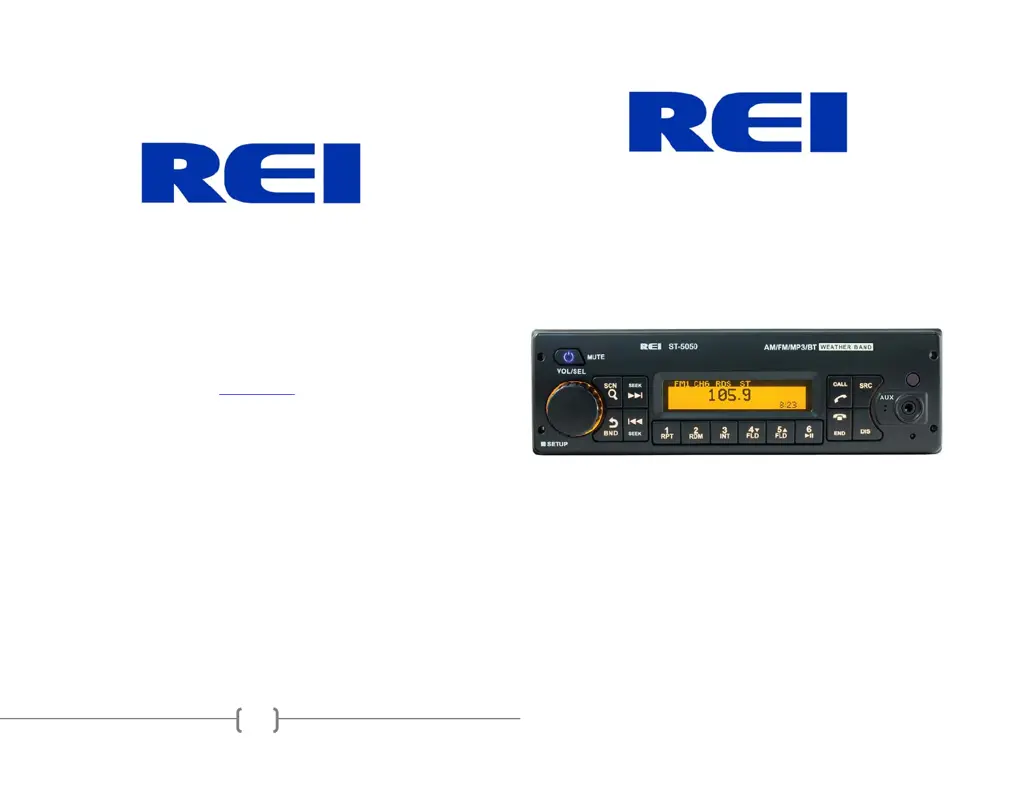
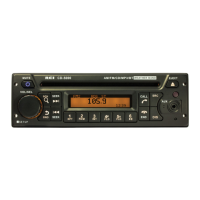
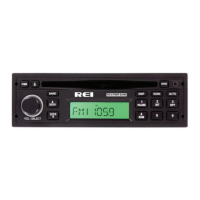
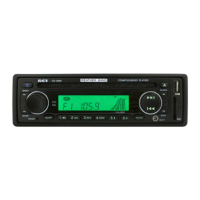
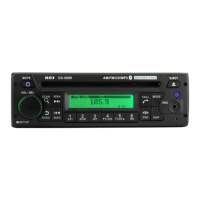
Heavy Duty AM/FM Stereo Weather Band Radio, USB iPod® Control and
Charging, Bluetooth® Hands Free Calling and Wireless Audio Streaming,
Front/Rear Auxiliary Inputs and built in PA
Installation/ Operation Manual
50W x 4 ST-5050

Questions and Answers

  • A
    Anthony CostaAug 17, 2025
    Why won't my device connect to the REI Car Receiver via Bluetooth?
    • J
      Jonathan OwensAug 17, 2025
      If your device isn't connecting via Bluetooth or can't find the REI Car Receiver ST-5050 radio, first ensure that Bluetooth and Discover mode are both set to ON in the SETUP menu. Also, try deleting previously paired devices or resetting Bluetooth.
  • A
    Amanda MillerAug 20, 2025
    How to fix my REI ST-5050 if it cannot tune radio stations?
    • A
      Allison PughAug 20, 2025
      If your REI Car Receiver isn't tuning into radio stations, it could be due to a disconnected antenna cable, a weak signal, or incorrect frequency steps. Connect the antenna cable and check the frequency spacing in the radio’s SERVICE menu.
  • K
    Kathy MendezAug 22, 2025
    Why is my REI ST-5050 Car Receiver not charging my device?
    • P
      Paul NelsonAug 23, 2025
      If your REI Car Receiver is not charging your device, it may be because the device requires more current than the USB port can supply. The USB port cannot support more than 5V/500mA. Try unplugging the device and plugging it in again.
  • B
    browntaylorAug 26, 2025
    What to do if the REI ST-5050 Car Receiver does NOT respond to the front buttons?
    • Z
      Zachary NguyenAug 26, 2025
      If the REI Car Receiver isn't responding to the front buttons, it may be due to an operational error. Reset the unit from the front panel to resolve this.
  • W
    William LucasAug 28, 2025
    Why does my iPod screen display 'loading' for a long time on my REI ST-5050 Car Receiver?
    • E
      Erica LeblancAug 28, 2025
      If the iPod screen displays “loading” for a long time on your REI Car Receiver, it might be due to the device not being fully supported or having a low battery. You can wait for the iPod to load, or reconnect the 30-pin plug. If it continues loading, use the AUX input or a Bluetooth connection instead. The radio supports a majority of iPod models, but not all are guaranteed.
  • J
    Jeremy GlennAug 31, 2025
    Why is the audio distorted or low on my REI ST-5050 Car Receiver?
    • G
      Gordon RobinsonAug 31, 2025
      If the audio from your REI Car Receiver is distorted or low, it could be due to a weak or overdriven source audio level, or the bitrate of the audio file being too large. Try adjusting the volume level of the auxiliary source or changing the sample frequency or bitrate of the file.
  • T
    Tiffany RichardsSep 3, 2025
    What to do if the REI ST-5050 LCD Display says MIC and front controls are locked?
    • T
      Tanya PearsonSep 3, 2025
      If the LCD display on your REI Car Receiver says MIC and the front controls are locked, it indicates the PA system is triggered. Disconnect the microphone, verify its correct pinning and type, and replace the microphone if necessary. Reset the unit.
  • D
    David ThompsonSep 5, 2025
    Why is there no sound coming from my REI Car Receiver?
    • D
      Dr. Susan SilvaSep 5, 2025
      If there is no sound coming from your REI Car Receiver, verify the following: ensure speakers are correctly connected to the harness, check all spliced wires, make sure speakers are not shorted to the chassis, and confirm the total speaker impedance is within 4-8 ?. Also, check the volume level.
  • J
    Jennifer JacksonSep 8, 2025
    What to do if USB media is not playing or says loading on my REI ST-5050?
    • M
      Michael Todd DVMSep 8, 2025
      If your REI Car Receiver is not playing USB media or displays 'loading', the media file type may be incorrect. Convert the files to a usable format, referring to the file requirements section of the manual.
  • B
    Bruce MeltonSep 12, 2025
    How to make Public Address audible over speakers on REI ST-5050 Car Receiver?
    • T
      Taylor MccoySep 12, 2025
      To ensure that the Public Address is audible over the speakers of your REI Car Receiver: * Turn the volume up on the microphone or radio when the LCD display’s MIC * Check that the correct microphone type is connected. * Check the PA setting’s in the radio’s menu.

Summary

REI Limited Warranty Details

Warranty Coverage and Exclusions

Details what the warranty covers and lists common exclusions and limitations.

Warranty Period and Service

Outlines warranty duration for various components and the process for obtaining service.

Warranty Maintenance and Non-Warranty Repairs

Specifies actions to keep the warranty valid and explains non-warranty repair procedures.

Authorized Repair Facilities

Lists REI's authorized repair locations for service needs.

Controls and Indicators Overview

Front Panel Controls and Display

Identifies and describes all buttons, knobs, and the main display on the front panel.

Rear Input;Output Connections

Details the various input and output jacks located on the rear of the unit.

Basic Operation Functions

Core Controls: Power, Volume, Scan, Band

Explains the function of essential buttons like Power, Volume/Select, Scan, and Band.

Tuning, Seeking, and Presets

Describes how to tune stations, seek channels, and use preset memory buttons.

Advanced Operation Features

Bluetooth Call and Connection Functions

Covers Bluetooth call handling, connection status, and phone ID display.

System Reset and Display Options

Explains how to reset the unit and control display information like clock and mode.

Mode-Specific Operations

Weather Band Mode

Details how to operate the Weather Band tuner and access NOAA broadcasts.

Setup Menu Options

Guides users through configuring display, alerts, and Bluetooth settings.

Troubleshooting and Settings

Troubleshooting Common Problems

Provides solutions for common issues like no sound, display problems, and connectivity.

Display and Radio Settings

Covers adjusting display contrast, version info, clock, and LCD modes.

Radio Operation Modes

Explains band presets, frequency display, and stereo indicator functionality.

Radio Data and Installation

RDS and Weather Band Alert Status

Describes Radio Data System (RDS) indications and Weather Band Alert status.

ISO Installation Procedure

Details how to install the radio using the ISO mount system without a DIN collar.

Installing the Radio into DIN Collar

Guides through securing the DIN collar and inserting the radio into the dash.

Electrical Connections and Wiring

Wiring Diagram and Connections

Provides a wiring diagram and explains required electrical connections for operation.

Radio Dimensions and Fitment

Specifies the radio's dimensions and maximum cutout requirements for installation.

Bluetooth Device Pairing

Connecting a New Bluetooth Device

Step-by-step guide to pairing a mobile device with the radio via Bluetooth.

Bluetooth Phone Mode

Bluetooth Phone ID and Connection Status

Displays previously paired phone IDs and the current connection status.

Bluetooth Options Menu

Explains how to access and navigate call history (Dialed, Received, Missed) and Phonebook.

Audio Playback Modes

PA Operation (Microphone)

Details how to connect and use a PA microphone for public address announcements.

Bluetooth Streaming Audio

Guides on playing audio from a mobile device via Bluetooth connection.

Media Playback Operations

iPod;iPhone Operation

Instructions for connecting and controlling an iPod or iPhone via USB.

USB Media Playback

Explains how to connect and play audio files from a USB storage device.

Auxiliary Input Operation

Details how to connect and use external audio sources via AUX inputs.

REI ST-5050 Specifications

General IconGeneral
BrandREI
ModelST-5050
CategoryCar Receiver
LanguageEnglish

Related product manuals