EasyManua.ls Logo

REI CD-3000 - User Manual

REI CD-3000
14 pages
Print Icon
To Next Page IconTo Next Page
Loading...
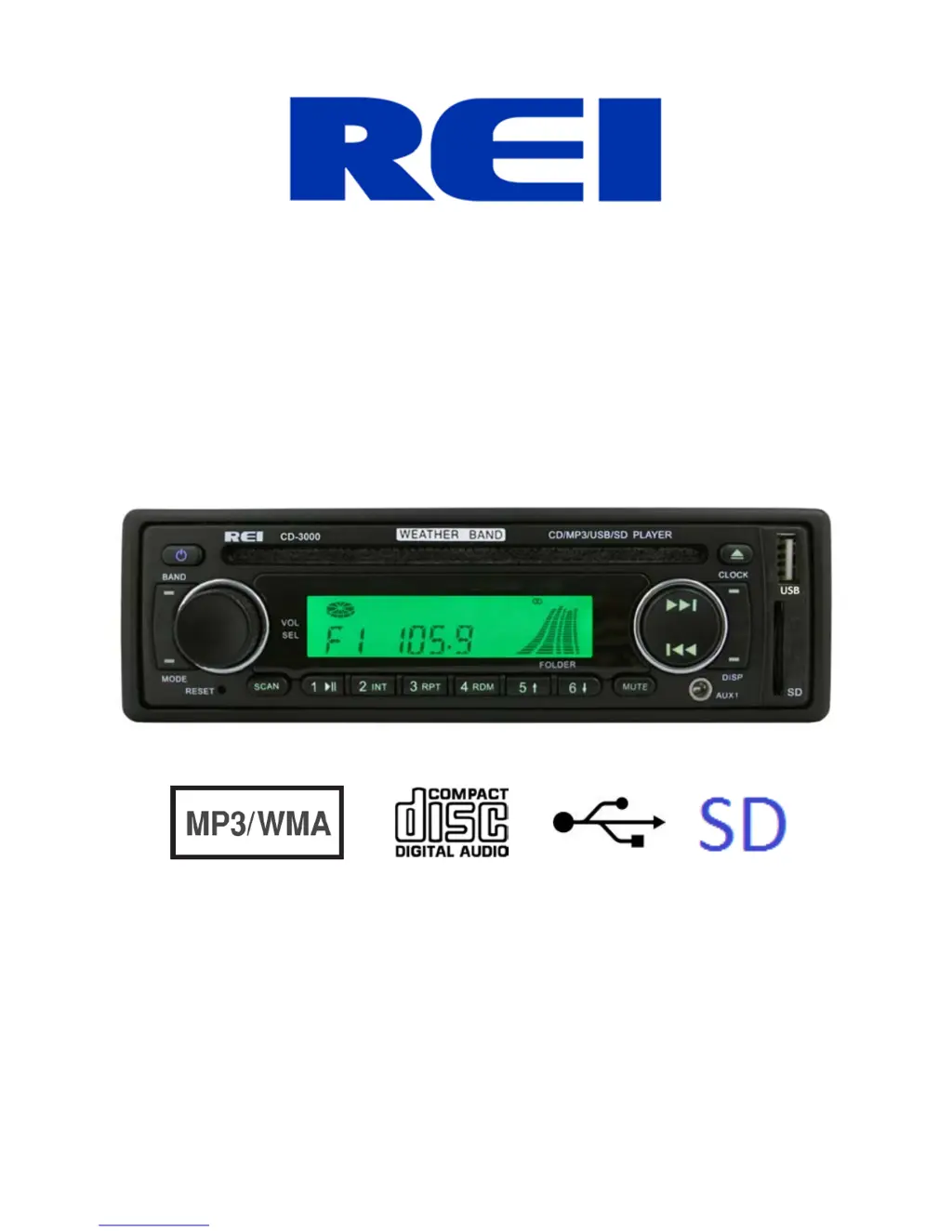
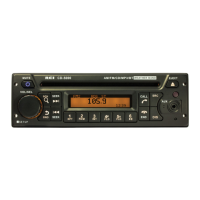
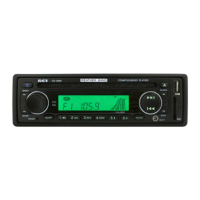
AM/FM/CD/MP3 Weather Band Radio Receiver with USB/SD &
Auxiliary Inputs, 3 Built-in Microphone inputs for PA
Announcements
Installation/Operation Manual
50W x 4 CD-3000

Questions and Answers

  • D
    Donna FrenchAug 1, 2025
    What to do if my REI CD-3000 Car Receiver has no sound?
    • J
      Jillian GonzalezAug 1, 2025
      If your REI Car Receiver has no sound, there could be several reasons: * The speakers might not be properly connected to the harness. * The speaker wires may have bad splices. * The speakers could be shorted to the chassis ground. * The total speaker load might not be within the 4-8 Ohms per channel range. To resolve this, ensure the speakers are correctly connected to the harness, check all spliced wires for integrity, verify the speakers are not shorted to the chassis, and confirm the total speaker impedance is within the specified range.
  • T
    torreskyleAug 6, 2025
    How to fix an REI CD-3000 when the power light doesn't turn on?
    • D
      Dawn MooneyAug 6, 2025
      If the power light on your REI Car Receiver doesn't turn on, it could be due to several reasons: * No power to the yellow wire. * No power to the red wire. * A blown fuse. To troubleshoot, check for ACC/BATTERY voltage with a multi-meter, inspect the fuse, and press the RESET button.
  • J
    Joseph MooreAug 10, 2025
    What to do if my REI CD-3000 Car Receiver says “ERROR” and skips to “AUX”?
    • S
      smithmarkAug 10, 2025
      If your REI Car Receiver displays “ERROR” and skips to “AUX” when trying to play digital media, it's likely because the media is an unsupported file type. To resolve this, encode the media with a supported file type, ensure the disc has been finalized, or try using different software.
  • T
    teresamartinAug 16, 2025
    Why can't I hear the Public Address over the speakers on my REI CD-3000?
    • A
      Adriana SchroederAug 16, 2025
      If you cannot hear the Public Address over the speakers of your REI Car Receiver, there are a few potential causes: * The microphone volume level is set to “0”. * The microphone is plugged into the wrong input. * The wrong microphone type is being used. To fix this, turn up the volume when the LCD display shows MIC 1 or MIC 2, and ensure that the correct microphone type is connected.
  • K
    Katherine WatersAug 21, 2025
    How to resolve disc errors during CD playback on my REI CD-3000?
    • H
      Heather MooreAug 21, 2025
      Disc errors during CD playback on your REI Car Receiver can occur due to a few reasons: * The disc is scratched. * The internal optics are dirty. * The angle of operation is too extreme. To address this, try to restore the CD by removing any scratches and adjust the angle of operation to between 0°-30°.
  • M
    michael83Aug 26, 2025
    What to do if the LCD Display of my REI Car Receiver says MIC /MIC 1/ or MIC 2 and the front controls are locked?
    • C
      Carol SolisAug 26, 2025
      If the LCD Display on your REI Car Receiver shows MIC /MIC 1/ or MIC 2 and the front controls are locked, it indicates that the PA system is triggered. To resolve this, remove the microphone connections and verify correct pinning, or replace the microphone.

Summary

Controls and Indicators

Front Panel Controls Overview

Details the function of each button, knob, and slot on the radio's front panel for user interaction.

Basic Operation Functions

Power, Volume, Band, Mode, Reset, Scan, Presets, Mute

Explains how to power on/off, adjust volume, change bands, select modes, reset, scan, use presets, and mute audio.

Advanced Operation and Media Playback

Tuning, Aux Inputs, Media Handling, Clock, CD Eject

Details tuning, using auxiliary inputs, SD/USB playback, display functions, setting clock, and CD ejection.

Radio System Menu and Lock-Out

System Menu Navigation and Station Lock-Out Feature

Guides through system menu settings like display scroll and RDS, and explains radio station lock-out functionality.

PA Operation and Microphone Inputs

Using the Public Address System with Microphones

Details how to use the Public Address system, including microphone inputs, priority, and volume adjustments for PA announcements.

Radio Connections and Wiring

Wiring Diagram for Installation and Accessories

Provides a wiring diagram and instructions for connecting power, speakers, microphones, and other accessories to the radio.

Radio Installation and Dimensions

Dash Opening Requirements and Installation Steps

Specifies physical dimensions for dash openings and guides the user through the physical installation process of the radio.

Radio Removal and Troubleshooting

Steps for Radio Removal and Problem Resolution

Provides steps for radio removal and lists common troubleshooting problems with their causes and suggested measures.

Radio Specifications Overview

General, Power, and Tuner Specifications

Details operating voltage, current consumption, power output, speaker impedance, and tuner performance metrics.

CD Player and Decoding Specifications

Lists technical details for the CD player, including signal-to-noise ratio, frequency response, and supported audio formats.

Interface and Input Specifications

USB, SD Card, Pre-Amp, and Auxiliary Input Details

Details specifications for USB, SD card, audio pre-amp output, and auxiliary inputs, including formats and voltage.

REI CD-3000 Specifications

General IconGeneral
BrandREI
ModelCD-3000
CategoryCar Receiver
LanguageEnglish

Related product manuals