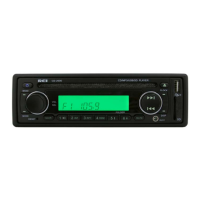
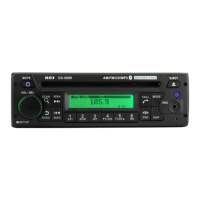
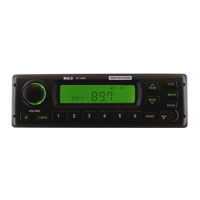
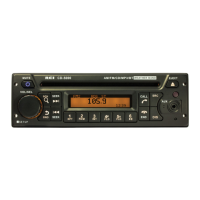
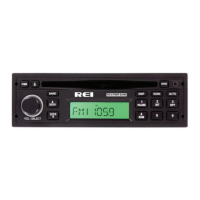
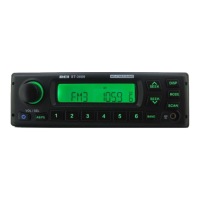
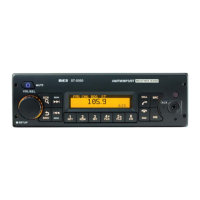
RADIO SYSTEM MENU
Press and hold the VOL/SEL button for 2 seconds. LCD will display MENU, make
the desired selection below:
To change display SCROLL OPTIONS, rotate VOL/SEL, then press to choose:
• Scroll OFF - RDS text will not display automatically, must press the DISP key to
view
• Scroll ON - RDS text will display automatically and continuously
To enable the RDS option, rotate VOL/SEL, then press to choose:
• RDS ON
• RDS OFF
This is the firmware version present on the radio,
• VER 001
To save and exit MENU mode, press and hold the VOL/SEL button.
Note: Menu will exit automatically after 5 continuous seconds without saving any
selections.
RADIO STATION LOCK-OUT
Radio station Lock-Out gives Fleet managers the ability to restrict AM/FM playback.
To enable operation, set acceptable stations into all the AM & FM presets. If only
one station is allowed, preset that same station into all presets of either the FM or AM
band. Once the stations are set, Press and hold both the VOL/SEL (2) and BAND (3)
buttons for 3 seconds. The display will scroll “ENTER CODE”, at which time the
user can enter a personal 4 digit code using presets 1-6. Once entered, the display
will show “LOCKED” giving the user confirmation. The user will have access to
only the AM & FM stations found in presets 1-6. If the user attempts to change the
station using the SEEK/TUNE buttons, the display will scroll “ENTER CODE”.
Entering the wrong code will scroll “ERR CODE”. Once the user enters the correct
code, the display will show “UNLOCKED” and restore the radio to normal operation.


 To Next Page