10
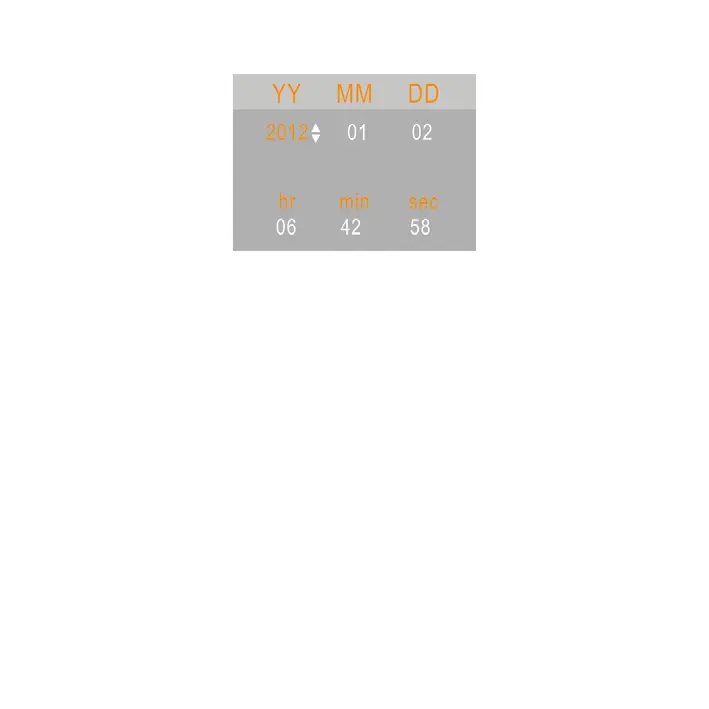
2.6 HOW TO SET THE DATE AND TIME
1. Turn the power on, press the MENU button to display the
menu, and then press the RIGHT button twice to select
[Setup] Menu.
2. Press the UP or DOWN buttons to select [Set Date] then
press the OK button to launch the submenu.
3. Press the UP or DOWN buttons to change the highlighted
value. Press the LEFT or RIGHT buttons to move the cursor
between settings.
4. Press the OK button to conrm the setting and close the
menu.



 To Next Page