18
5. Battery Power Level.
6. Date Imprint.
7. Press the shutter button to playback video le.
3. HOW TO USE THE DIGITAL VIDEO CAMERA
3.1 HOW TO TURN THE DIGITAL VIDEO CAMERA ON AND OFF
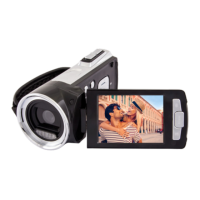
1. Open the LCD panel to power on the digital video camera
and close the LCD panel to turn off the digital video
camera.
2. You can also press the POWER button to turn on the digital
video camera and press it again for 3 second to turn it off.
To save battery power, you can change the power-off time by
setting the function [Power Save] in the Setup menu.
3.2 HOW TO CHANGE THE RECORD MODE
There are four modes in this digital video camera. Press the
MODE button to change the mode, each time the MODE but-
ton is press the mode is changed.


 To Next Page