19
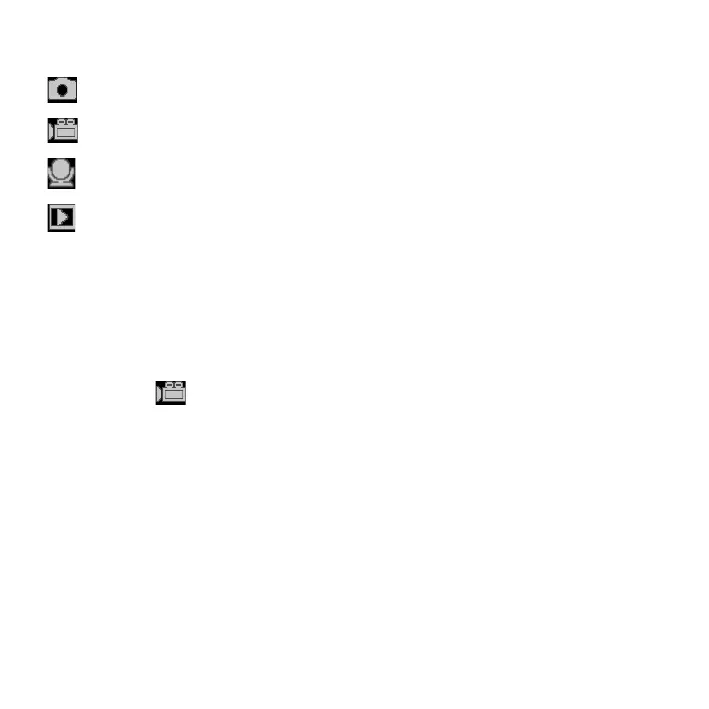
Display Title Description
Capture mode For taking still photos.
Video mode For recording movie clips.
Audio mode For recording audio les.
Playback mode For previewing record les.
Please Note: Press the playback button to enter playback mode.
3.3 HOW TO RECORD A VIDEO CLIP
1. Turn on the digital video camera and set it to video record
mode (
).
2. Zooming: Press the UP or DOWN buttons to zoom in or
zoom out the subject. The value of magnication level
appears on the LCD monitor.
3. Press the SHUTTER button to start recording.
4. Press the OK button to pause and press it again to continue
to recording.


 To Next Page