EasyManua.ls Logo

reMarkable RM110 - Page 11

Default Icon
113 pages
Print Icon
To Next Page IconTo Next Page
To Previous Page IconTo Previous Page
Loading...
The re
M
navigat
Marke
r
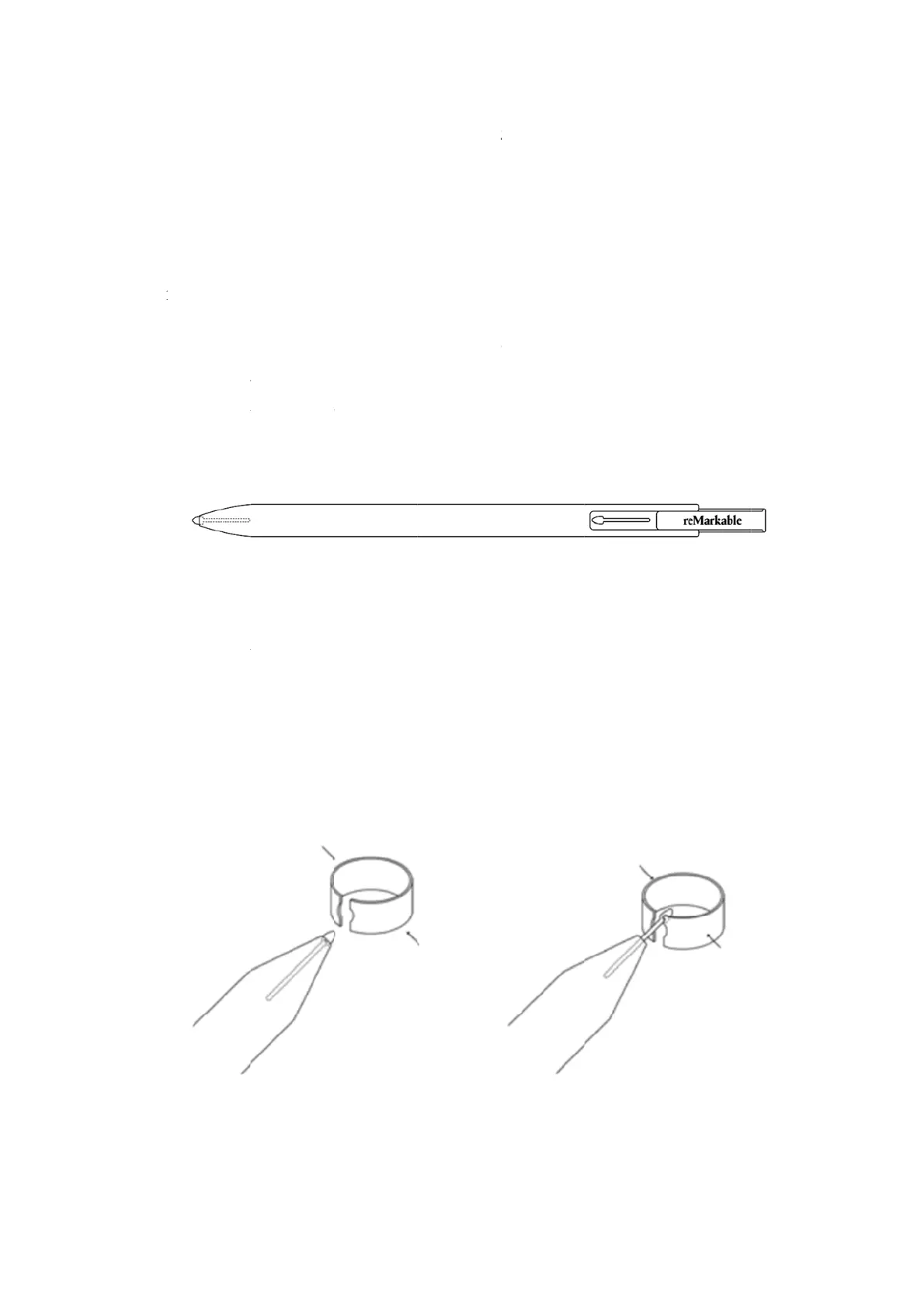
The m
a
10 mar
k
pen, an
the tip.
How t
o
The
Ins
e
tog
e
Pull
Durab
i
M
arkable di
e while res
t
r
tips
a
rker tips ar
e
k
er tips an
d
extra mar
k
o
chan
g
e t
h
marker ti
p
e
rt the mar
k
e
ther.
the tip slo
w
i
lit
y
splay has p
t
ing your p
a
e
carefully
d
d
a marker t
i
k
er tip is hi
d
h
e marker
t
p
is change
d
k
er into th
e
w
ly out of
t
a
lm rejecti
o
a
lm on the
d
d
esigned to
i
p removal
t
d
den in the
t
t
ip:
d
by using
e
marker t
i
t
he marke
r
o
n technolo
g
d
isplay.
o
deliver a
p
t
ool. While
t
op of the
M
the marke
r
i
p removal
r
. Gently in
g
y which e
n
p
ape
r
-like f
e
one is alre
a
M
arker. Slid
e
r
tip remo
v
tool and p
sert a new
n
ables you
t
e
eling. reM
a
a
dy supplie
d
e
the top p
a
v
al tool.
r
ess the to
o
tip.
t
o draw, w
r
a
rkable co
m
d
at the tip
a
rt upwards
ol slightly
r
ite and
m
es with
o
f the
to find

Other manuals for reMarkable RM110

Related product manuals