EasyManua.ls Logo

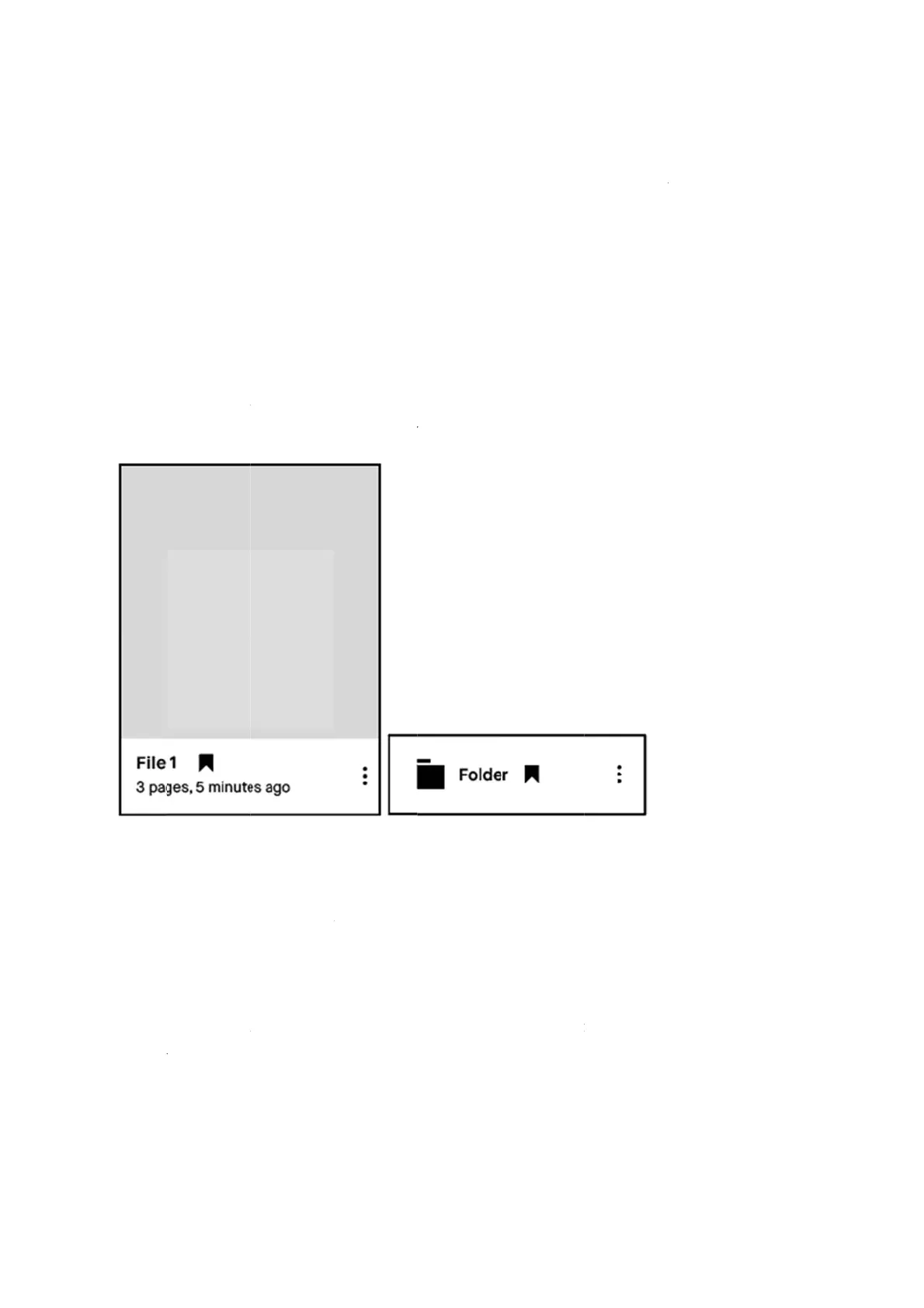
reMarkable RM110 - Bookmark

Default Icon
113 pages
Print Icon
To Next Page IconTo Next Page
To Previous Page IconTo Previous Page
Loading...
4.2
B
Use bo
o
to. All
y
How t
o
1. Tap
2. Tap
file
y
How t
o
1. Tap
b
oo
k
2. Tap
and
w
B
ookm
a
o
kmarks to
y
our book
m
o
bookmar
k
the contex
t
the book
m
y
ou have b
o
o
remove a
the contex
t
k
mark.
the book
m
w
ill no lon
g
a
rk
label noteb
m
arks are c
o
k
a file or
a
t
ual menu
(
m
ar
k
icon.
T
o
okmarked.
bookmar
k
t
ual menu
(
m
ark icon i
n
g
er be in th
e
ooks, docu
m
o
llected in t
h
a
folder:
(
three dots)
T
he bookm
a
It can no
w
k
on a file:
(
three dots)
n
the top m
e
e
bookmar
k
m
ents, ebo
o
h
e
b
ookma
r
)
on the ite
m
a
rk icon be
c
w
be found i
n
)
on the ite
m
e
nu. The bo
o
k
section o
n
o
ks or fold
e
r
k section o
n
m
you want
c
omes visib
l
n
the book
m
m
where yo
u
o
kmark ico
n
n
the home
s
rs that you
w
n
the home
to bookma
r
l
e next to t
h
m
ark sectio
n
u
want to re
n
will disa
p
s
creen.
want easy
a
screen.
r
k.
h
e file nam
e
n
.
e
move your
p
pear on yo
u
a
ccess
e
on the
u
r file

Other manuals for reMarkable RM110

Related product manuals