EasyManua.ls Logo

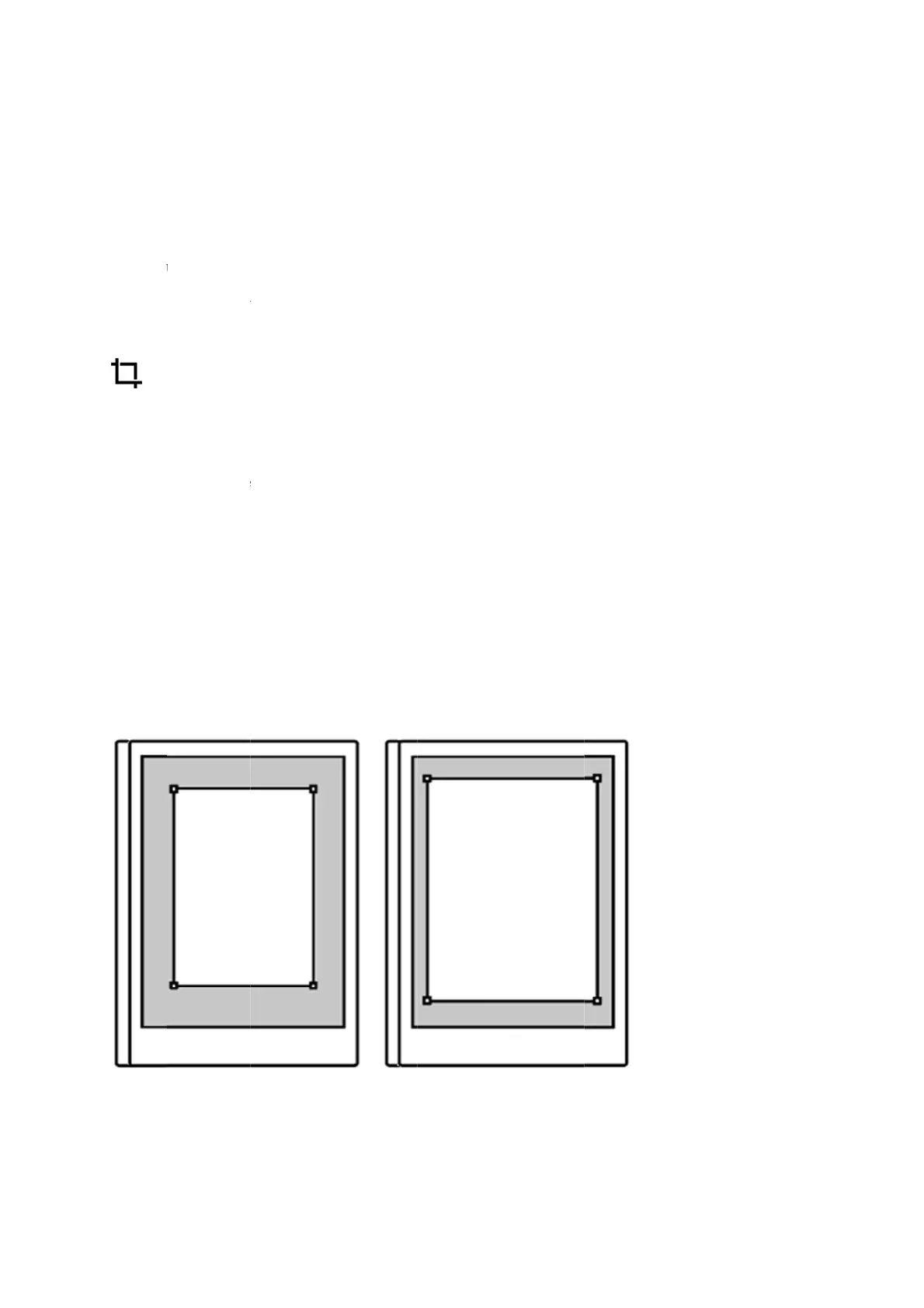
reMarkable RM110 - Adjust view

Default Icon
113 pages
Print Icon
To Next Page IconTo Next Page
To Previous Page IconTo Previous Page
Loading...
5.16
Ad
j
ust
Use th
e
the doc
u
you ca
n
PDF d
o
How t
o
1. Ope
n
2. Tap
3. Adj
u
cha
n
4. Tap
Adjust
view in a
d
e
Ad
j
ust Vi
u
ment will
n
adjust an
d
o
cuments.
o
ad
j
ust vi
e
n
the docu
m
the contex
t
u
st the box
t
n
ges.
Reset Vie
w
view
d
ocument
ew tool to
h
be cropped
d
remove th
e
Adjust Vi
e
e
w in a doc
u
m
ent you w
a
t
ual menu
(
t
o include
e
w
to restore
h
ide margi
n
when usin
g
e
crop whe
n
e
w
u
ment:
a
nt to crop.
(
three dots)
e
verything
y
the view t
o
n
s for an im
p
g
the tool.
N
n
ever you
w
)
on the top
y
ou want to
o
default.
p
roved rea
d
N
o edits wi
l
w
ant. Adjus
t
menu bar
a
be visible.
d
ing experi
e
l be made t
o
t
View is o
n
n
d fin
d
Ad
j
Tap Ad
j
us
t
e
nce. All p
a
o your file,
n
ly availabl
e
j
ust View.
t View to s
a
a
ges in
and
e
for
a
ve the

Other manuals for reMarkable RM110

Related product manuals