EasyManua.ls Logo

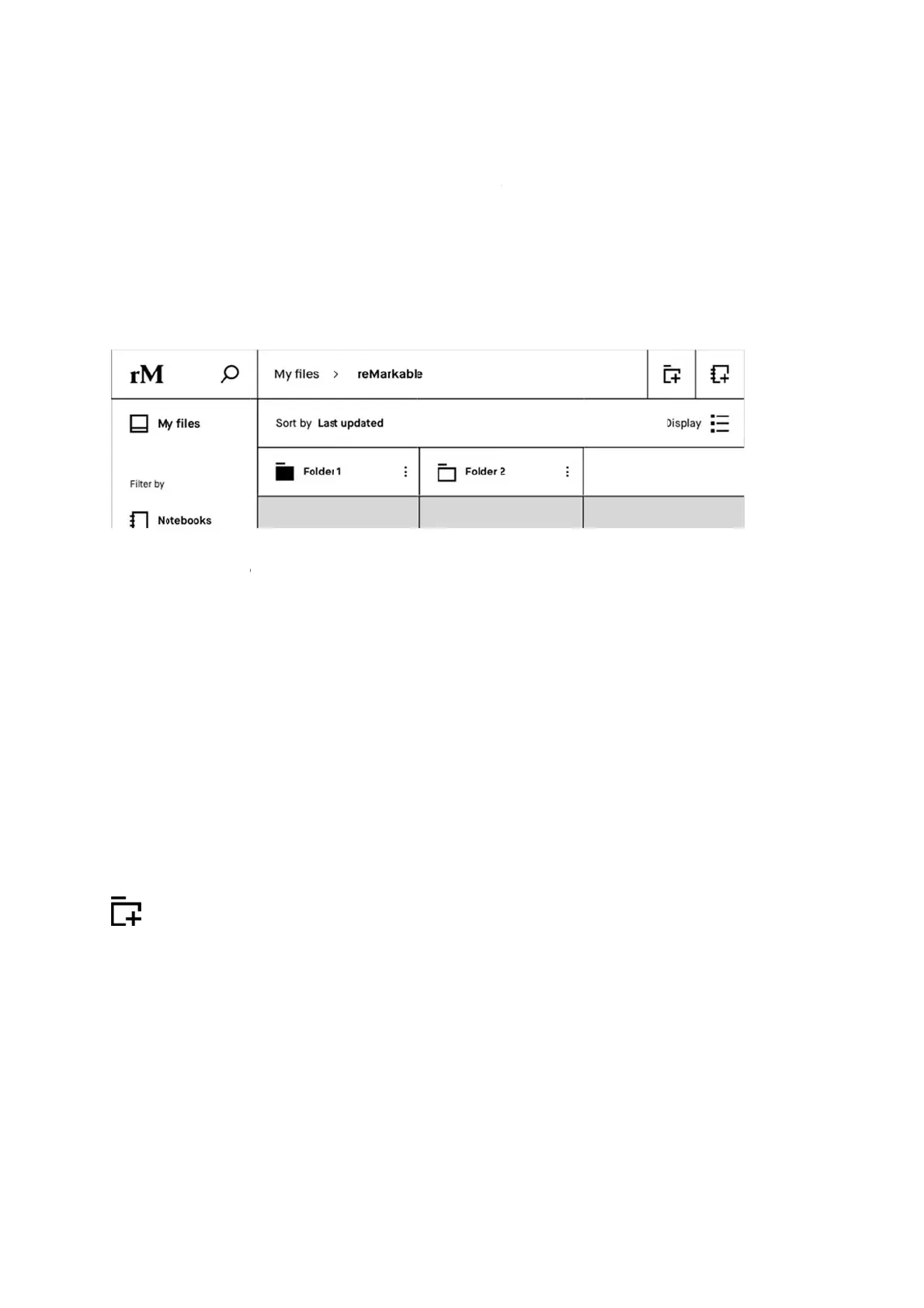
reMarkable RM110 - Folders

Default Icon
113 pages
Print Icon
To Next Page IconTo Next Page
To Previous Page IconTo Previous Page
Loading...
2.4
F
Folder
s
structu
r
When
a
In this
e
How t
o
Cre
a
Ad
d
you
tap
p
F
olders
s
helps you
o
r
e with fold
e
a
folder has
e
xample F
o
o
:
a
teaNew
d
contentt
want to a
d
p
ing Move
New F
o
o
rganize y
o
e
rs and sub
content th
e
o
lder 1 has
c
Folderfro
oafolder
d
d, then cli
c
here.
o
lde
r
o
ur noteboo
k
f
olders in
M
e
folder ico
n
c
ontent, an
d
m My File
s
by openin
g
c
k Move a
n
k
s, docum
e
M
y Files.
n
changes f
r
d
Folder 2 i
s
s
or a folde
r
g
the cont
e
n
d choose
t
e
nts and eb
o
r
om white t
o
s
empty.
r
by tappi
n
e
xtualme
n
t
he right fo
o
oks. Defin
e
o
black.
n
g the New
n
u (three d
l
der. Confi
r
e
your own
Folder ic
o
d
ots) on th
e
r
m the acti
file
o
n.
e
item
on by

Other manuals for reMarkable RM110

Related product manuals