EasyManua.ls Logo

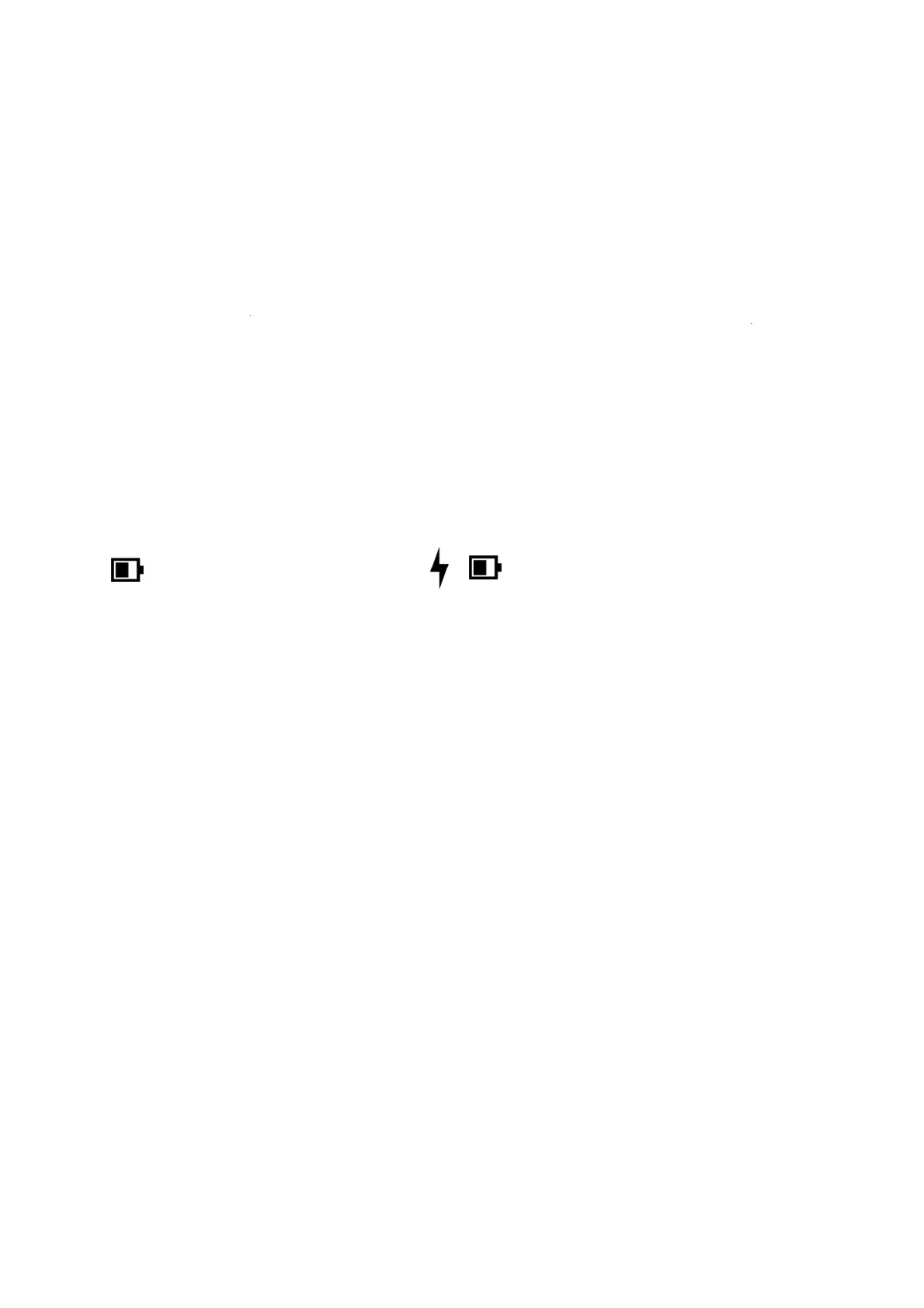
reMarkable RM110 - Charging your device

Default Icon
113 pages
Print Icon
To Next Page IconTo Next Page
To Previous Page IconTo Previous Page
Loading...
1.2
C
Use th
e
Plug th
e
(max 5
V
There
a
The
cha
r
Po
w
dev
i
The de
v
C
hargi
n
e
USB-C ca
b
e
USB-C c
a
V
, 1.5A), o
r
a
re two wa
y
Batteryi
n
r
ging icon.
w
er setting
s
i
ce is char
g
Batter
y
v
ice will fl
a
n
g your
b
le from th
e
a
ble end to
t
r
to your c
o
y
s of checki
n
n
dicator o
n
s
in Settin
g
g
ing.
y
Status
a
sh white if
device
e
reMarkab
l
t
he USB-C
o
mputer.
n
g whether
n
the hom
e
g
s will indi
c
it is turned
le box to c
h
charging p
o
your reMa
r
e
screen wi
c
ate that t
h
off when i
t
h
arge your
r
o
rt and the
U
r
kable is ch
l
l change f
r
h
e charger
i
Batt
t
starts char
g
r
eMarkable
.
U
SB end t
o
a
rging whe
n
r
om a batt
e
i
s connect
e
e
ry chargin
g
ing.
.
o
a USB po
w
n
turned o
n
e
ry icon to
e
d while th
n
g
w
er plug
n
:
a
e

Other manuals for reMarkable RM110

Related product manuals