EasyManua.ls Logo

reMarkable RM110 - Brush

Default Icon
113 pages
Print Icon
To Next Page IconTo Next Page
To Previous Page IconTo Previous Page
Loading...
5.7
B
The br
u
display
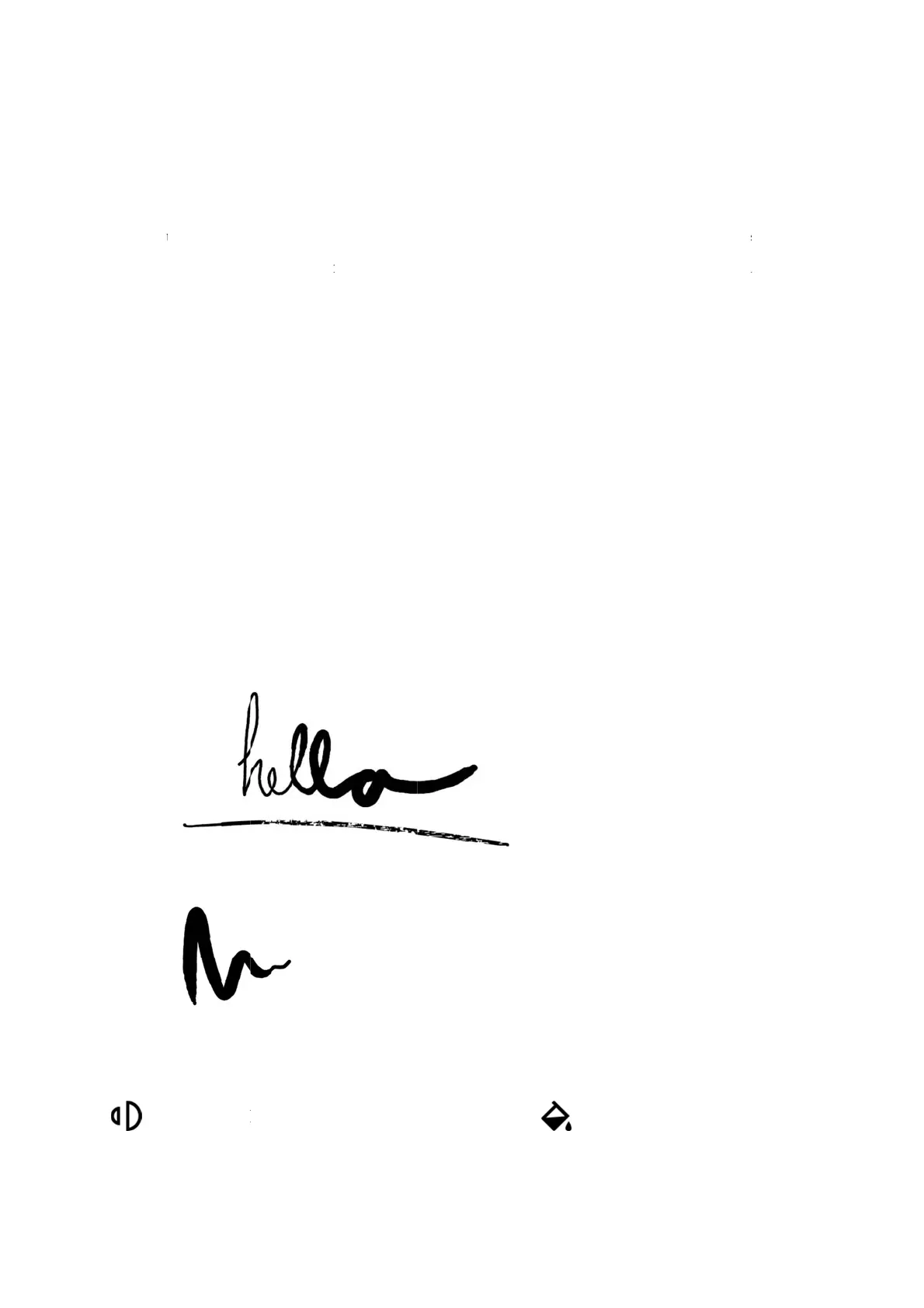
a heavi
e
stroke
w
How t
o
Cha
circ
l
Cha
Cho
o
B
rush
u
sh textur
e
and will re
e
r pen stro
k
w
hich will
b
o
:
ngestrok
e
l
es in the t
o
ngecolor
o
se betwe
e
Brush
Stroke T
h
e
is sensiti
v
spond acco
r
k
e, and a q
u
b
e fully bla
c
e
thicknes
o
p menu.
by selecti
n
e
n grey, w
h
h
ickness
v
e to the sp
e
r
dingly. Fo
r
u
icker pen
s
c
k.
s by select
i
n
g the brus
h
h
ite and bl
a
e
ed and pre
s
r
example,
a
s
troke will
ing the br
u
h
and tapp
i
a
ck color.
s
sure you a
p
a
li
g
hter p
e
give a ligh
t
u
sh and ta
p
i
ng the bu
c
p
ply to the
d
e
n stroke
w
t
er texture t
h
ping the ic
c
ket-icon i
n
Stroke Col
o
d
igital pap
e
w
ill be thin
n
h
an a slow
e
c
on with t
w
n
the top m
or
e
r
n
er than
e
r pen
w
o half
enu.

Other manuals for reMarkable RM110

Related product manuals