EasyManua.ls Logo

reMarkable RM110 - Page 45

Default Icon
113 pages
Print Icon
To Next Page IconTo Next Page
To Previous Page IconTo Previous Page
Loading...
Tra
n
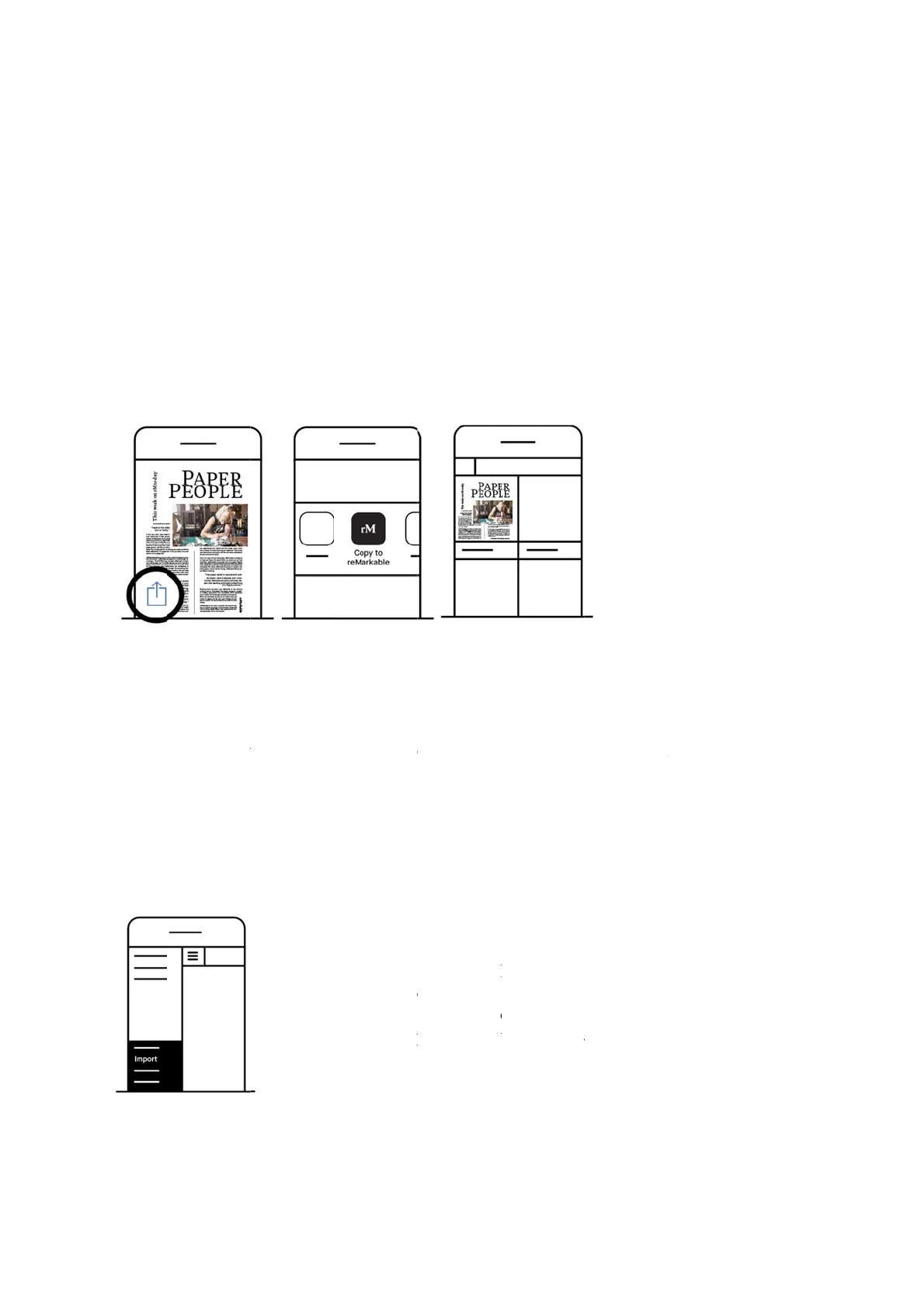
Impor
t
1. Ope
n
2. Tap
t
3. Cho
o
Impor
t
Files c
a
app. Se
Impor
t
n
sfer fil
e
t
on iPhon
e
n
aPDFore
P
t
heshareic
o
o
seImport
w
t
on Andro
i
a
n be impor
t
e below:
t
in-app:
e
s usin
g
e
:
P
UB‐file.
o
nintheAp
p
w
ithreMark
a
i
d:
t
ed to the
A

1
.
2
.
3
.
4
.
g
the m
o
p
le‐menu.
a
ble.
A
ndroid app
Tap the
m
Tap Impo
Choose a
m
Tap Acce
p
o
bile a
p
p
either by i
m
m
ain menu (
h
o
rt files
m
ong your
d
p
t to agree
t
p
p:
m
port in-a
p
h
amburger
d
ownloade
d
t
o give the
a
p or by sha
r
menu)
d
PDFs an
d
a
pp access
t
a
ring a file t
o
d
ePUB-file
s
to your file
o
the
s
.
s
.

Other manuals for reMarkable RM110

Related product manuals