EasyManua.ls Logo

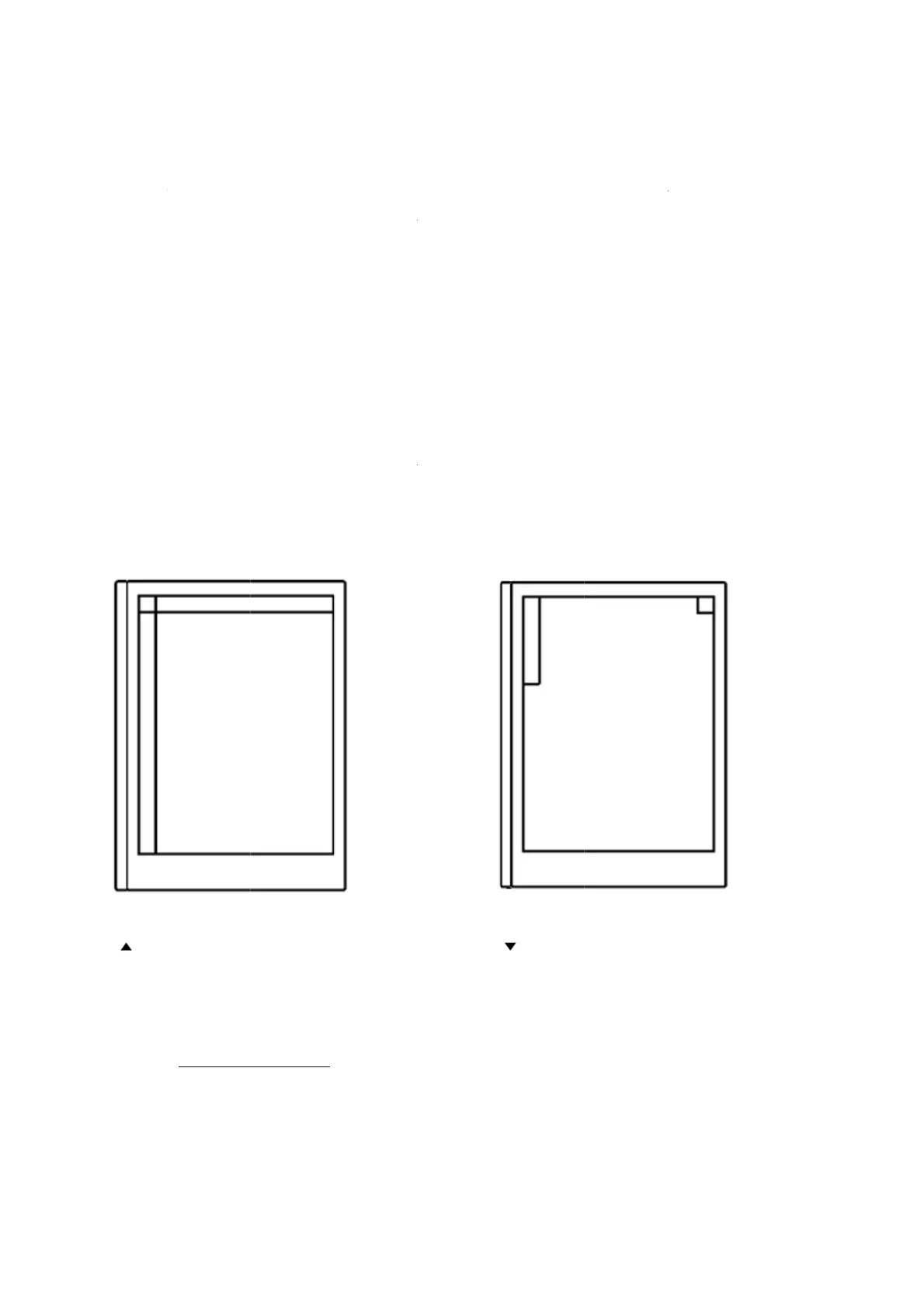
reMarkable RM110 - Minimize;Maximize the toolbar

Default Icon
113 pages
Print Icon
To Next Page IconTo Next Page
To Previous Page IconTo Previous Page
Loading...
5.14
Tailor
t
view.
T
writing
stroke,
How t
o
1. Ope
n
2. On
t
arro
w
M
See als
o
Minim
i
t
he toolbar
t
T
he minim
a
. The maxi
m
color and t
h
o
:
n
a notebo
o
t
he left tool
b
w
pointing
M
inimize T
o
o
Hide/Sho
w
i
ze/Ma
x
t
o your nee
d
a
l view is t
a
m
um view
o
h
ickness to
o
k, docume
n
b
ar, tap the
downward
s
o
olba
r
w
Toolba
r
x
imize
t
d
s by switc
h
ilored for n
o
ffers a full
your needs
.
n
t or ebook
.
arrow poin
s
to change
t
t
he too
l
h
ing betwe
e
n
ote taking
a
range of t
o
.
.
n
ting upwar
d
to maximu
m
l
bar
e
n a minim
u
a
nd contain
s
o
ols, includ
i
d
s to chang
e
m
view.
M
u
m and a m
s
only the
n
ng the poss
e
to minim
u
a
ximize To
m
aximum
n
ecessary t
o
s
ibility to ta
u
m view. T
a
o
olba
r
ols for
i
lor
a
p the

Other manuals for reMarkable RM110

Related product manuals