EasyManua.ls Logo

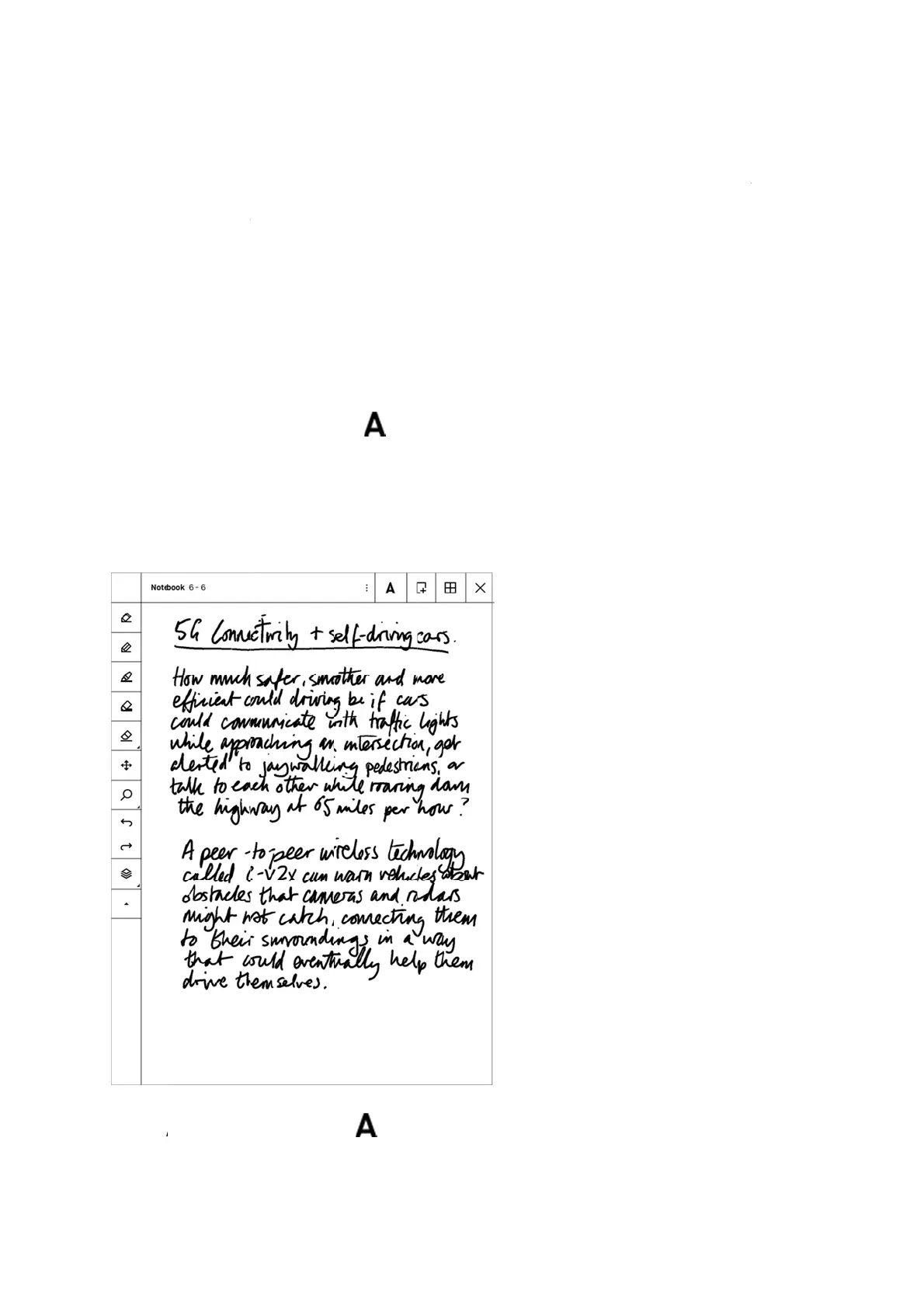
reMarkable RM110 - Handwriting conversion

Default Icon
113 pages
Print Icon
To Next Page IconTo Next Page
To Previous Page IconTo Previous Page
Loading...
5.18
Use th
e
text. N
o
have s
o
How t
o
1. Ope
n
2. Tap
3. Edit
4. Sele
Select t
h
Hand
w
e
Handwriti
n
o
te that yo
u
o
ftware ver
s
o
convert h
a
n
a Notebo
o
the Conve
r
or read yo
u
ct Share an
h
e Convert
w
riting
c
n
g convers
i
u
need to be
s
ion 1.6 ins
t
a
ndwritte
n
ok
r
t to text bu
t
u
r notes
d type in t
h
to text butt
o
c
onver
s
i
on feature
t
connected
t
t
alled in or
d
n
notes to t
e
t
ton
h
e recipient
o
n
s
ion
t
o quickly
c
t
o Wi-Fi, s
i
d
er to conv
e
e
xt:
email addr
e
c
onvert you
r
i
gned in to
y
e
rt your not
e
e
ss
r
handwritt
e
y
our reMar
k
e
s.
e
n notes to
t
k
able acco
u
t
yped
u
nt and

Other manuals for reMarkable RM110

Related product manuals