EasyManua.ls Logo

reMarkable RM110 - Page 97

Default Icon
113 pages
Print Icon
To Next Page IconTo Next Page
To Previous Page IconTo Previous Page
Loading...
Gener
a
Or
g
an
i
The de
s
b
ookm
a
options
Impor
t
Import
import
e
1. Ope
n
2. Clic
k
3. Sele
dra
g
a
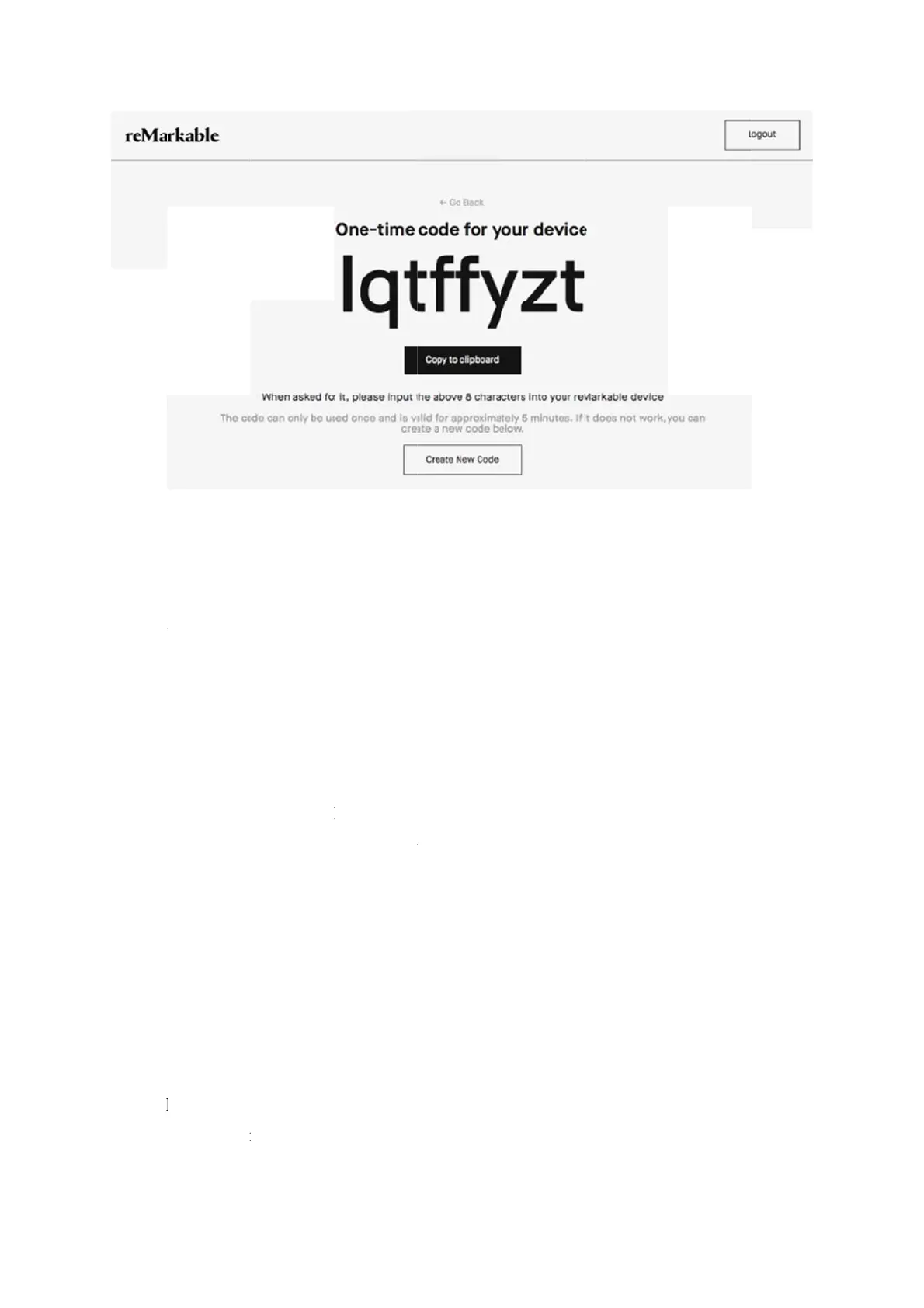
te a one-ti
m
i
ze
y
our fil
e
s
ktop app e
n
a
rk and del
e
in the side
t
files
through th
e
e
d, your fil
e
n
the deskt
o
k
the impo
r
ct a file fro
m
g
and drop.
m
e code
e
s
n
ables you
t
e
te files. Ta
p
menu, or u
s
e
desktop a
p
e
s will be s
y
o
p app.
r
t
b
utton i
n
m
the bro
w
t
o organize
p
the speci
f
s
e drag an
d
p
p to get do
c
y
nced acros
s
the top rig
h
ser menu,
a
your files
a
f
ic menu o
n
d
drop to m
o
cuments a
n
s
your con
n
h
t corner.
a
nd click o
p
a
nd folders,
n
a file or a
f
o
ve your fil
e
n
d ebooks o
n
n
ected devi
c
p
en. You c
a
as well as
t
f
older, and
e
s.
n
to your de
v
c
es.
n also imp
o
t
o copy, m
o
select one
o
v
ice. Once
o
rt a file by
o
ve,
o
f the
using

Other manuals for reMarkable RM110

Related product manuals